

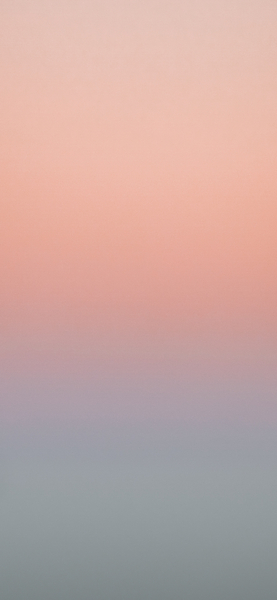











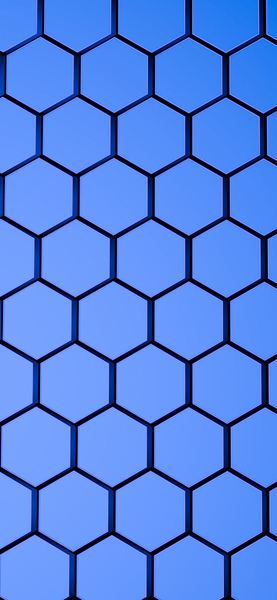
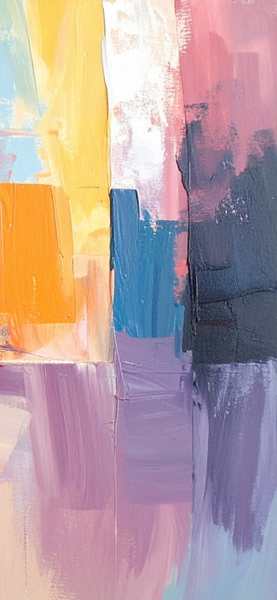
4K Aesthetic Wallpaper – Pastel Blue & White Abstract Gradient Background
Technical Specifications
A refreshing update for your digital setup, this 4K Aesthetic Wallpaper – Pastel Blue & White Abstract Gradient Background piece highlights modern aesthetic trends. The infusion of Premium Aesthetic accents ensures a high-contrast experience that pops on all display types. Each pixel is rendered to maintain the original artistic intent while providing modern performance standards. Perfectly suited for flagship mobile devices and high-end desktop monitors alike.
| Wallpaper | An abstract composition of pastel blue and white colors in a minimalist style, perfect for use as a wallpaper on an iPhone or |
|---|---|
| Maximum Resolution | 1477 × 3200 (High Definition) |
| Aspect Ratio | 1477:3200 (Portrait) |
| File Format | WebP, Progressive JPEG, AVIF Optimized |
| Color Profile |
#DFE0E5
#E0E1E6
|
| Usage License | Free for personal use (Desktop & Mobile) |
Recommended Device Compatibility
- ✓ Apple iPhone 13, 14, 15, 16 (Pro & Max)
- ✓ Samsung Galaxy S21, S22, S23, S24 Ultra
- ✓ Google Pixel 6, 7, 8, 9 Series
- ✓ 4K UHD Monitors & Retina Displays
- ✓ iPad Pro, Air & Android Tablets
General Disclaimer
User discretion is advised when clicking external advertisements. We do not endorse or assume liability for third-party products offered through our ad partners.
Report Content
We maintain a zero-tolerance policy for unauthorized commercial redistribution. Report any policy violations to our legal team for immediate action. Learn More









FAQ
Is this wallpaper free to download?
Yes! This Abstract wallpaper is completely free to download for personal use. No registration required.
What resolutions are available?
This wallpaper is available in Original (1477×3200), 2K (2560×1440), and Full HD (1920×1080) resolutions.
How do I set this as my wallpaper?
Download the wallpaper, then: On Windows - Right-click the image > Set as desktop background. On Mac - System Preferences > Desktop. On iPhone/Android - Open image > Set as wallpaper.