



TRENDING





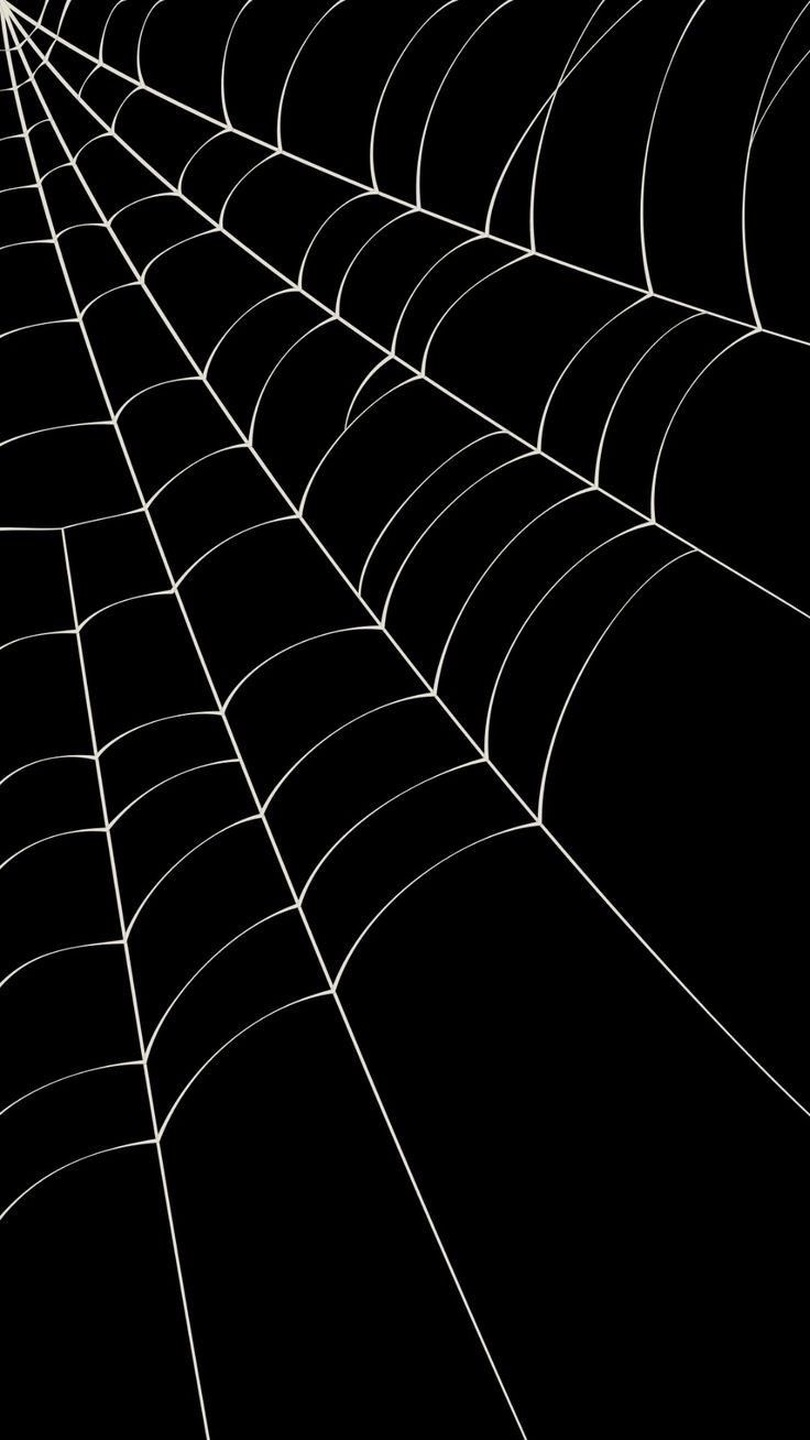
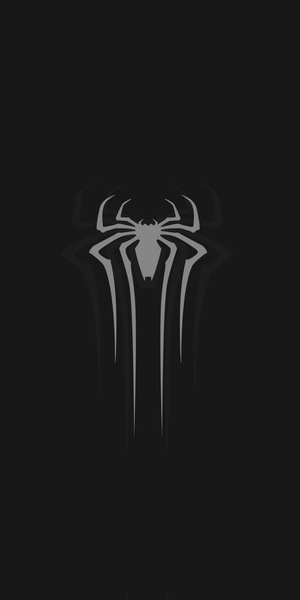
Minimalist Spider Web Wallpaper – Ultra HD Aesthetic Background
···
|
HD
|
JPG
|
DESCRIPTION
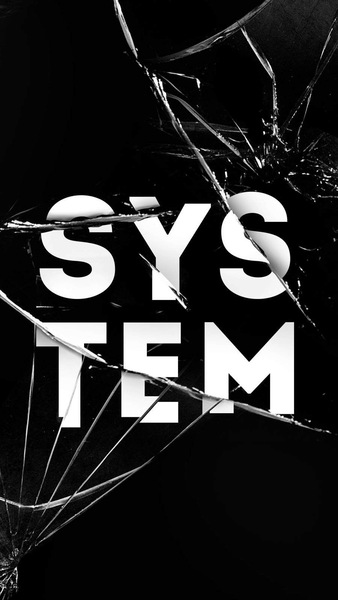
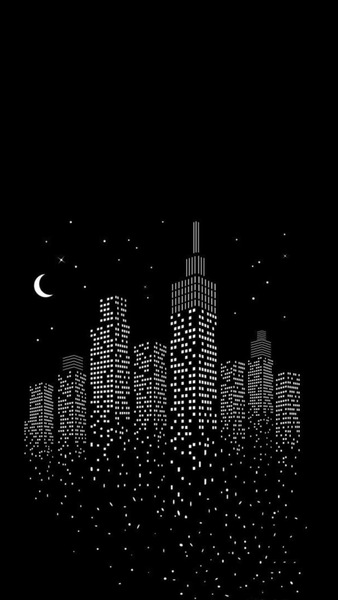
This image showcases a striking black and white spider web against a stark black background. The design is simple yet impactful, with the intricate details of the spider web standing out prominently. The monochromatic color scheme creates a minimalist aesthetic that is both visually appealing and versatile. The absence of any additional elements or text ensures that the focus remains solely on the spider web, making it an ideal choice for those seeking a clean and elegant wallpaper for their devices.





FAQ
Is this wallpaper free to download?
Yes! This Abstract Art wallpaper is completely free to download for personal use. No registration required.
What resolutions are available?
This wallpaper is available in Original (736×1308), 2K (2560×1440), and Full HD (1920×1080) resolutions.
How do I set this as my wallpaper?
Download the wallpaper, then: On Windows - Right-click the image > Set as desktop background. On Mac - System Preferences > Desktop. On iPhone/Android - Open image > Set as wallpaper.