





TRENDING





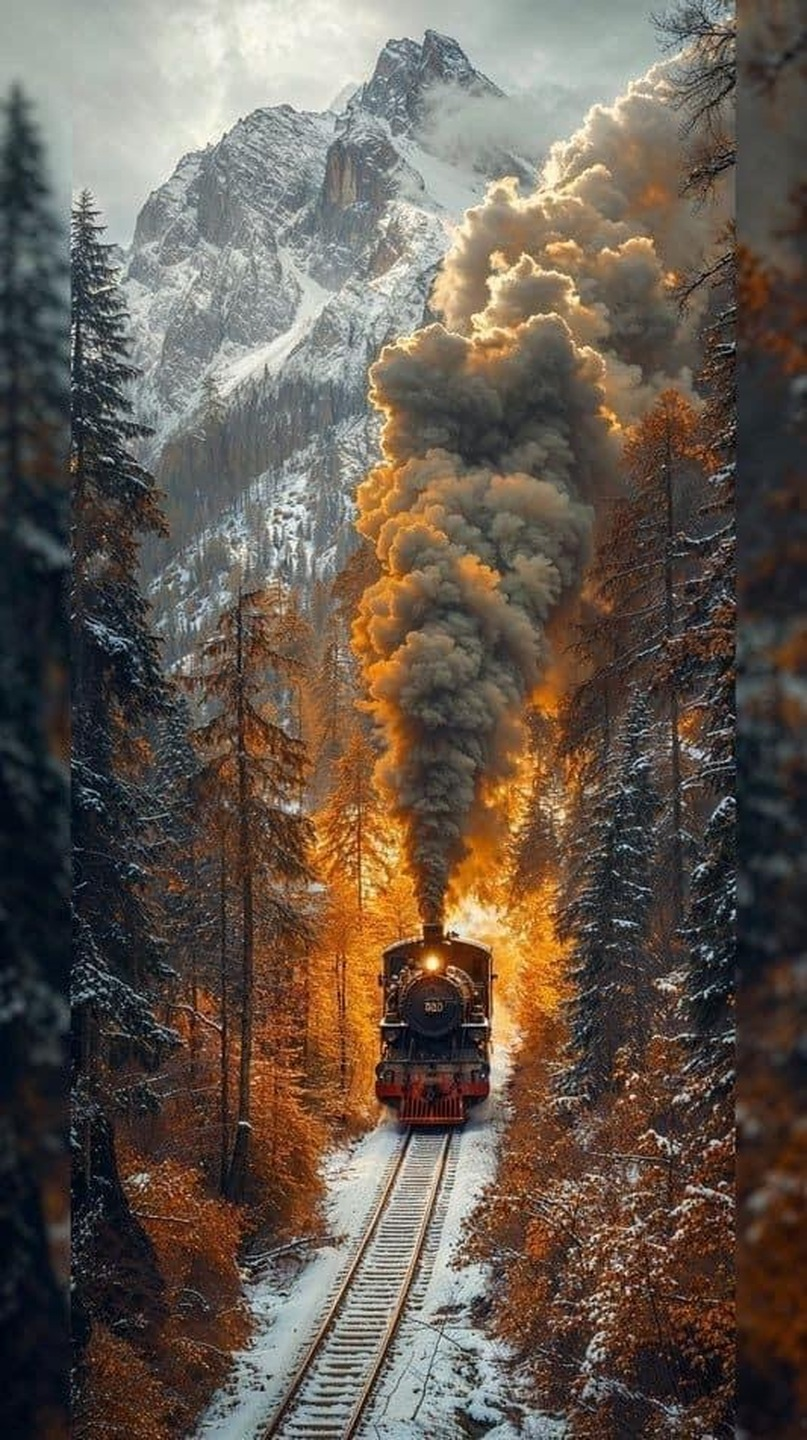
Realistic Train Journey Through the Snowy Mountains 4K Wallpaper – Aesthetic Winter Scene
···
|
HD
|
JPG
|
DESCRIPTION
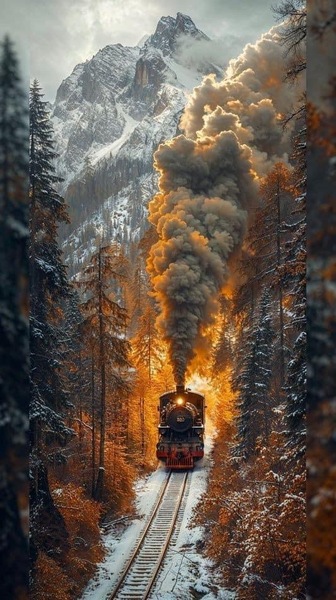
Experience a captivating train journey through the snowy mountains. This 4K wallpaper showcases a realistic, minimalist scene of a steam engine locomotive ascending a mountainous forested area. The black and white color palette enhances the wintry atmosphere, making it an ideal choice for a desktop or iPhone background. The composition and lighting create a sense of motion and adventure, capturing the essence of a classic winter train journey.






FAQ
Is this wallpaper free to download?
Yes! This Forest wallpaper is completely free to download for personal use. No registration required.
What resolutions are available?
This wallpaper is available in Original (533×951), 2K (2560×1440), and Full HD (1920×1080) resolutions.
How do I set this as my wallpaper?
Download the wallpaper, then: On Windows - Right-click the image > Set as desktop background. On Mac - System Preferences > Desktop. On iPhone/Android - Open image > Set as wallpaper.