


TRENDING





Digital Art Wallpaper – Minimalist Abstract Design
···
|
HD
|
JPG
|
DESCRIPTION
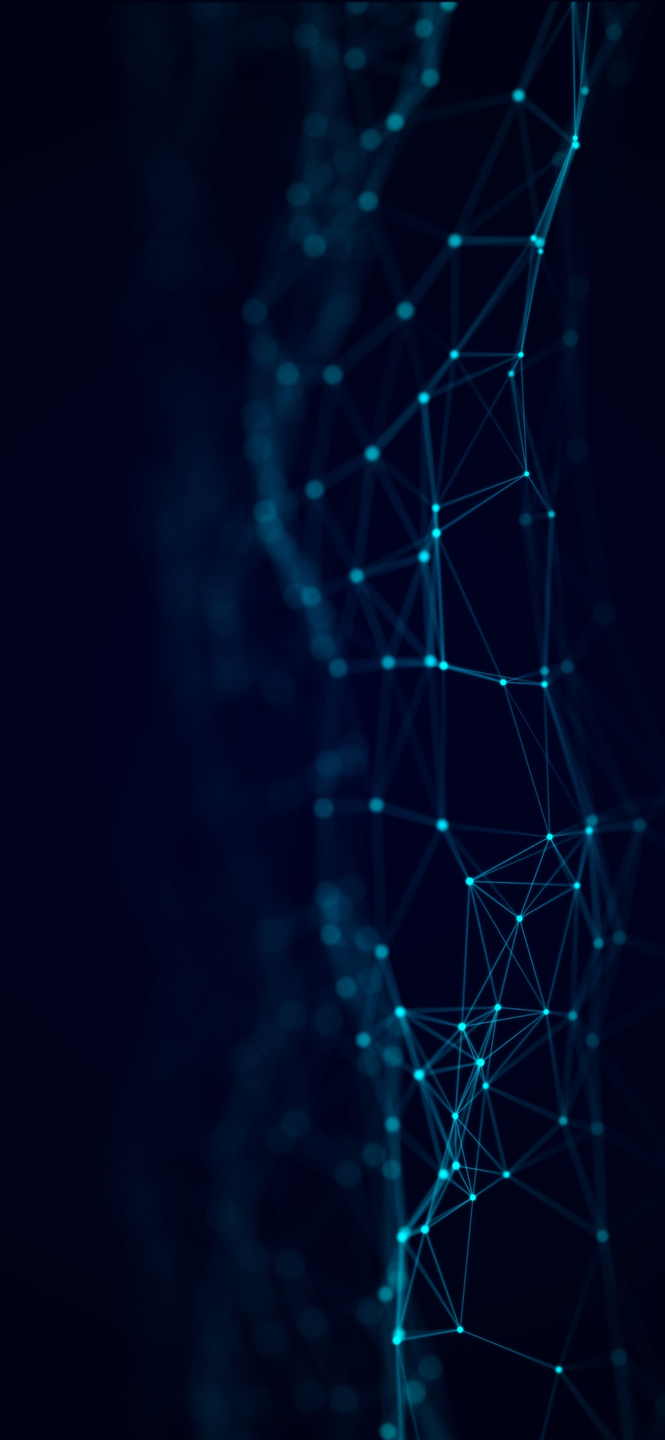
This image showcases a minimalist digital art wallpaper with an abstract design. The artwork consists of a dark blue background with a network of light blue lines and nodes, creating an intricate visual pattern that is both aesthetically pleasing and visually interesting. The use of contrasting colors adds depth to the image, making it a perfect choice for anyone looking for a stylish and unique wallpaper for their iPhone or desktop.
FAQ
Is this wallpaper free to download?
Yes! This Abstract Digital Art wallpaper is completely free to download for personal use. No registration required.
What resolutions are available?
This wallpaper is available in Original (1477×3200), 2K (2560×1440), and Full HD (1920×1080) resolutions.
How do I set this as my wallpaper?
Download the wallpaper, then: On Windows - Right-click the image > Set as desktop background. On Mac - System Preferences > Desktop. On iPhone/Android - Open image > Set as wallpaper.