



TRENDING





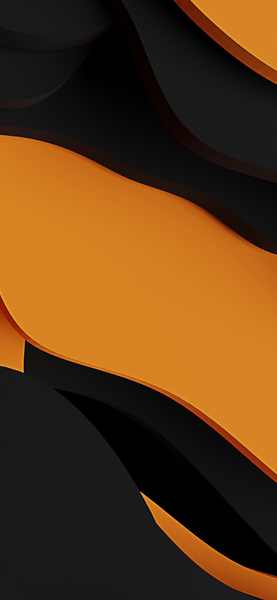
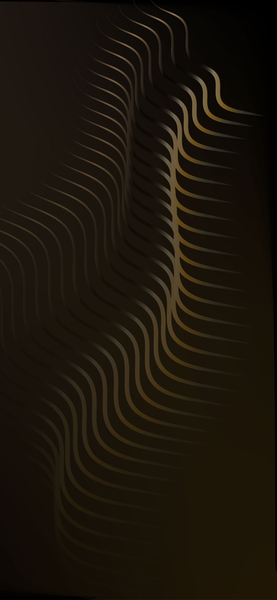
Abstract Orange & Black Swirl Wallpaper – Minimalist 4K Ultra HD
···
|
HD
|
JPG
|
DESCRIPTION
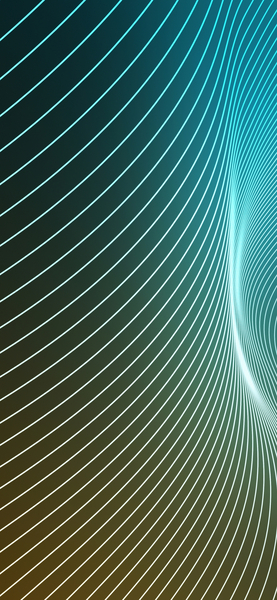
This image features a mesmerizing, minimalist wallpaper with swirling patterns of orange and black. The design is striking and would be perfect for an iPhone or desktop background. The use of neon colors against a darker backdrop creates a visually appealing aesthetic that is both modern and classic. The composition is balanced yet dynamic, making it an excellent choice for those looking to add some artistic flair to their device or computer screen.



FAQ
Is this wallpaper free to download?
Yes! This Abstract Design wallpaper is completely free to download for personal use. No registration required.
What resolutions are available?
This wallpaper is available in Original (736×1592), 2K (2560×1440), and Full HD (1920×1080) resolutions.
How do I set this as my wallpaper?
Download the wallpaper, then: On Windows - Right-click the image > Set as desktop background. On Mac - System Preferences > Desktop. On iPhone/Android - Open image > Set as wallpaper.