


TRENDING





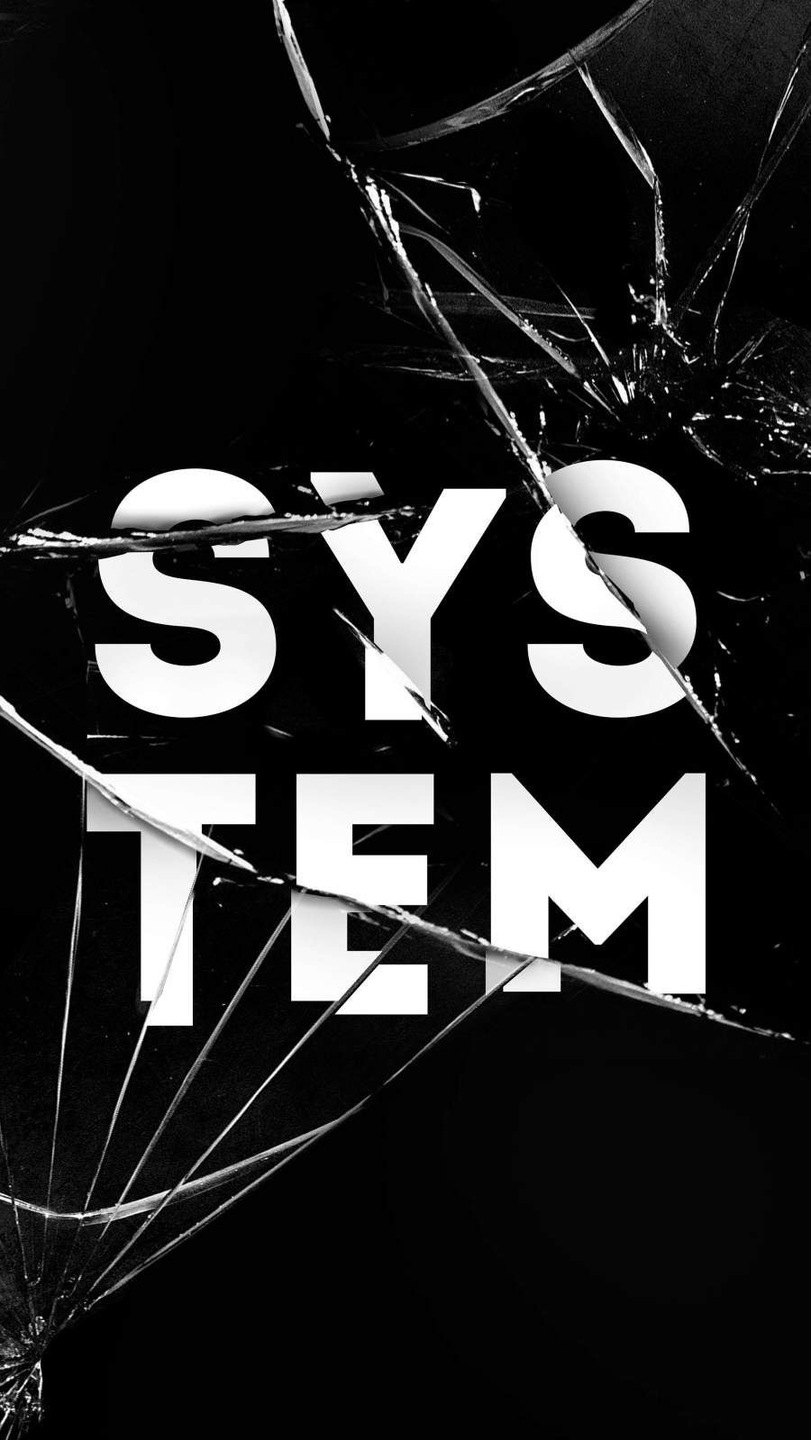
Minimalist Broken Glass Wallpaper for iPhone & Desktop
···
|
HD
|
JPG
|
DESCRIPTION
Immerse yourself in the elegance of a minimalist style with this shattered glass wallpaper. The stark contrast between the black and white tones creates an intriguing visual effect that is both aesthetic and captivating. With cracks radiating from the center, this image exudes a sense of vulnerability, yet it maintains a touch of sophistication. Perfect for those seeking a unique and stylish wallpaper option for their iPhone or desktop screens, this piece is sure to enhance any device's appearance with its striking design.


FAQ
Is this wallpaper free to download?
Yes! This Aesthetics wallpaper is completely free to download for personal use. No registration required.
What resolutions are available?
This wallpaper is available in Original (900×1599), 2K (2560×1440), and Full HD (1920×1080) resolutions.
How do I set this as my wallpaper?
Download the wallpaper, then: On Windows - Right-click the image > Set as desktop background. On Mac - System Preferences > Desktop. On iPhone/Android - Open image > Set as wallpaper.