




TRENDING





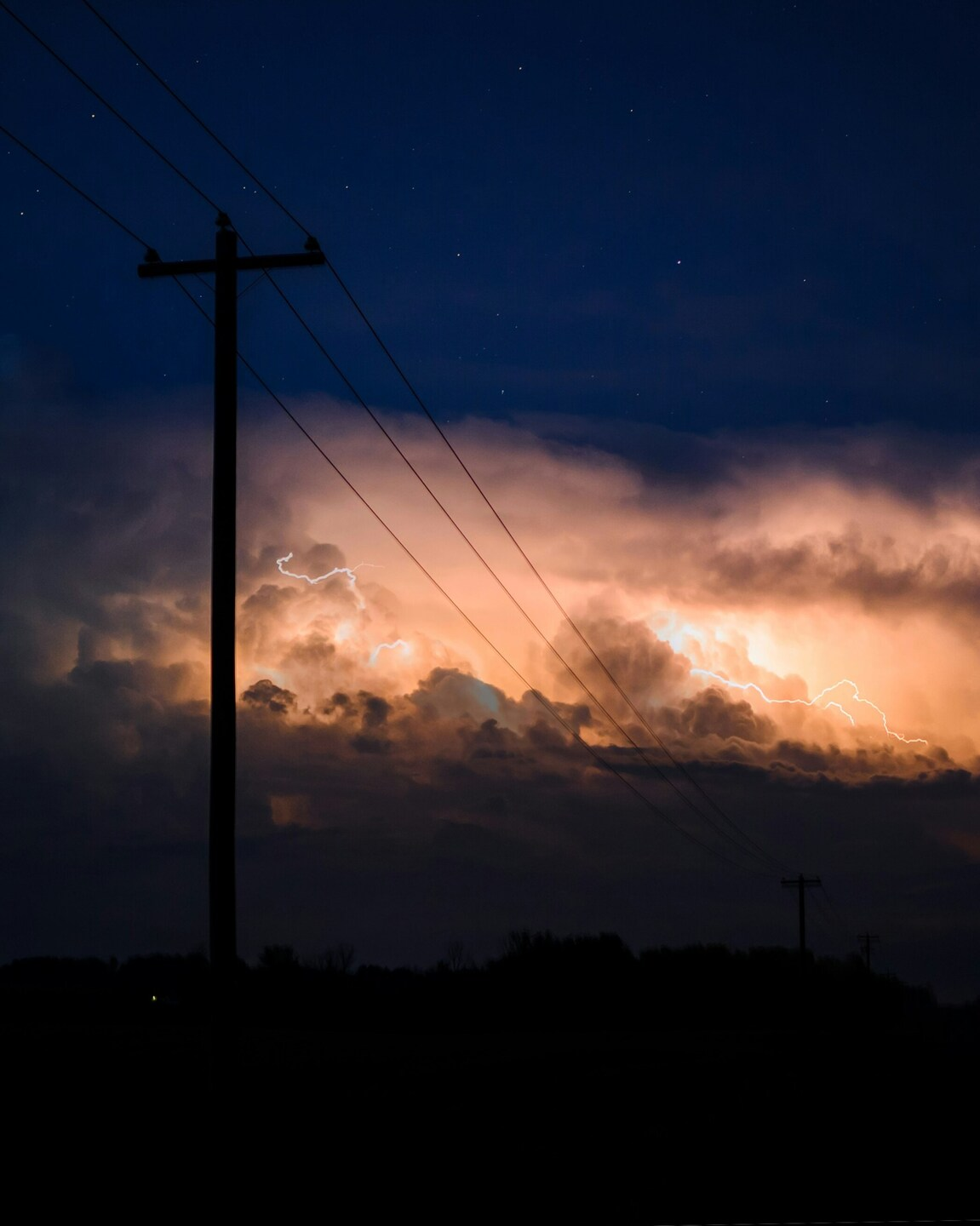
Electric Storm Night Wallpaper – Power Lines – Aesthetic – Realistic
···
|
FHD
|
JPG
|
DESCRIPTION
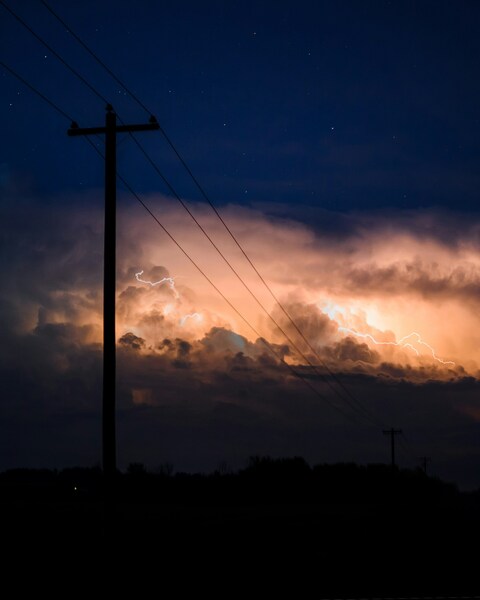
Experience the dramatic contrast of a powerful storm rolling in over a power line, captured in this captivating wallpaper. The sky is filled with dark, ominous clouds, hinting at an impending storm. The power line, standing tall and resilient, cuts through the foreground, while the background features a minimalist, realistic art style. This image is perfect for those seeking an aesthetic, dramatic wallpaper for their iPhone or desktop background. The vivid colors and the intense atmosphere make it a must-have for any wallpaper collection.









FAQ
Is this wallpaper free to download?
Yes! This Aesthetic wallpaper is completely free to download for personal use. No registration required.
What resolutions are available?
This wallpaper is available in Original (2095×2620), 2K (2560×1440), and Full HD (1920×1080) resolutions.
How do I set this as my wallpaper?
Download the wallpaper, then: On Windows - Right-click the image > Set as desktop background. On Mac - System Preferences > Desktop. On iPhone/Android - Open image > Set as wallpaper.