
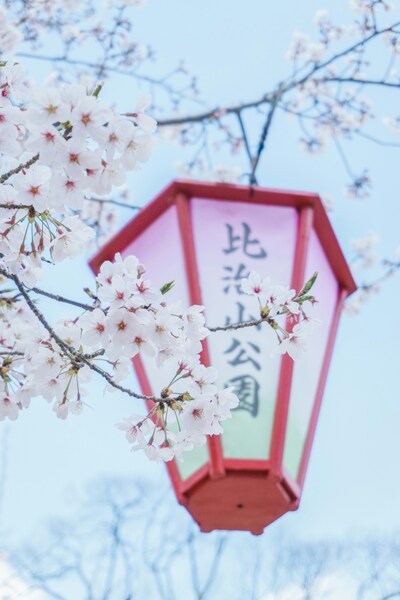





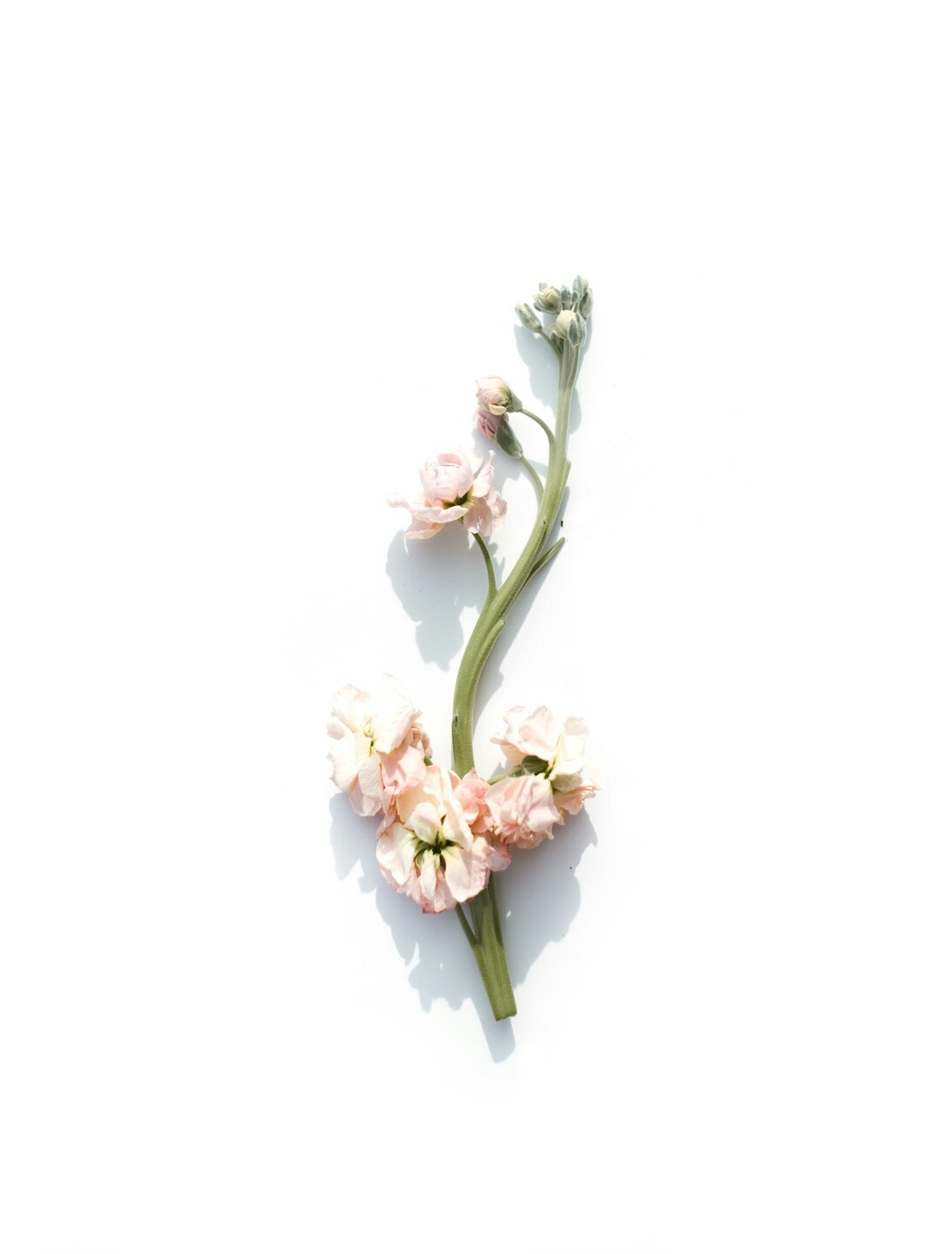



Cherry Blossom Flower Wallpaper – Minimalist Aesthetic – iPhone 4K
Technical Specifications
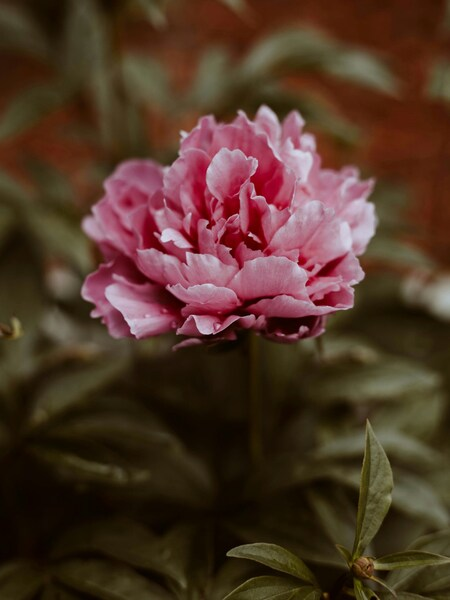
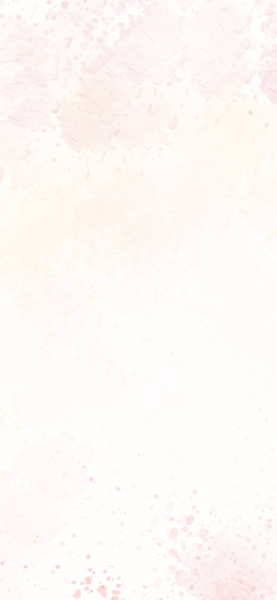
Elevate your screen's visual profile with the intricate details of this Cherry Blossom Flower Wallpaper – Minimalist Aesthetic – iPhone 4K artwork. Dominated by Crystal White tones, it provides a clean and focused backdrop for your icons and widgets. This digital download has been pre-compressed for 3x faster loading on mobile 4G and 5G networks. Join thousands of users who have chosen this Cherry Blossom Flower Wallpaper – Minimalist Aesthetic – iPhone 4K piece for their premium screen setups.
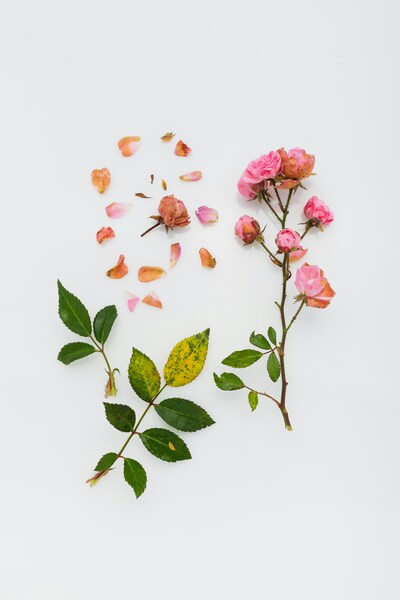
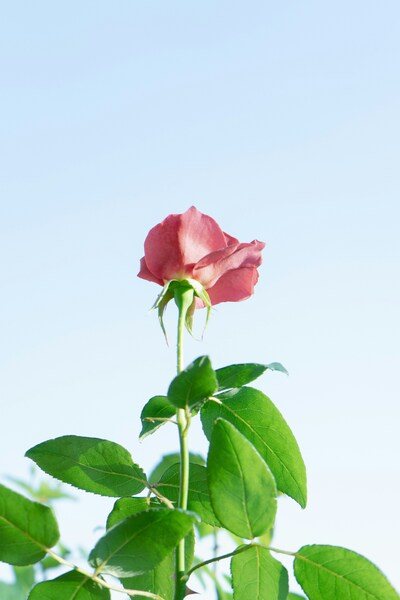
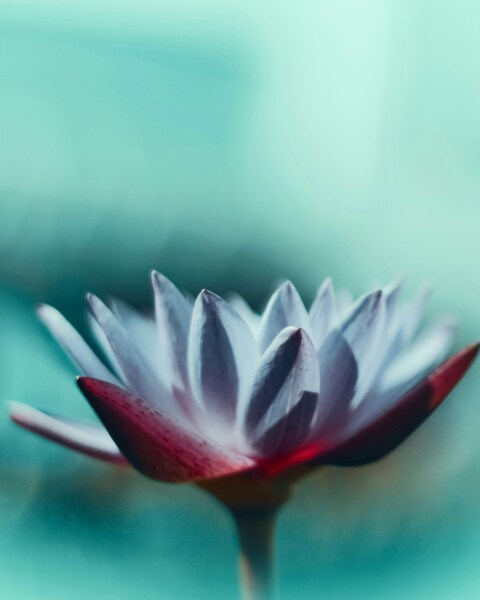
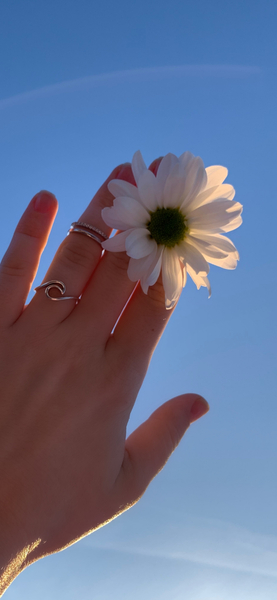
| Wallpaper | A wallpaper of a single cherry blossom in soft pastel tones. |
|---|---|
| Maximum Resolution | 4012 × 5286 (Ultra HD 4K) |
| Aspect Ratio | 2006:2643 (Portrait) |
| File Format | WebP, Progressive JPEG, AVIF Optimized |
| Color Profile |
#FFFFFF
#FEFEFE
|
| Usage License | Free for personal use (Desktop & Mobile) |
Recommended Device Compatibility
- ✓ Apple iPhone 13, 14, 15, 16 (Pro & Max)
- ✓ Samsung Galaxy S21, S22, S23, S24 Ultra
- ✓ Google Pixel 6, 7, 8, 9 Series
- ✓ 4K UHD Monitors & Retina Displays
- ✓ iPad Pro, Air & Android Tablets
General Disclaimer
Downloads are provided under a limited personal license. FilesFlix is not responsible for visual discrepancies caused by operating system compression algorithms or device display settings.
Report Content
FilesFlix is committed to transparency. Our automated reporting system is available 24/7 for copyright owners and authorized representatives. Learn More




FAQ
Is this wallpaper free to download?
Yes! This • Cherry blossom wallpaper is completely free to download for personal use. No registration required.
What resolutions are available?
This wallpaper is available in Original (4012×5286), 2K (2560×1440), and Full HD (1920×1080) resolutions.
How do I set this as my wallpaper?
Download the wallpaper, then: On Windows - Right-click the image > Set as desktop background. On Mac - System Preferences > Desktop. On iPhone/Android - Open image > Set as wallpaper.