





TRENDING





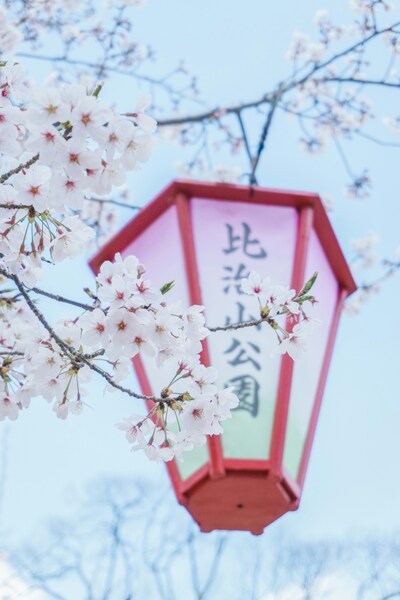
• ‘Spring Blossoms Wallpaper – Vintage Aesthetic 4K’ • ‘Nature’s Palett
···
|
2K
|
JPG
|
DESCRIPTION
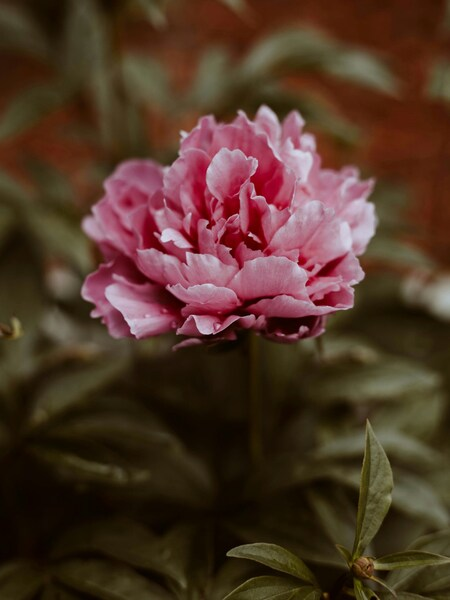
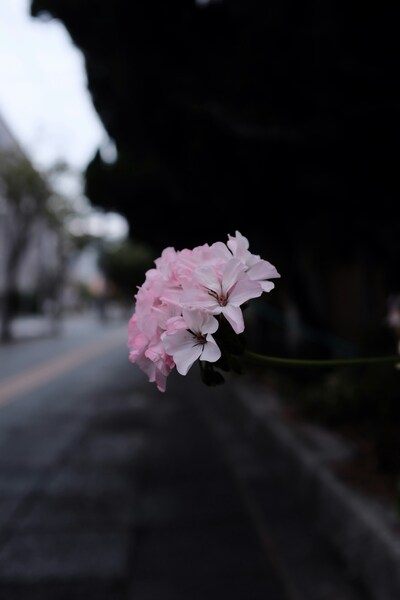
• The image showcases a close-up of delicate white daffodils with vibrant green stems, beautifully captured against a soft-focus, light beige background.
• The composition is a minimalistic arrangement of the flowers, with the stems adding a pop of color and creating a sense of depth.
• This wallpaper is perfect for those who appreciate the simple beauty of nature, and the soft-focus effect adds a dreamy, nostalgic touch to any space.







FAQ
Is this wallpaper free to download?
Yes! This Flowers wallpaper is completely free to download for personal use. No registration required.
What resolutions are available?
This wallpaper is available in Original (3217×5113), 2K (2560×1440), and Full HD (1920×1080) resolutions.
How do I set this as my wallpaper?
Download the wallpaper, then: On Windows - Right-click the image > Set as desktop background. On Mac - System Preferences > Desktop. On iPhone/Android - Open image > Set as wallpaper.