










TRENDING





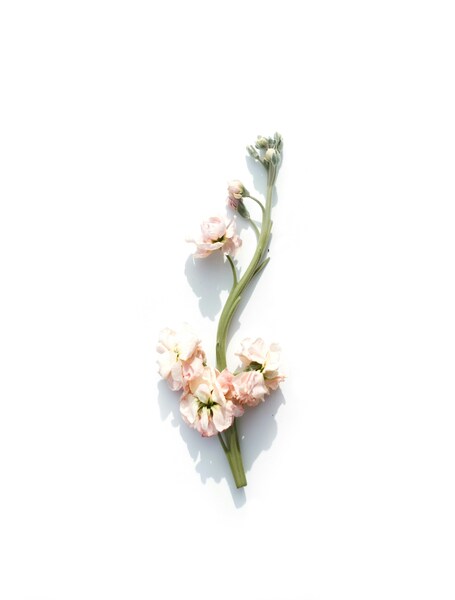
• ‘Minimalist Flower Wallpaper – Handheld Bouquet 4K
···
|
4K
|
JPG
|
DESCRIPTION
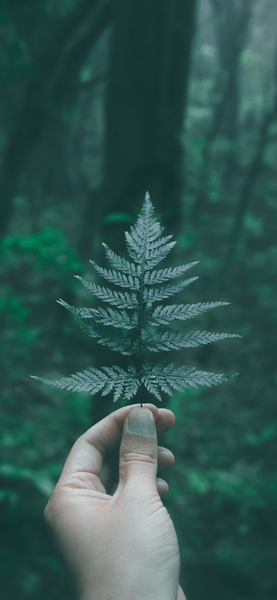
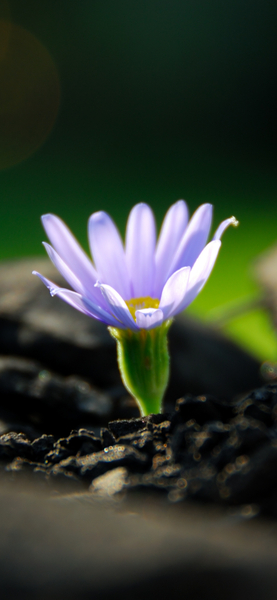
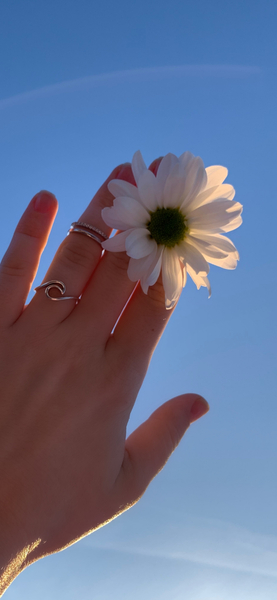
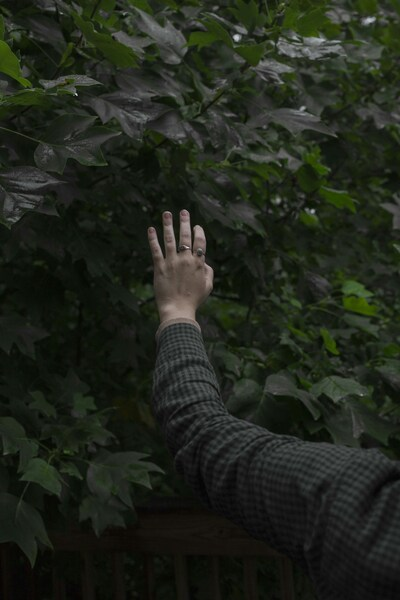
• The image presents a serene scene of a person's hand holding a single dandelion seed against a blurred background of grass and sky. The hand is positioned in the lower left corner of the image, with the dandelion seed held gently between the thumb and index finger. The background fades into a soft focus, highlighting the simplicity and tranquility of the moment. The colors are natural, with the yellow of the dandelion contrasting beautifully against the greenish-blue hues of the grass and sky. The overall mood of the image is peaceful and calming, evoking a sense of contemplation and the fleeting beauty of nature.



FAQ
Is this wallpaper free to download?
Yes! This Flower wallpaper is completely free to download for personal use. No registration required.
What resolutions are available?
This wallpaper is available in Original (3996×5996), 2K (2560×1440), and Full HD (1920×1080) resolutions.
How do I set this as my wallpaper?
Download the wallpaper, then: On Windows - Right-click the image > Set as desktop background. On Mac - System Preferences > Desktop. On iPhone/Android - Open image > Set as wallpaper.