




TRENDING





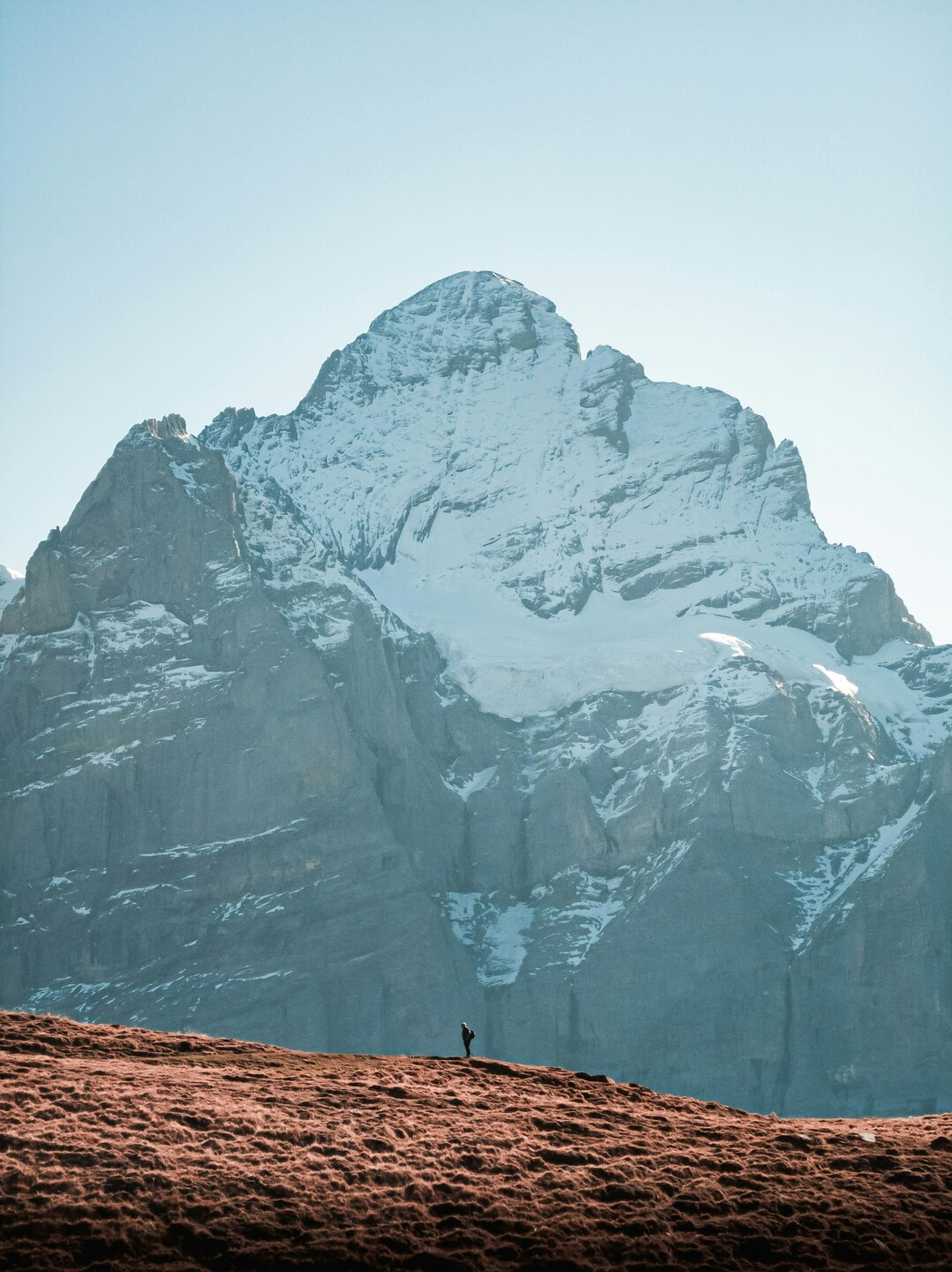
Majestic Mountain Peak Wallpaper – Realistic Aesthetic 4K
···
|
FHD
|
JPG
|
DESCRIPTION
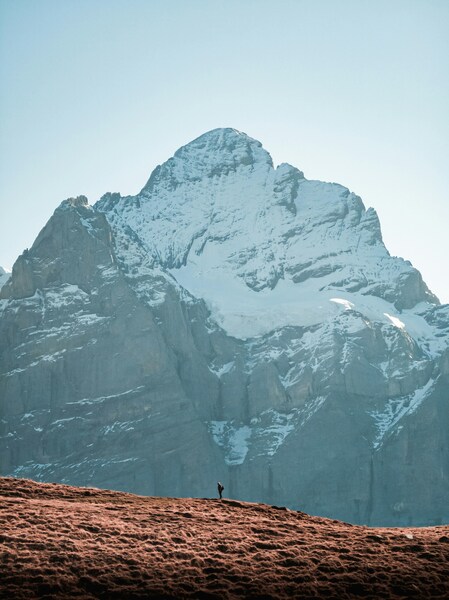
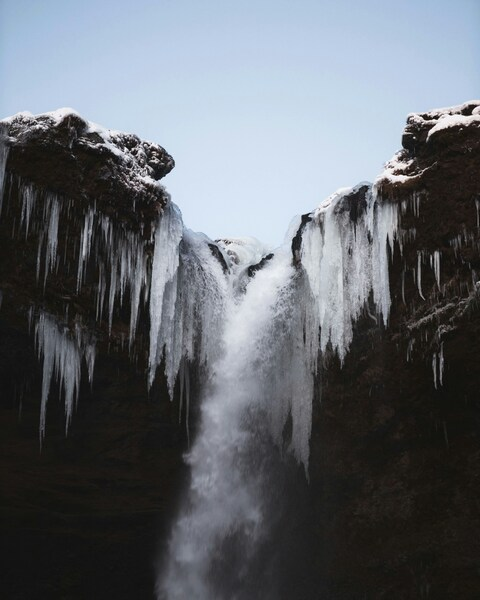
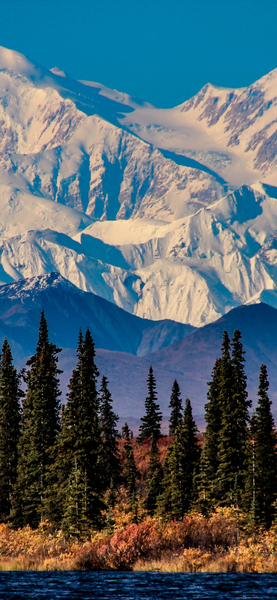
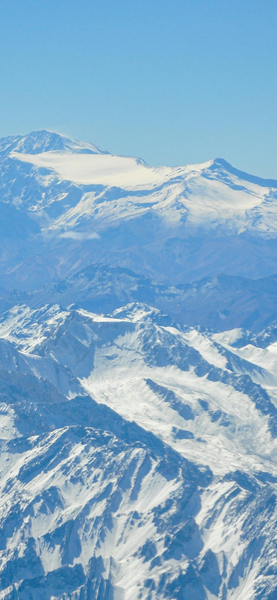
The image presents a breathtaking view of a majestic mountain peak, standing tall against a clear sky. The mountain is covered in patches of snow, with a single person standing in the foreground, adding a sense of scale to the scene. The image captures the serene beauty of nature in its raw form, with the mountain's peak reaching towards the heavens. The warm hues of the sunset cast a golden glow on the mountain, enhancing its grandeur. This wallpaper is a perfect blend of realism and aesthetic appeal, suitable for both iPhone and desktop backgrounds.



FAQ
Is this wallpaper free to download?
Yes! This Landscape, Mountain Peak wallpaper is completely free to download for personal use. No registration required.
What resolutions are available?
This wallpaper is available in Original (2428×3244), 2K (2560×1440), and Full HD (1920×1080) resolutions.
How do I set this as my wallpaper?
Download the wallpaper, then: On Windows - Right-click the image > Set as desktop background. On Mac - System Preferences > Desktop. On iPhone/Android - Open image > Set as wallpaper.