











TRENDING





• Aesthetic Plant Wallpaper – Vintage Monochrome iPhone 4K • Aesthetic
···
|
2K
|
JPG
|
DESCRIPTION
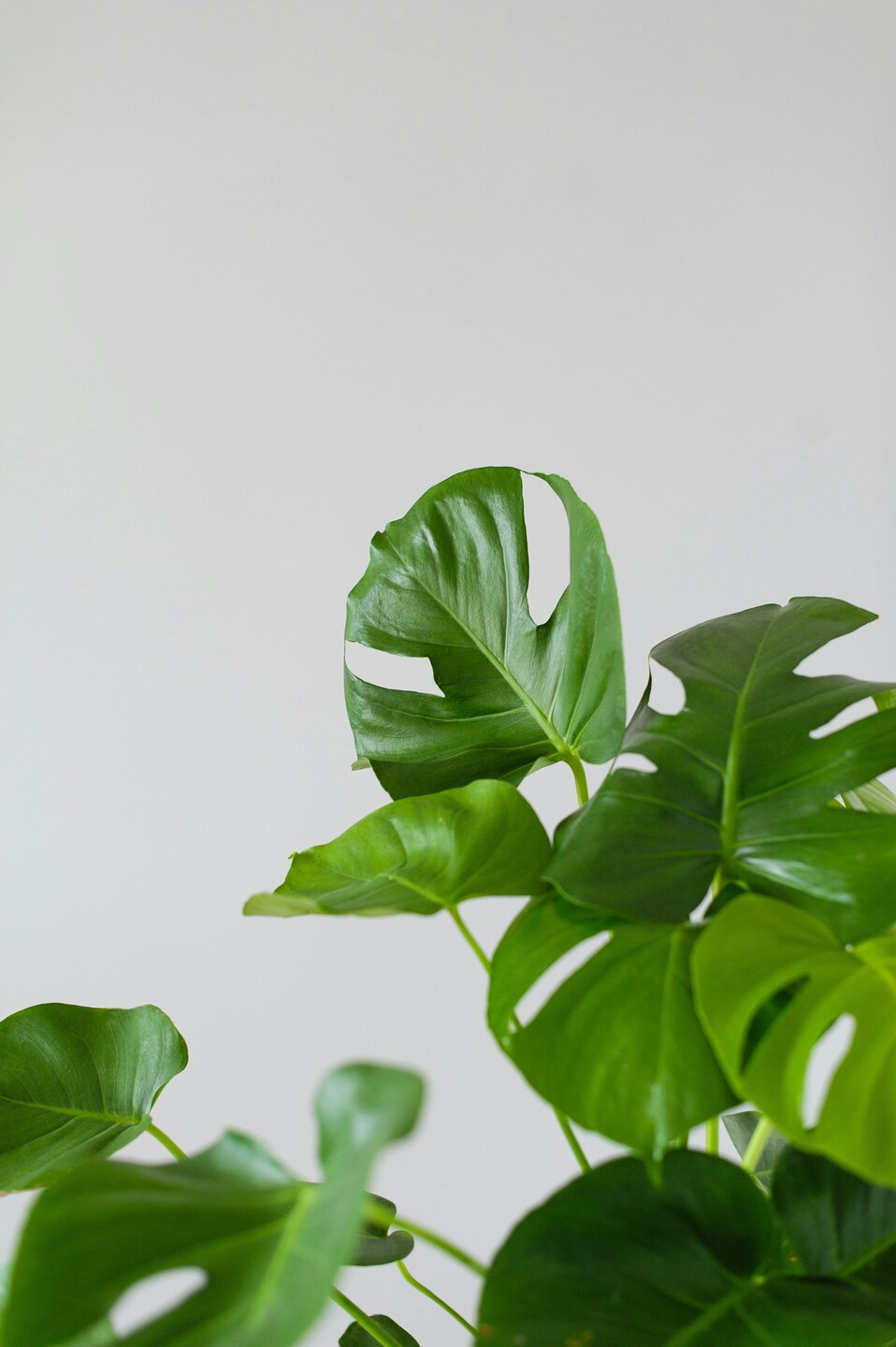
This image showcases a plant with large, glossy green leaves. The plant has a healthy, deep green color, and the background is a simple, solid color, putting the focus entirely on the plant. The overall style of the image is minimalistic and vintage, lending itself to being used as a wallpaper. The composition is balanced, with the plant centrally placed, creating a sense of harmony. The simplicity of the background ensures that the plant stands out prominently. This image would be perfect for an iPhone or desktop wallpaper, providing a serene, nature-inspired aesthetic.










FAQ
Is this wallpaper free to download?
Yes! This Aesthetic wallpaper is completely free to download for personal use. No registration required.
What resolutions are available?
This wallpaper is available in Original (2828×4252), 2K (2560×1440), and Full HD (1920×1080) resolutions.
How do I set this as my wallpaper?
Download the wallpaper, then: On Windows - Right-click the image > Set as desktop background. On Mac - System Preferences > Desktop. On iPhone/Android - Open image > Set as wallpaper.