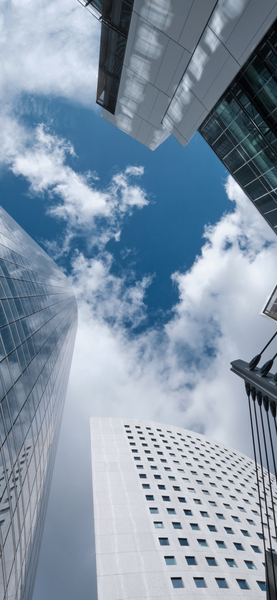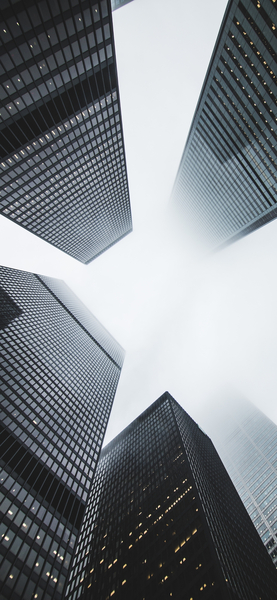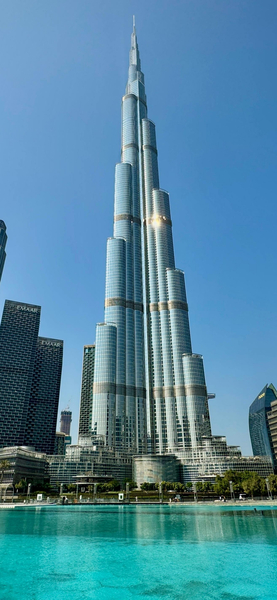
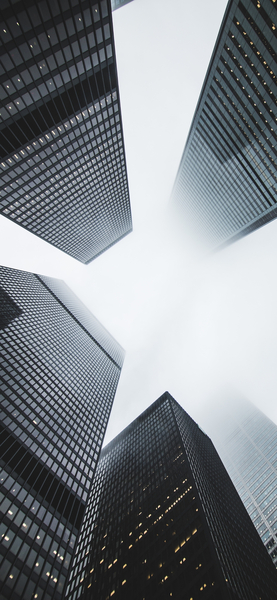
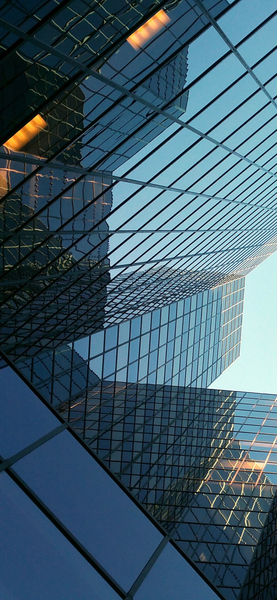
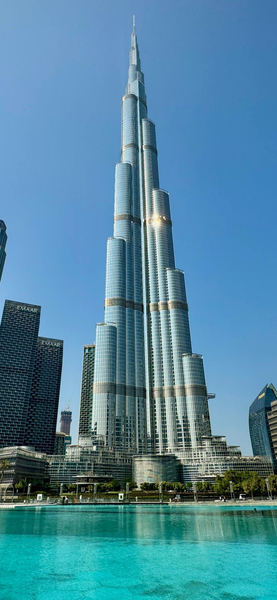


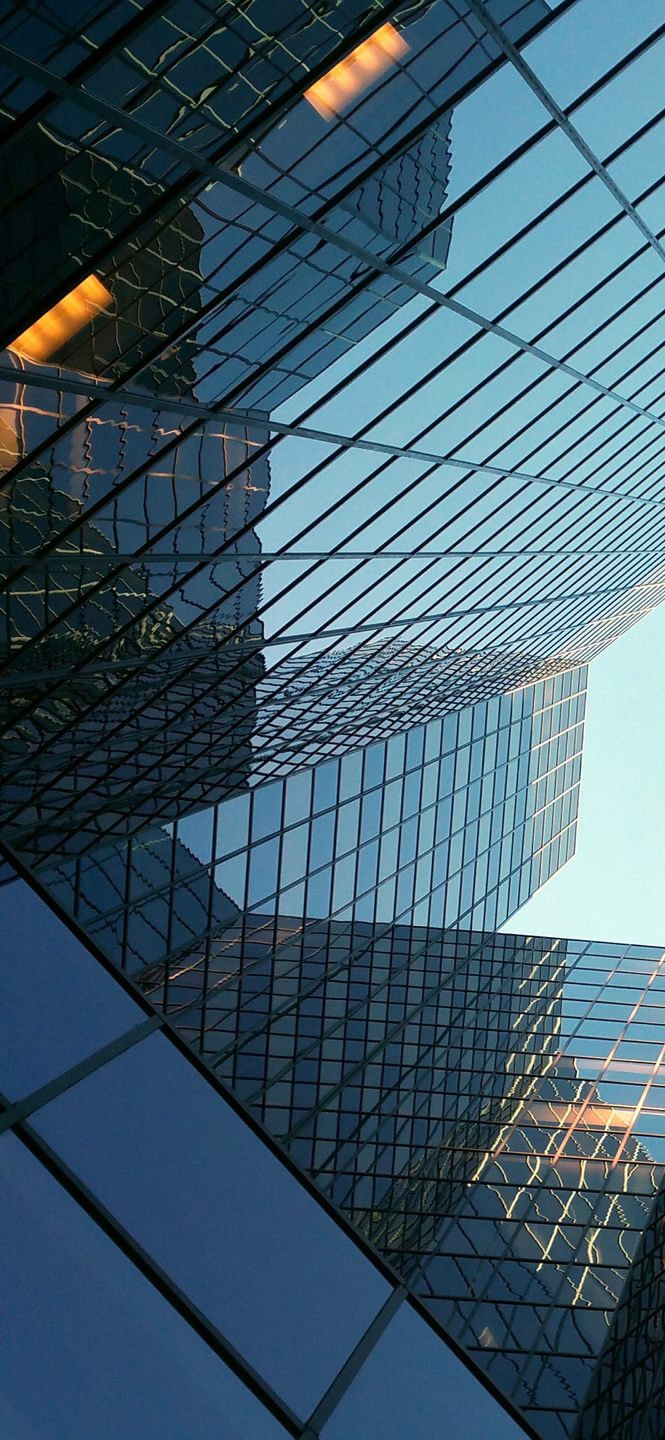




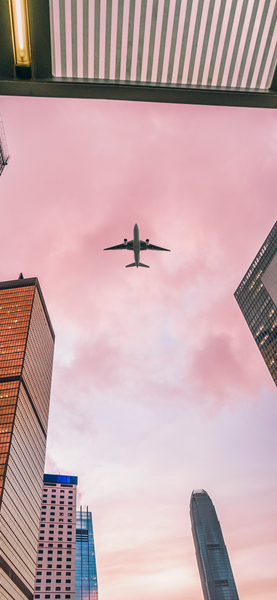
View of city skyline from below with focus on blue and gray facades.

Aesthetic Skyscraper Wallpaper – Modern Architecture 4K Ultra HD Background

··· | ··· | HD | JPG |
DESCRIPTION The image showcases a captivating view of modern skyscrapers in an urban setting. Dominated by shades of blue and gray, the photo captures the architectural beauty of these towering structures. The buildings are bathed in natural light that highlights their glass facades. This high-resolution wallpaper is perfect for desktop or mobile devices, providing a refreshing backdrop to any workspace or home screen.
Technical Specifications

A refreshing update for your digital setup, this Aesthetic Skyscraper Wallpaper – Modern Architecture 4K Ultra HD Background piece highlights modern aesthetic trends. Balanced Premium Aesthetic hues work together to create a seamless transition between light and shadow. This digital download has been pre-compressed for 3x faster loading on mobile 4G and 5G networks. Perfectly suited for flagship mobile devices and high-end desktop monitors alike.

Wallpaper View of city skyline from below with focus on blue and gray facades.
Maximum Resolution 1477 × 3200 (High Definition)
Aspect Ratio 1477:3200 (Portrait)
File Format WebP, Progressive JPEG, AVIF Optimized
Color Profile
#2A486E #28476D
Usage License Free for personal use (Desktop & Mobile)

Recommended Device Compatibility

  • Apple iPhone 13, 14, 15, 16 (Pro & Max)
  • Samsung Galaxy S21, S22, S23, S24 Ultra
  • Google Pixel 6, 7, 8, 9 Series
  • 4K UHD Monitors & Retina Displays
  • iPad Pro, Air & Android Tablets

FAQ

Is this wallpaper free to download?

Yes! This Architecture wallpaper is completely free to download for personal use. No registration required.

What resolutions are available?

This wallpaper is available in Original (1477×3200), 2K (2560×1440), and Full HD (1920×1080) resolutions.

How do I set this as my wallpaper?

Download the wallpaper, then: On Windows - Right-click the image > Set as desktop background. On Mac - System Preferences > Desktop. On iPhone/Android - Open image > Set as wallpaper.