






TRENDING





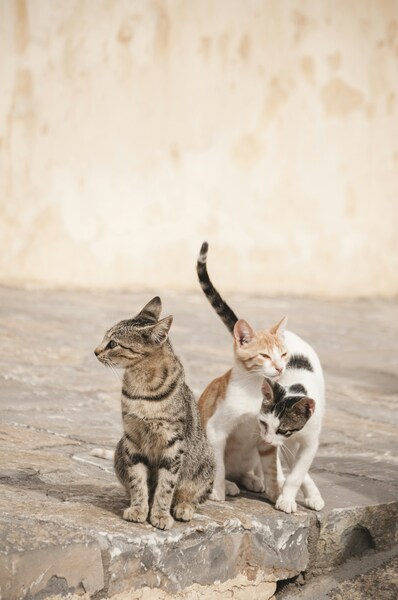
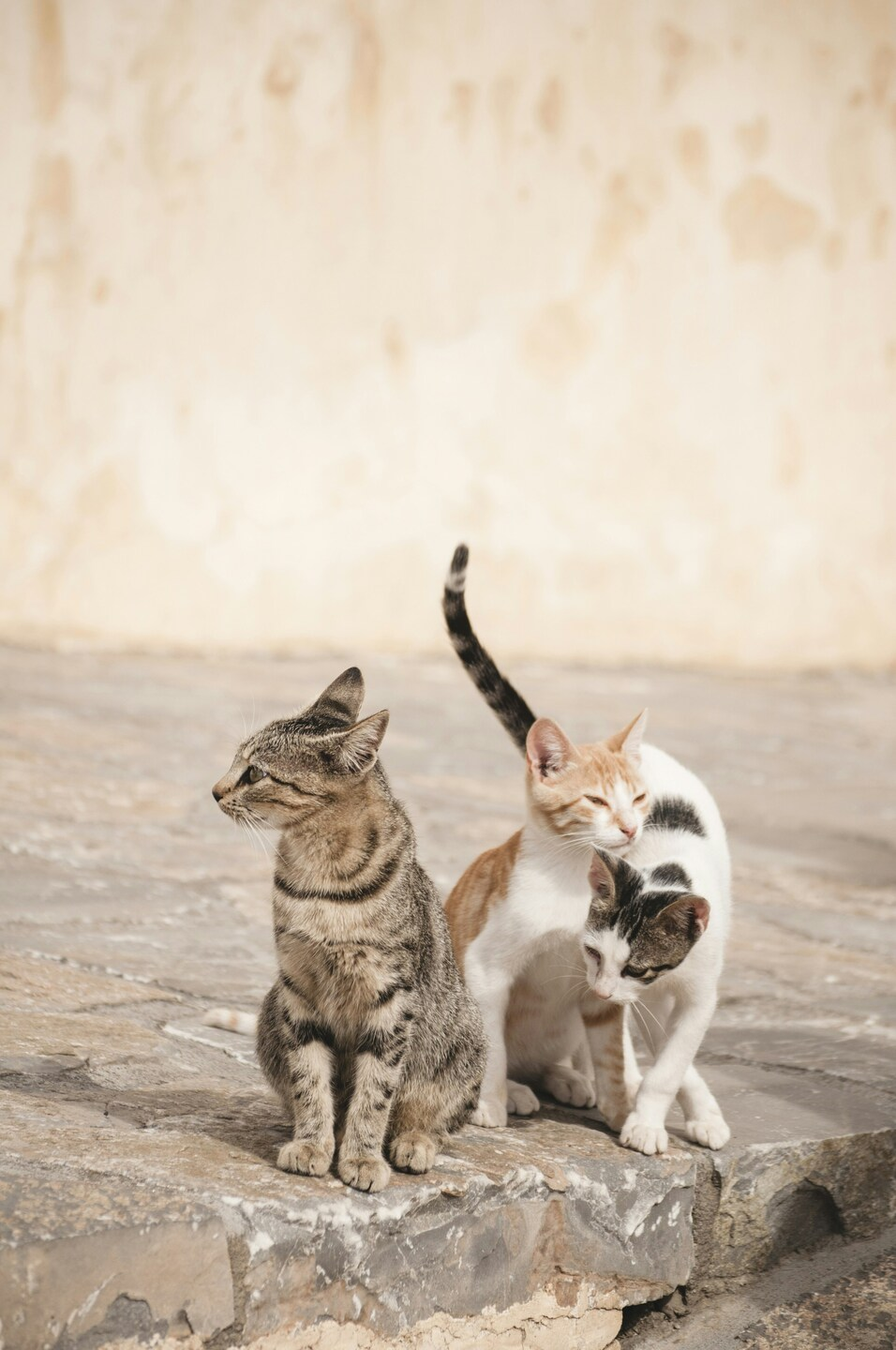
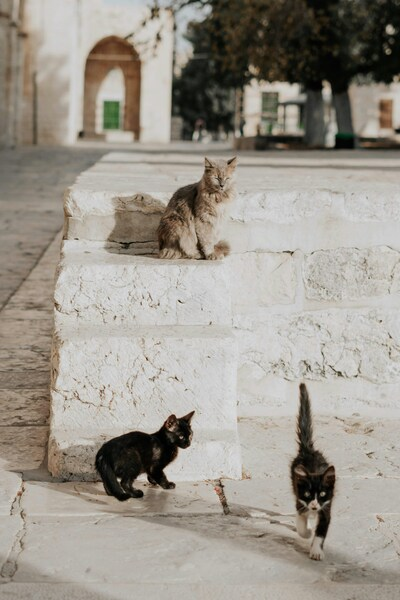
• 4K Wallpaper – Cats and Kitten on Wall
···
|
2K
|
JPG
|
DESCRIPTION
This image captures a serene moment featuring two cats and a kitten standing on a textured stone wall. The cats are of a tabby pattern with brown and black fur, while the kitten has a white coat adorned with black spots. The cats are positioned closer to the camera, with the kitten slightly behind them. They all appear to be gazing directly at the viewer, adding a sense of connection to the scene. The background is a simple, light-colored wall, which contrasts with the cats' rich fur tones. The overall composition exudes a calm and peaceful atmosphere, making it a perfect wallpaper for anyone seeking a tranquil image for their device.






FAQ
Is this wallpaper free to download?
Yes! This Calm wallpaper is completely free to download for personal use. No registration required.
What resolutions are available?
This wallpaper is available in Original (2844×4284), 2K (2560×1440), and Full HD (1920×1080) resolutions.
How do I set this as my wallpaper?
Download the wallpaper, then: On Windows - Right-click the image > Set as desktop background. On Mac - System Preferences > Desktop. On iPhone/Android - Open image > Set as wallpaper.