


TRENDING





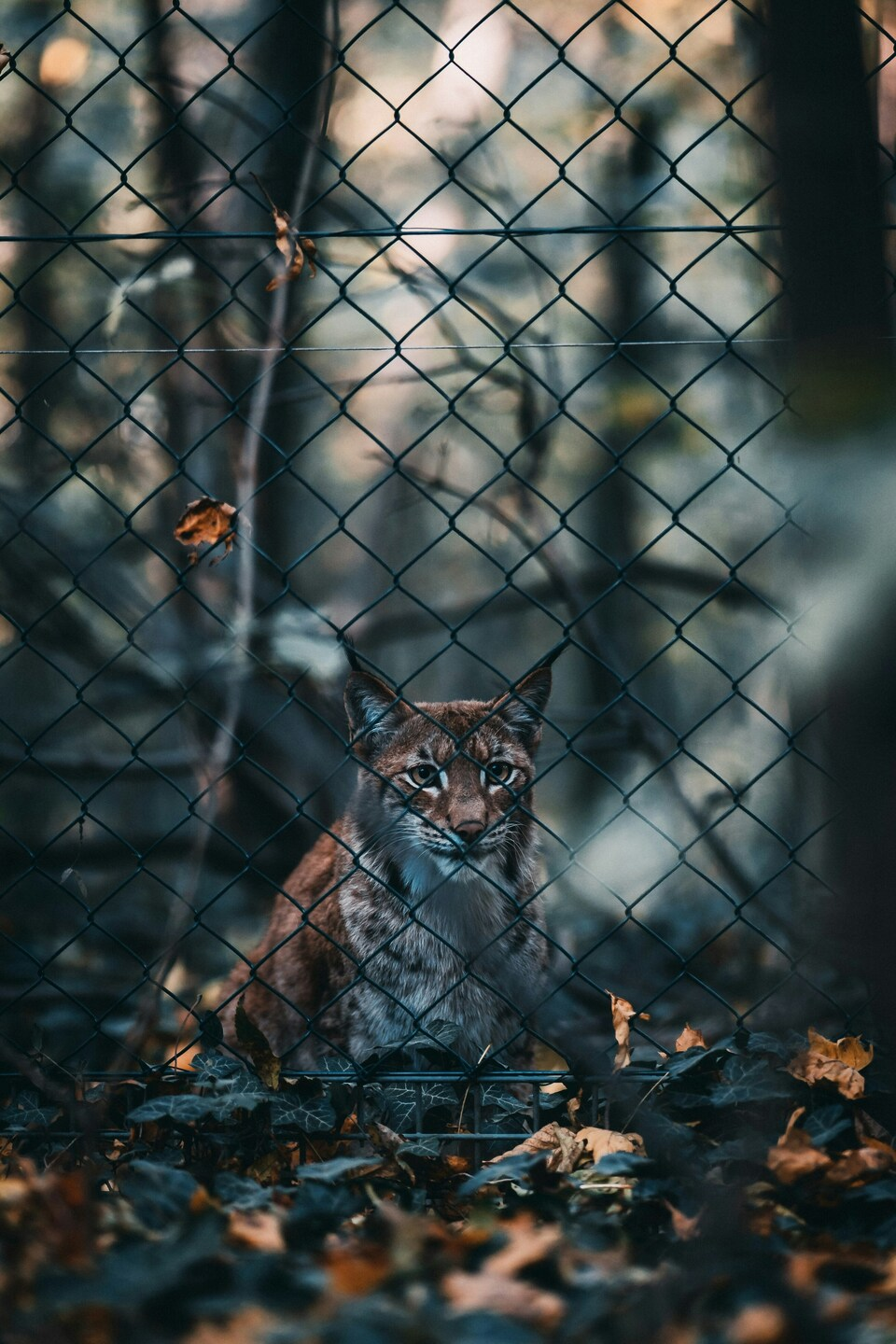
Coyote in a Fenced Area – Aesthetic, 4K Ultra HD Wallpaper
···
|
2K
|
JPG
|
DESCRIPTION
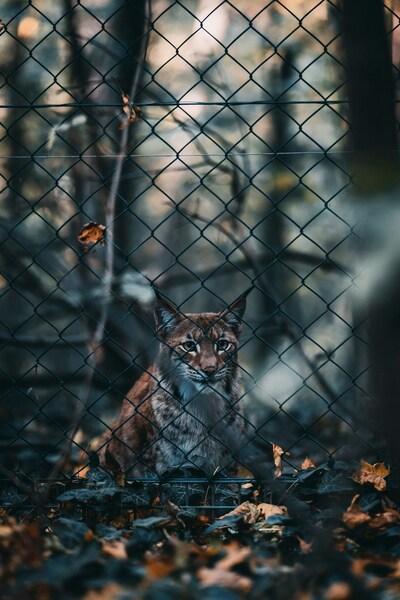
This image captures a coyote in a fenced area. The coyote is the central focus of the image, standing on the fallen leaves. The fence, made of metal bars, encloses the area, creating a sense of confinement. The coyote's gaze is directed towards the camera, adding an element of connection with the viewer. The colors in the image are earthy, with the coyote's fur blending into the fallen leaves and the fence adding a touch of urbanity. The lighting in the image is natural, casting soft shadows and highlighting the textures of the coyote's fur and the leaves. The mood of the image is calm, yet the confined space of the fence adds a touch of tension. The composition is centered, drawing the viewer's attention directly to the coyote. This image would make a beautiful 4K wallpaper or desktop background.







FAQ
Is this wallpaper free to download?
Yes! This Aesthetic wallpaper is completely free to download for personal use. No registration required.
What resolutions are available?
This wallpaper is available in Original (2620×3932), 2K (2560×1440), and Full HD (1920×1080) resolutions.
How do I set this as my wallpaper?
Download the wallpaper, then: On Windows - Right-click the image > Set as desktop background. On Mac - System Preferences > Desktop. On iPhone/Android - Open image > Set as wallpaper.