




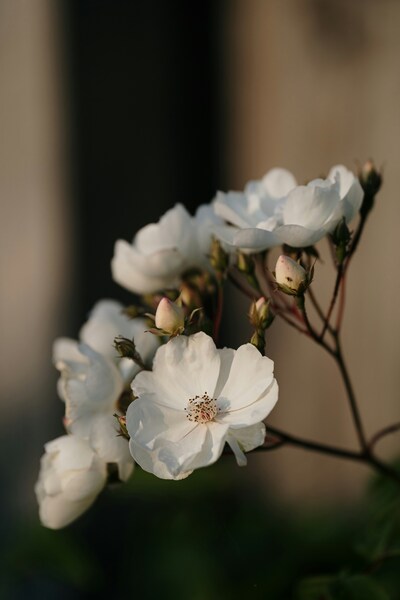
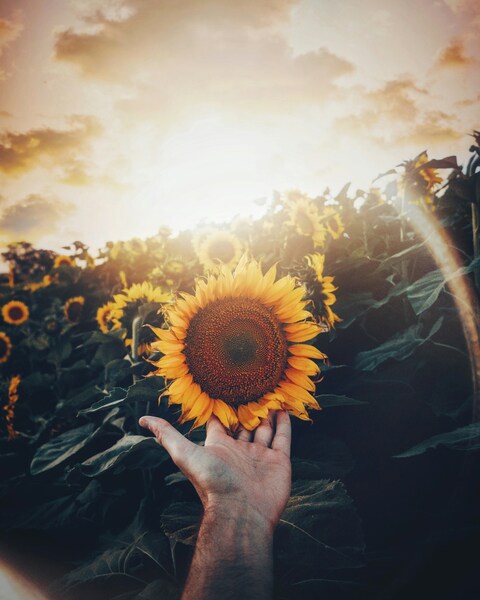



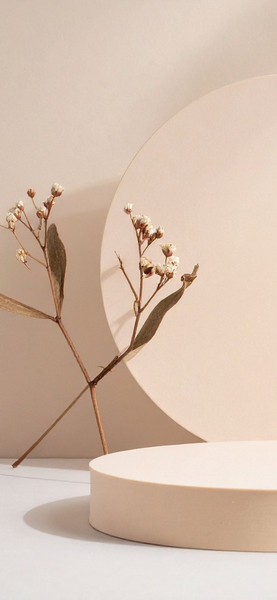
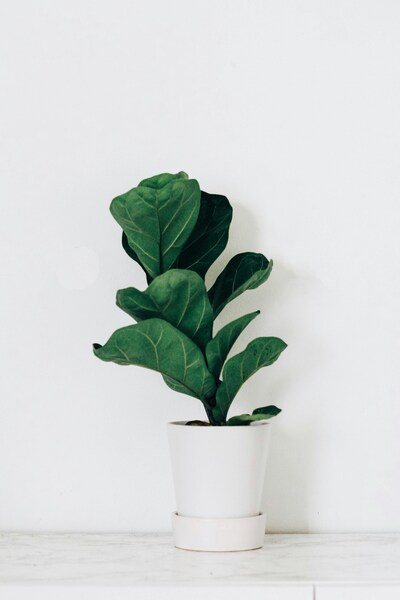
White Fluffy Plants Wallpaper – Aesthetic Minimalist HD Background
Technical Specifications
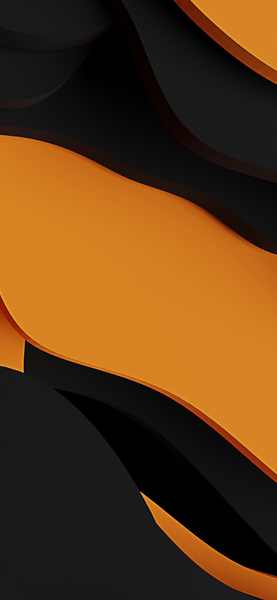
Visual harmony in this piece is achieved through a carefully balanced composition. Dominated by Premium Aesthetic tones, it provides a clean and focused backdrop for your icons and widgets. We have manually verified the file integrity to ensure no artifacts or compression ghosting are present. A top-tier recommendation for anyone looking to personalize their setup with high-quality Minimalism art.
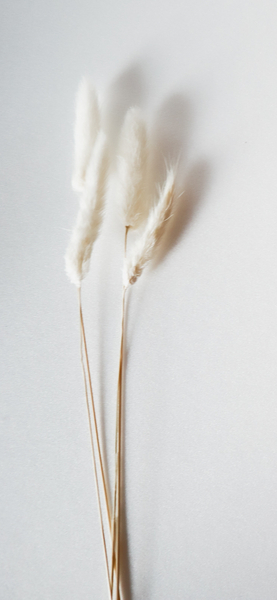
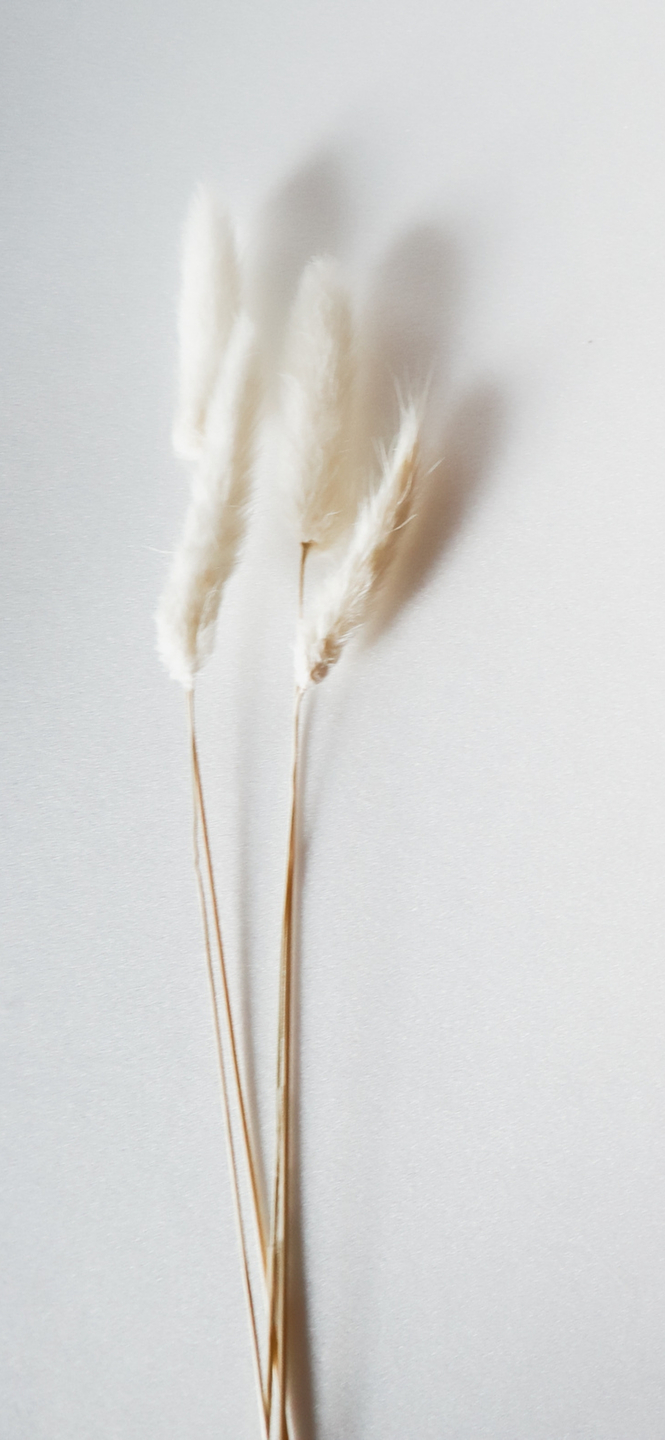
| Wallpaper | Two white, fluffy plant-like objects against a white background. |
|---|---|
| Maximum Resolution | 1477 × 3200 (High Definition) |
| Aspect Ratio | 1477:3200 (Portrait) |
| File Format | WebP, Progressive JPEG, AVIF Optimized |
| Color Profile |
#DBDCDE
#DCDDDF
|
| Usage License | Free for personal use (Desktop & Mobile) |
Recommended Device Compatibility
- ✓ Apple iPhone 13, 14, 15, 16 (Pro & Max)
- ✓ Samsung Galaxy S21, S22, S23, S24 Ultra
- ✓ Google Pixel 6, 7, 8, 9 Series
- ✓ 4K UHD Monitors & Retina Displays
- ✓ iPad Pro, Air & Android Tablets
General Disclaimer
As per our Terms of Service, this Minimalism wallpaper is intended for individual background use. We make no warranties regarding the completeness or accuracy of third-party external links.
Report Content
FilesFlix is committed to transparency. Our automated reporting system is available 24/7 for copyright owners and authorized representatives. Learn More









FAQ
Is this wallpaper free to download?
Yes! This Minimalism wallpaper is completely free to download for personal use. No registration required.
What resolutions are available?
This wallpaper is available in Original (1477×3200), 2K (2560×1440), and Full HD (1920×1080) resolutions.
How do I set this as my wallpaper?
Download the wallpaper, then: On Windows - Right-click the image > Set as desktop background. On Mac - System Preferences > Desktop. On iPhone/Android - Open image > Set as wallpaper.