

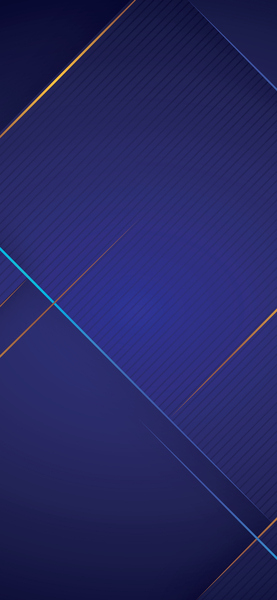
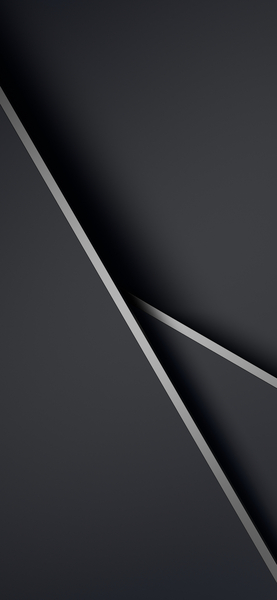
Minimalist 4K Wallpaper – Geometric Shapes
Technical Specifications
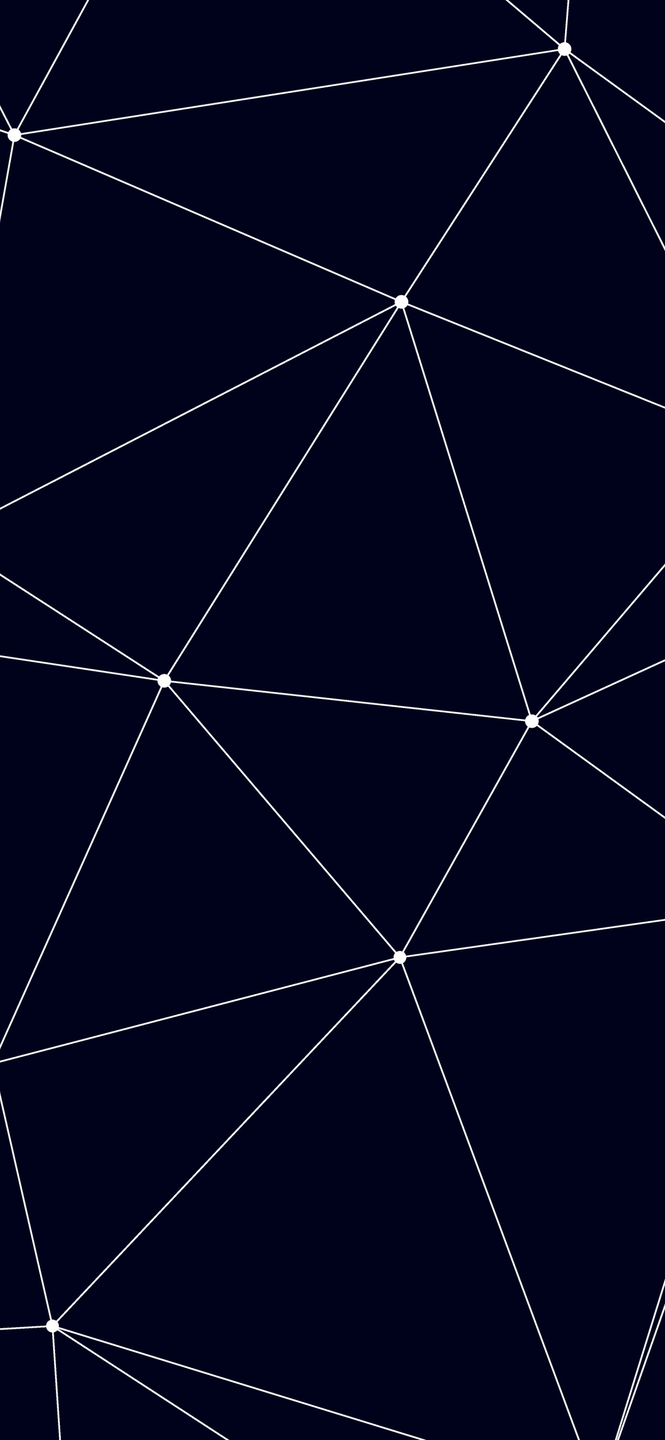
The artistic direction of this Minimalist 4K Wallpaper – Geometric Shapes piece focuses on minimalism and elegance. Highlighting Midnight Onyx elements, the image maintains professional fidelity across various lighting conditions. Processed via our custom AI-upscaling engine, it guarantees maximum clarity and sharp edge definition. Join thousands of users who have chosen this Minimalist 4K Wallpaper – Geometric Shapes piece for their premium screen setups.
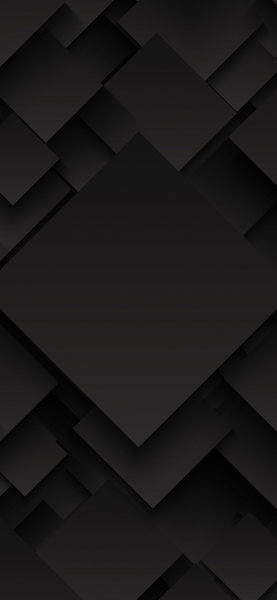
| Wallpaper | A digital illustration of interconnected lines creating a pattern on a dark background. |
|---|---|
| Maximum Resolution | 1477 × 3200 (High Definition) |
| Aspect Ratio | 1477:3200 (Portrait) |
| File Format | WebP, Progressive JPEG, AVIF Optimized |
| Color Profile |
#00021B
#2E3044
|
| Usage License | Free for personal use (Desktop & Mobile) |
Recommended Device Compatibility
- ✓ Apple iPhone 13, 14, 15, 16 (Pro & Max)
- ✓ Samsung Galaxy S21, S22, S23, S24 Ultra
- ✓ Google Pixel 6, 7, 8, 9 Series
- ✓ 4K UHD Monitors & Retina Displays
- ✓ iPad Pro, Air & Android Tablets
General Disclaimer
As per our Terms of Service, this Abstract Geometric Shapes wallpaper is intended for individual background use. We make no warranties regarding the completeness or accuracy of third-party external links.
Report Content
FilesFlix operates under the 'Fair Use' doctrine for curated aesthetic galleries. If you are the owner and wish for removal, please follow our expedited DMCA protocol immediately. Learn More
FAQ
Is this wallpaper free to download?
Yes! This Abstract Geometric Shapes wallpaper is completely free to download for personal use. No registration required.
What resolutions are available?
This wallpaper is available in Original (1477×3200), 2K (2560×1440), and Full HD (1920×1080) resolutions.
How do I set this as my wallpaper?
Download the wallpaper, then: On Windows - Right-click the image > Set as desktop background. On Mac - System Preferences > Desktop. On iPhone/Android - Open image > Set as wallpaper.