

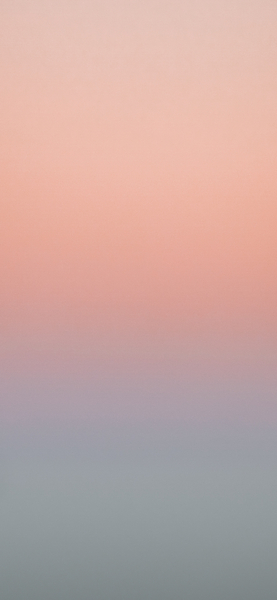





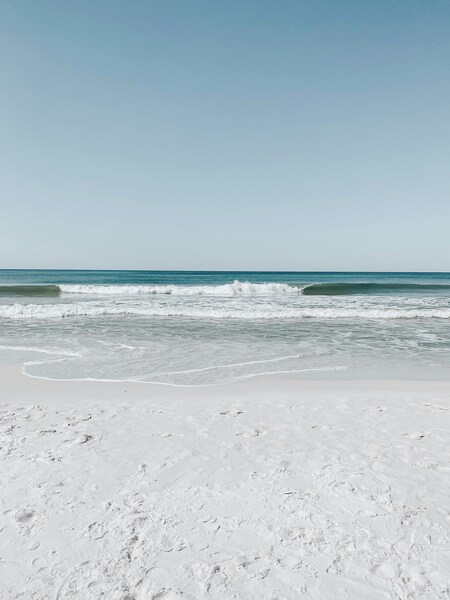
Minimalist White to Gray Gradient Wallpaper – 4K, Ultra HD, Aesthetic, iPho
Technical Specifications
This premium Aesthetic asset from our curated gallery features a sophisticated design language. Every Crystal White pixel has been optimized to render perfectly on high-density Retina displays. The utilize of the WebP container allows for high-fidelity imagery without sacrificing your device's battery life. It is an ideal choice for users seeking a tranquil yet modern look for their professional workspace.
| Wallpaper | A minimalist white to gray gradient wallpaper. |
|---|---|
| Maximum Resolution | 1477 × 3200 (High Definition) |
| Aspect Ratio | 1477:3200 (Portrait) |
| File Format | WebP, Progressive JPEG, AVIF Optimized |
| Color Profile |
#EDEDED
#F0F0F0
|
| Usage License | Free for personal use (Desktop & Mobile) |
Recommended Device Compatibility
- ✓ Apple iPhone 13, 14, 15, 16 (Pro & Max)
- ✓ Samsung Galaxy S21, S22, S23, S24 Ultra
- ✓ Google Pixel 6, 7, 8, 9 Series
- ✓ 4K UHD Monitors & Retina Displays
- ✓ iPad Pro, Air & Android Tablets
General Disclaimer
Visual clarity (including brightness and contrast) is highly dependent on your specific monitor's NTSC or sRGB coverage.
Report Content
Do you own this Aesthetic artwork? We offer attribution and credit options for artists. Contact us to update your creator profile today. Learn More







FAQ
Is this wallpaper free to download?
Yes! This Aesthetic wallpaper is completely free to download for personal use. No registration required.
What resolutions are available?
This wallpaper is available in Original (1477×3200), 2K (2560×1440), and Full HD (1920×1080) resolutions.
How do I set this as my wallpaper?
Download the wallpaper, then: On Windows - Right-click the image > Set as desktop background. On Mac - System Preferences > Desktop. On iPhone/Android - Open image > Set as wallpaper.