






TRENDING





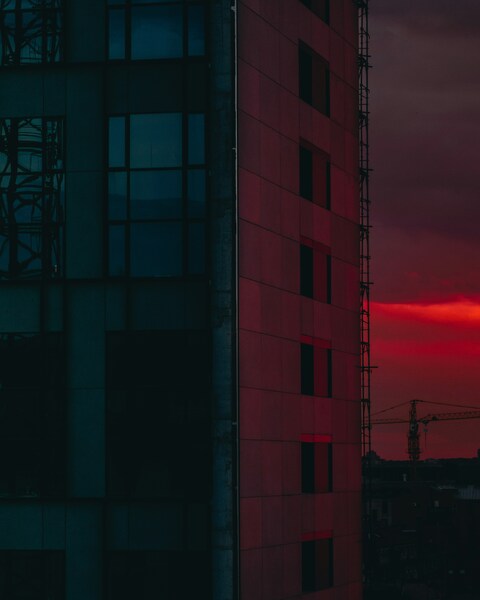
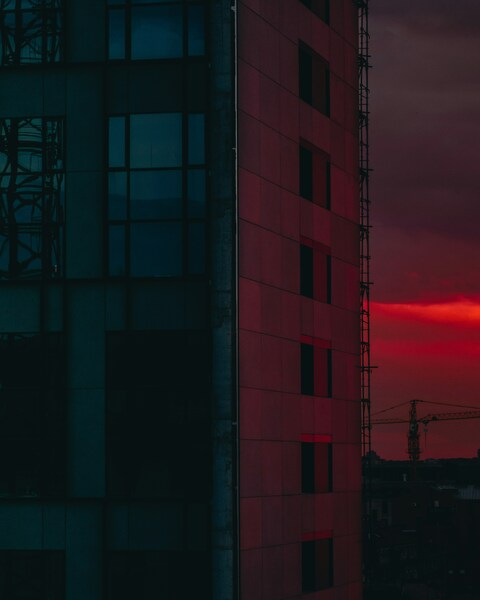
Modern Architecture Aesthetic Wallpaper – White Building with Red Awning –
···
|
FHD
|
JPG
|
DESCRIPTION
A sleek, minimalist white building stands out with its vibrant red awning. The awning, a striking pop of color, adds a touch of urban chic to the otherwise clean, modern facade. This wallpaper features a high-definition, 4K Ultra HD rendering of the building and awning, perfect for both iPhone and desktop use. The vivid red of the awning contrasts beautifully with the pristine white of the building, creating an aesthetic that is both modern and timeless.









FAQ
Is this wallpaper free to download?
Yes! This Aesthetic wallpaper is completely free to download for personal use. No registration required.
What resolutions are available?
This wallpaper is available in Original (2308×3483), 2K (2560×1440), and Full HD (1920×1080) resolutions.
How do I set this as my wallpaper?
Download the wallpaper, then: On Windows - Right-click the image > Set as desktop background. On Mac - System Preferences > Desktop. On iPhone/Android - Open image > Set as wallpaper.