








TRENDING





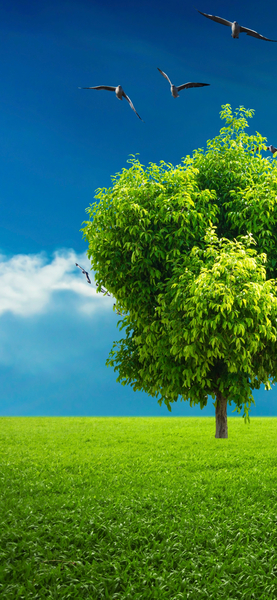
Birds Perched on Window Sill – Nature Wallpaper – 4K Ultra HD
···
|
4K
|
JPG
|
DESCRIPTION
This image captures a serene moment of two birds perched on a window sill, overlooking a tranquil ocean under a clear sky. The composition of the image is minimalist, with the birds as the central focus, rendered in vibrant colors that pop against the softer hues of the background. The perspective of the window sill provides a unique viewpoint, inviting the viewer to imagine themselves there, taking in the beauty of the scene. The 4K Ultra HD resolution adds an extra layer of realism to the image, making it an ideal wallpaper for those seeking a calming and aesthetically pleasing background for their devices.








FAQ
Is this wallpaper free to download?
Yes! This • Birds wallpaper is completely free to download for personal use. No registration required.
What resolutions are available?
This wallpaper is available in Original (3996×5996), 2K (2560×1440), and Full HD (1920×1080) resolutions.
How do I set this as my wallpaper?
Download the wallpaper, then: On Windows - Right-click the image > Set as desktop background. On Mac - System Preferences > Desktop. On iPhone/Android - Open image > Set as wallpaper.