






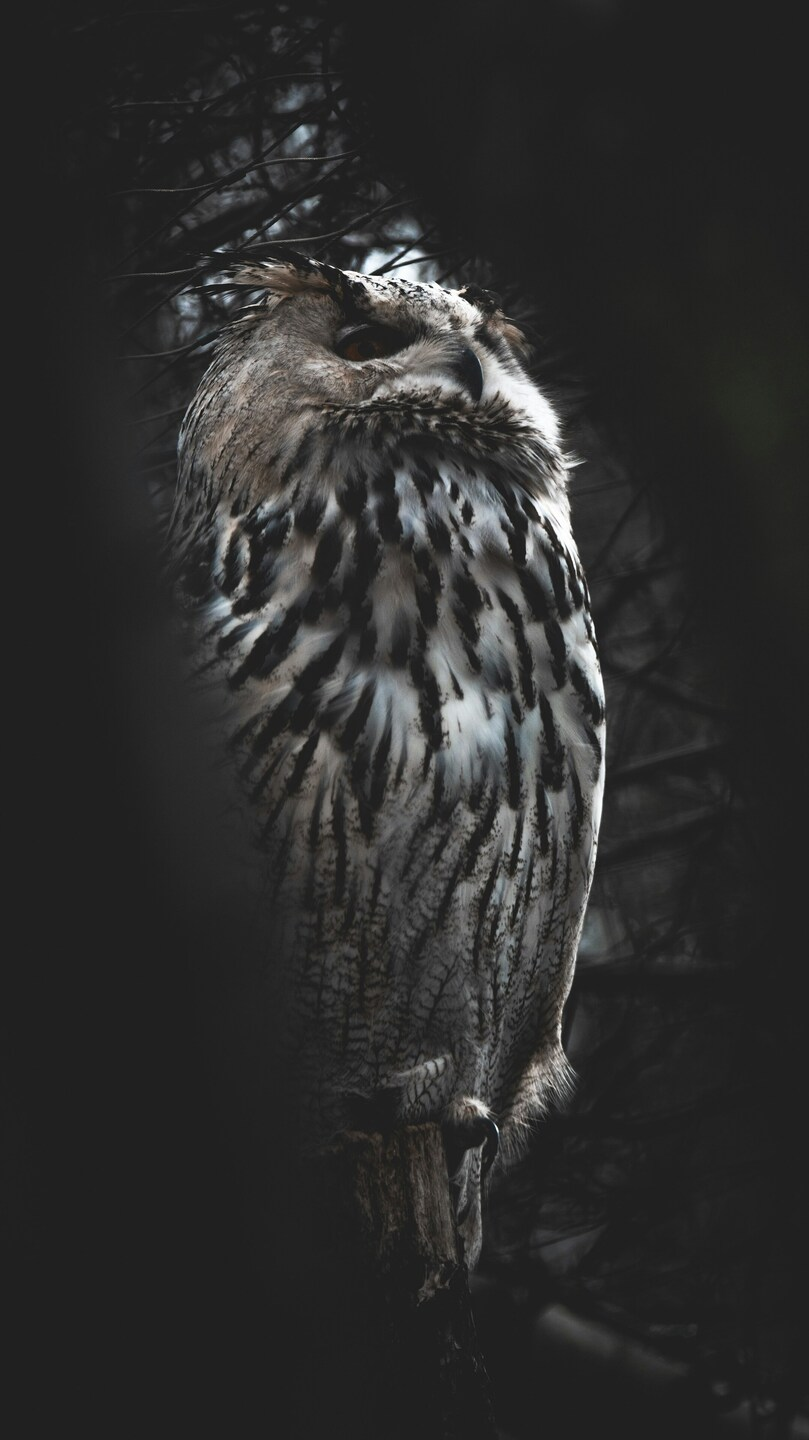




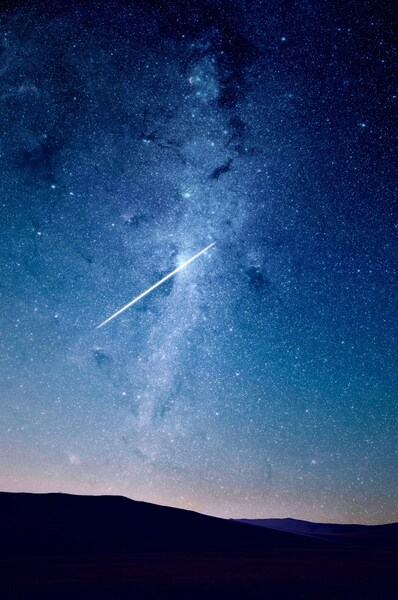
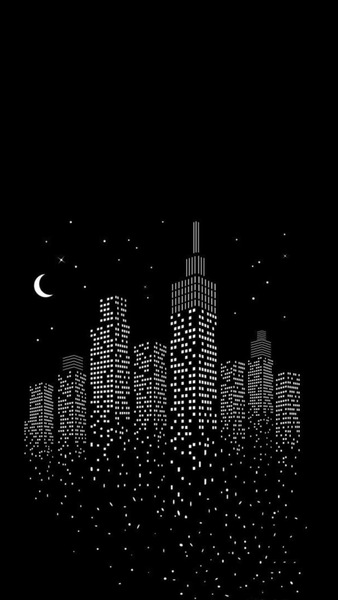
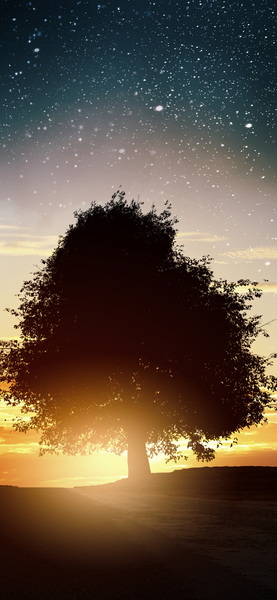
Aesthetic Owl Wallpaper – Nighttime Silhouette – Realistic – 4K, Ultra HD
Technical Specifications
This Aesthetic selection stands out as a masterpiece of digital composition and depth. Balanced Midnight Onyx hues work together to create a seamless transition between light and shadow. The utilize of the WebP container allows for high-fidelity imagery without sacrificing your device's battery life. Refresh your screen today with this one-of-a-kind background from the FilesFlix Aesthetic collection.
| Wallpaper | Silhouette of an owl in a nighttime setting, realistic style. |
|---|---|
| Maximum Resolution | 2156 × 3836 (Full HD 1080p) |
| Aspect Ratio | 77:137 (Portrait) |
| File Format | WebP, Progressive JPEG, AVIF Optimized |
| Color Profile |
#202020
#212121
|
| Usage License | Free for personal use (Desktop & Mobile) |
Recommended Device Compatibility
- ✓ Apple iPhone 13, 14, 15, 16 (Pro & Max)
- ✓ Samsung Galaxy S21, S22, S23, S24 Ultra
- ✓ Google Pixel 6, 7, 8, 9 Series
- ✓ 4K UHD Monitors & Retina Displays
- ✓ iPad Pro, Air & Android Tablets
General Disclaimer
Downloads are provided under a limited personal license. FilesFlix is not responsible for visual discrepancies caused by operating system compression algorithms or device display settings.
Report Content
Do you own this Aesthetic artwork? We offer attribution and credit options for artists. Contact us to update your creator profile today. Learn More







FAQ
Is this wallpaper free to download?
Yes! This Aesthetic wallpaper is completely free to download for personal use. No registration required.
What resolutions are available?
This wallpaper is available in Original (2156×3836), 2K (2560×1440), and Full HD (1920×1080) resolutions.
How do I set this as my wallpaper?
Download the wallpaper, then: On Windows - Right-click the image > Set as desktop background. On Mac - System Preferences > Desktop. On iPhone/Android - Open image > Set as wallpaper.