



TRENDING





• ‘Pine Tree Wallpaper – Evergreen Aesthetic Nature Background’ • ‘Vint
···
|
2K
|
JPG
|
DESCRIPTION
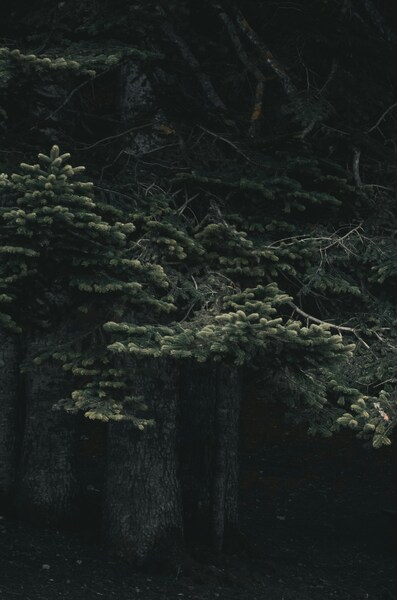
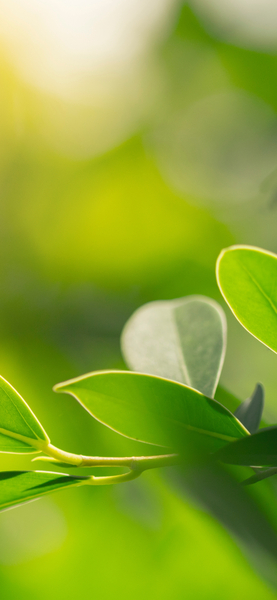
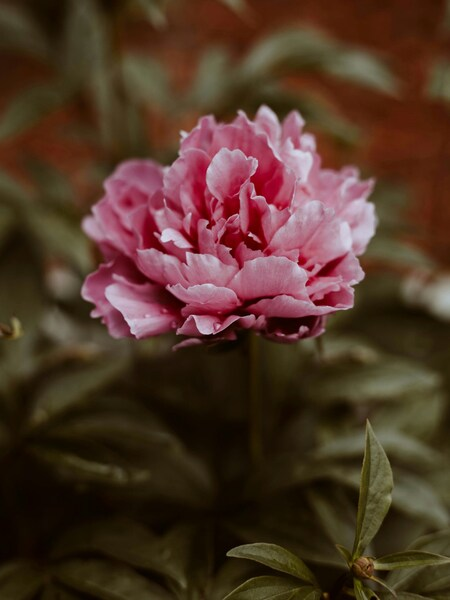
The image presents a captivating scene of a pine tree, its branches laden with vibrant green needles. The tree stands against a backdrop of darkness, its silhouette stark and contrasting. The contrast between the tree and the dark background enhances the visual appeal of the image. This wallpaper is perfect for those who appreciate a touch of nature in their surroundings, or for those who wish to bring a bit of the outdoors indoors.







FAQ
Is this wallpaper free to download?
Yes! This Marvel wallpaper is completely free to download for personal use. No registration required.
What resolutions are available?
This wallpaper is available in Original (3644×5468), 2K (2560×1440), and Full HD (1920×1080) resolutions.
How do I set this as my wallpaper?
Download the wallpaper, then: On Windows - Right-click the image > Set as desktop background. On Mac - System Preferences > Desktop. On iPhone/Android - Open image > Set as wallpaper.