






TRENDING





• ‘Ultra HD Aesthetic Wallpaper – Underwater Scuba Diver
···
|
FHD
|
JPG
|
DESCRIPTION
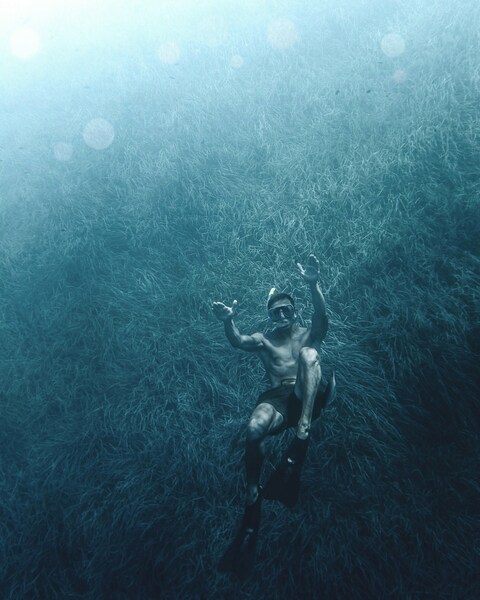
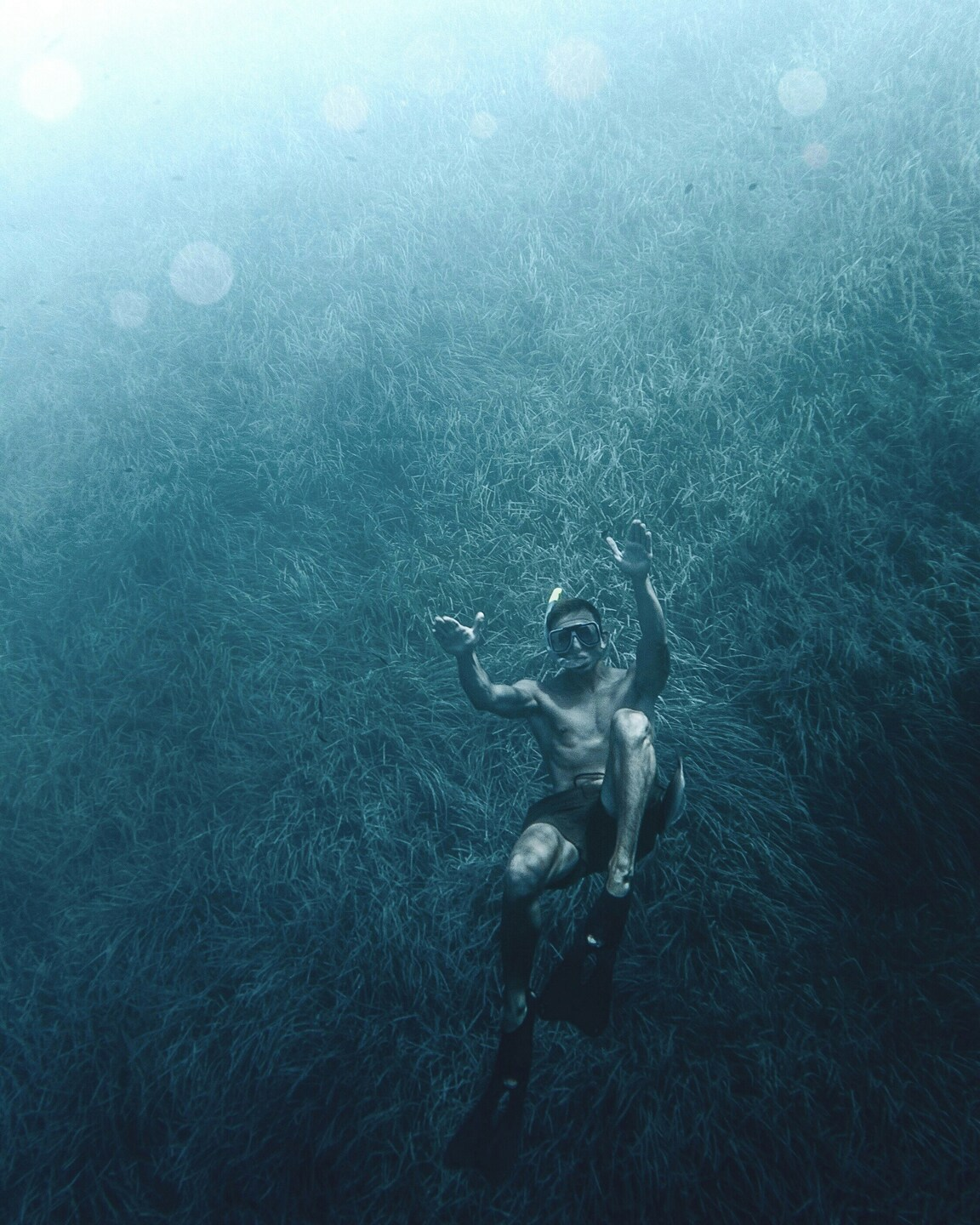
• This wallpaper captures the serene and mesmerizing world of deep-sea diving. The central figure, a scuba diver, is captured in a moment of tranquility, floating effortlessly through the expanse of the ocean. The colors are rich and varied, with the deep blue of the water providing a striking contrast to the greens and blues of the surrounding underwater landscape. The lighting is soft and diffuse, creating an atmosphere of calm and relaxation. This wallpaper is perfect for those who love the ocean and the feeling of weightlessness it provides. It is also a great choice for anyone looking for an aesthetic and minimalist background that will elevate their space.










FAQ
Is this wallpaper free to download?
Yes! This Aesthetic wallpaper is completely free to download for personal use. No registration required.
What resolutions are available?
This wallpaper is available in Original (2246×2808), 2K (2560×1440), and Full HD (1920×1080) resolutions.
How do I set this as my wallpaper?
Download the wallpaper, then: On Windows - Right-click the image > Set as desktop background. On Mac - System Preferences > Desktop. On iPhone/Android - Open image > Set as wallpaper.