











TRENDING





Majestic Sunset Aesthetic Wallpaper – 4K
···
|
FHD
|
JPG
|
DESCRIPTION
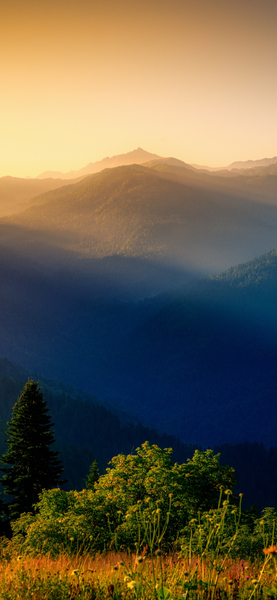
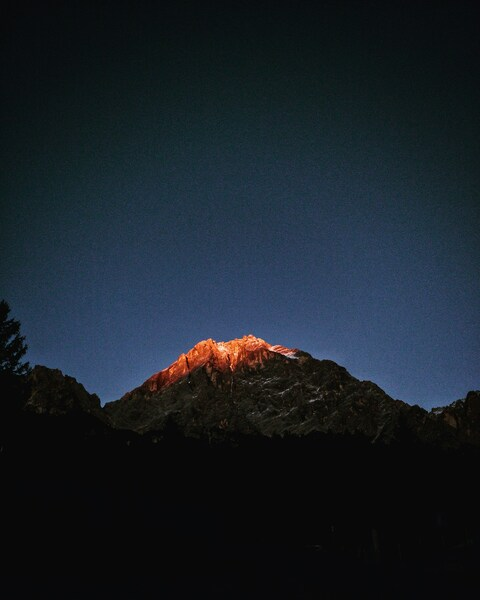
Embrace the serene beauty of a vibrant sunset. This stunning 4K wallpaper captures a picturesque landscape, bathed in hues of orange and blue, under a clear sky. The fog-shrouded mountains in the distance add a sense of tranquility and depth to the scene. The warm glow of the sun casts a soft light over the entire landscape, creating a harmonious balance between the natural elements. The composition of the image, with its focus on the sunset and the mountains in the backdrop, evokes a sense of calm and peacefulness. This wallpaper is perfect for both desktop and iPhone backgrounds, offering a refreshing break from the monotony of daily life. 4K, Ultra HD, Aesthetic, Wallpaper, HD, Desktop, Nature, Calm, Peacefulness.







FAQ
Is this wallpaper free to download?
Yes! This Calm wallpaper is completely free to download for personal use. No registration required.
What resolutions are available?
This wallpaper is available in Original (2341×2927), 2K (2560×1440), and Full HD (1920×1080) resolutions.
How do I set this as my wallpaper?
Download the wallpaper, then: On Windows - Right-click the image > Set as desktop background. On Mac - System Preferences > Desktop. On iPhone/Android - Open image > Set as wallpaper.