










TRENDING





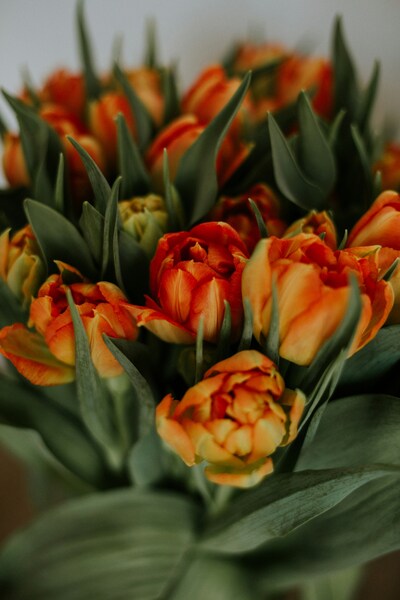
Vibrant Bouquet of Orange and Yellow Flowers – Aesthetic 4K Wallpaper
···
|
2K
|
JPG
|
DESCRIPTION
Discover the beauty of nature with this stunning bouquet of orange and yellow flowers. The flowers, with their bright colors and lush texture, stand out against the white background, creating a visually appealing and eye-catching display. This bouquet is a perfect representation of springtime, with its cheerful hues and lively vibe. It's a great wallpaper for your phone, tablet, or computer, adding a touch of freshness and vibrancy to your digital space.









FAQ
Is this wallpaper free to download?
Yes! This Aesthetic wallpaper is completely free to download for personal use. No registration required.
What resolutions are available?
This wallpaper is available in Original (2796×4196), 2K (2560×1440), and Full HD (1920×1080) resolutions.
How do I set this as my wallpaper?
Download the wallpaper, then: On Windows - Right-click the image > Set as desktop background. On Mac - System Preferences > Desktop. On iPhone/Android - Open image > Set as wallpaper.