



TRENDING





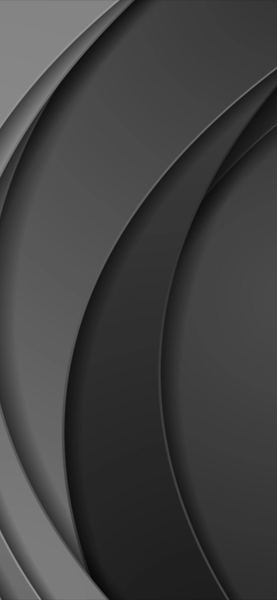
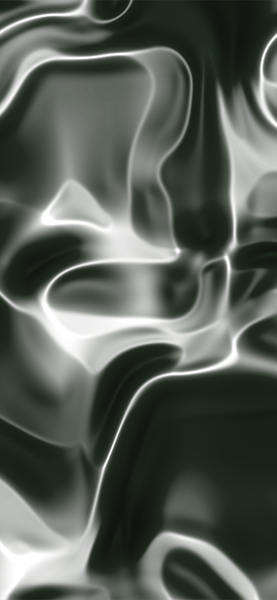
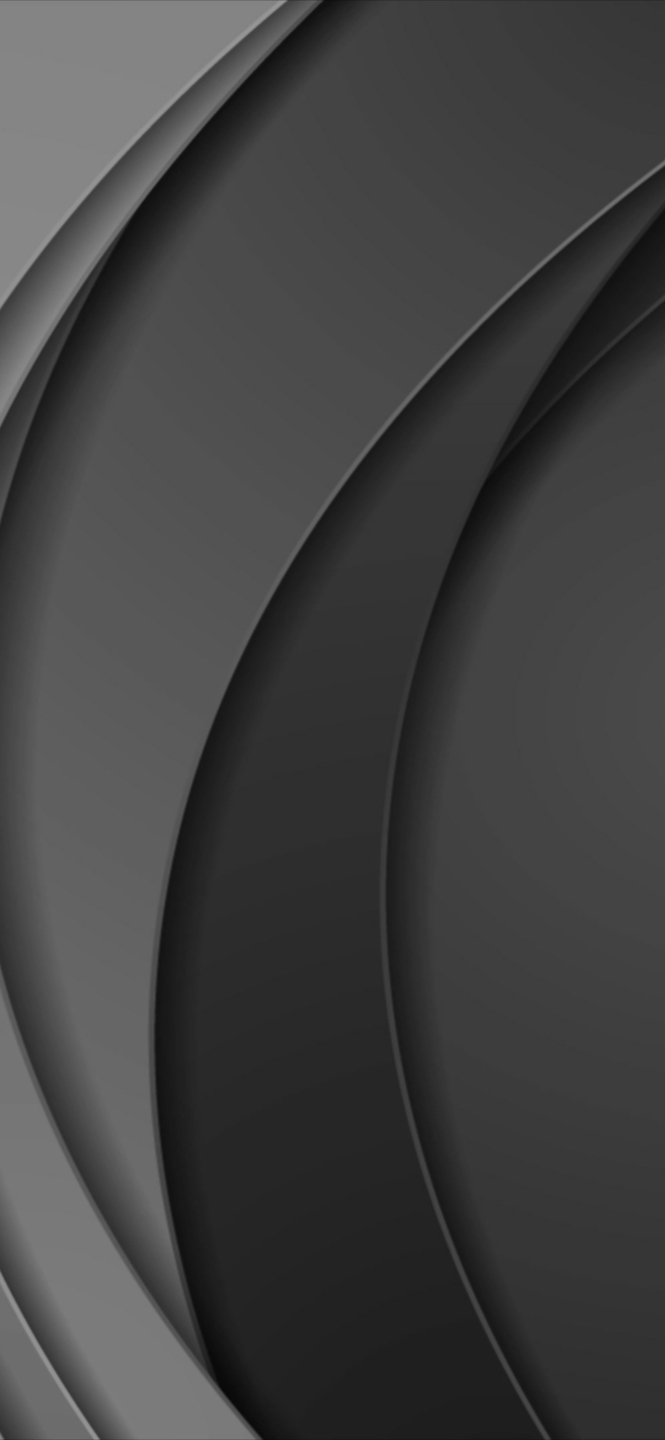
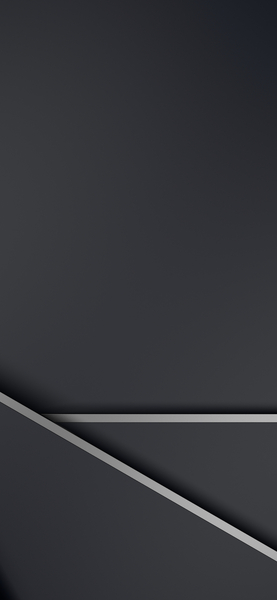
Minimalist 4K Wallpaper – Abstract Dark and Light Gray Shapes
···
|
HD
|
JPG
|
DESCRIPTION
The image presents a striking contrast between dark gray and light gray shapes against a black background. It's a simple yet visually appealing minimalist wallpaper that would make a perfect backdrop for any device. The composition is balanced, with the shapes evenly distributed, creating a sense of harmony. The darker gray shapes stand out prominently against the lighter gray, while the lighter ones provide subtle contrast to their surroundings. This abstract design could be used as a wallpaper on an iPhone or as a desktop background for its clean and modern aesthetic.



FAQ
Is this wallpaper free to download?
Yes! This Abstract wallpaper is completely free to download for personal use. No registration required.
What resolutions are available?
This wallpaper is available in Original (1477×3200), 2K (2560×1440), and Full HD (1920×1080) resolutions.
How do I set this as my wallpaper?
Download the wallpaper, then: On Windows - Right-click the image > Set as desktop background. On Mac - System Preferences > Desktop. On iPhone/Android - Open image > Set as wallpaper.