







TRENDING





Aesthetic Sunset Beach Wallpaper – Ultra HD
···
|
2K
|
JPG
|
DESCRIPTION
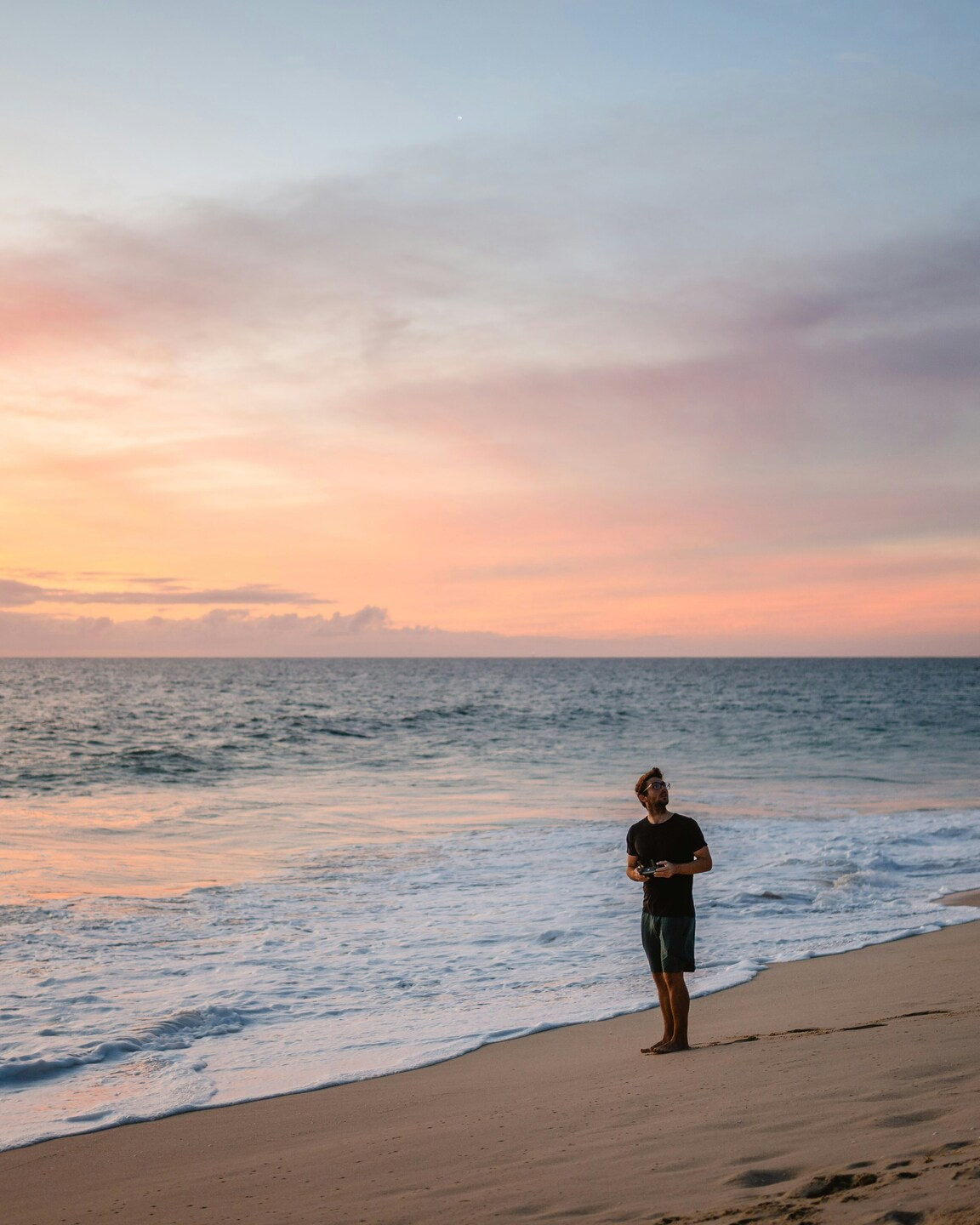
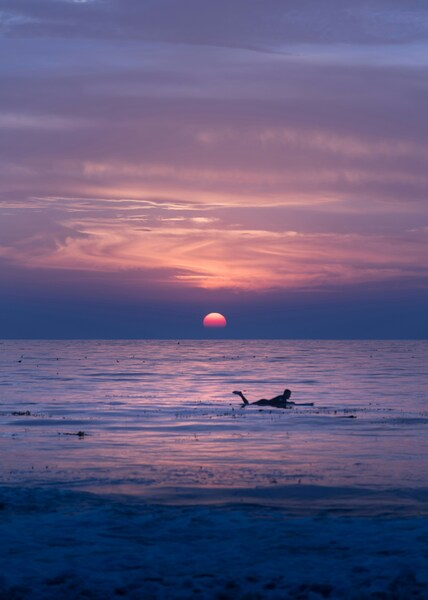
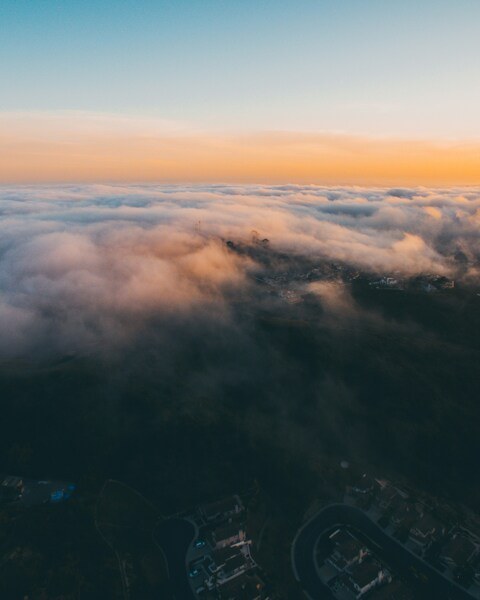
Enjoy a serene evening on the beach with this tranquil and picturesque wallpaper. This captivating scene captures the essence of a calm, warm sunset over a peaceful ocean. The sky is ablaze with hues of pink and orange, casting a soft, warm glow over the water. The beach itself is empty, save for one individual who has chosen to sit and enjoy the beauty of nature. The overall composition of the image, with its minimalist and balanced elements, creates a sense of relaxation and tranquility. Whether viewed on an iPhone or as a desktop background, this image is sure to bring a touch of the sea to any space. 4K Ultra HD








FAQ
Is this wallpaper free to download?
Yes! This Beach wallpaper is completely free to download for personal use. No registration required.
What resolutions are available?
This wallpaper is available in Original (3122×3903), 2K (2560×1440), and Full HD (1920×1080) resolutions.
How do I set this as my wallpaper?
Download the wallpaper, then: On Windows - Right-click the image > Set as desktop background. On Mac - System Preferences > Desktop. On iPhone/Android - Open image > Set as wallpaper.