




TRENDING





Awe-Inspiring Waterfall Wallpaper – Minimalist, Ultra HD
···
|
2K
|
JPG
|
DESCRIPTION
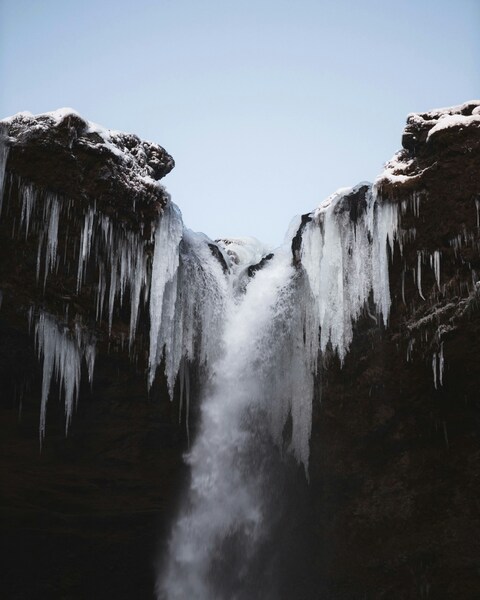
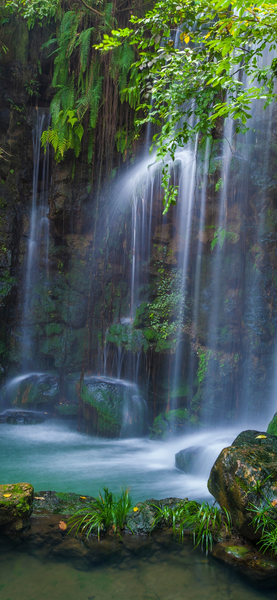
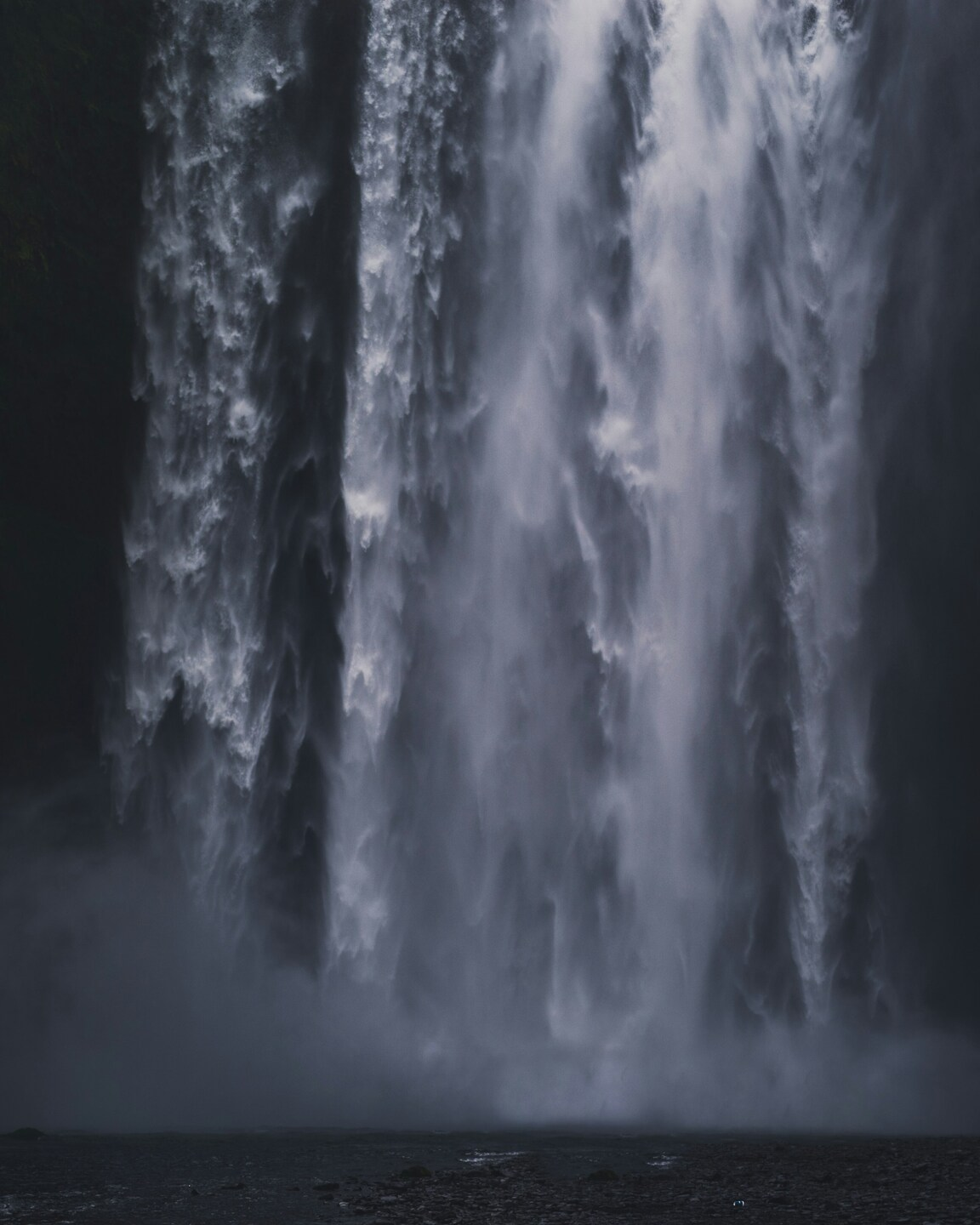
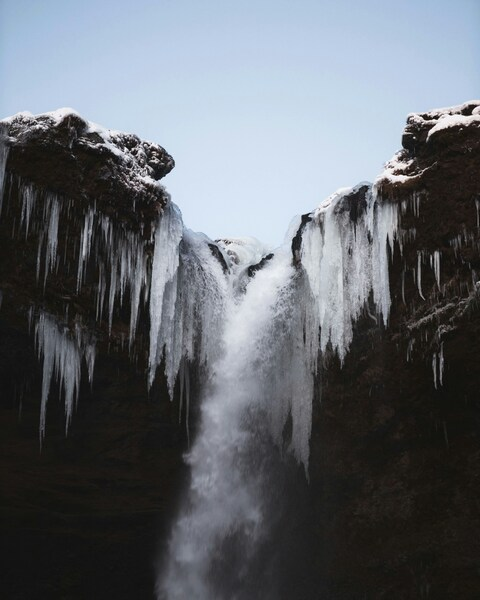
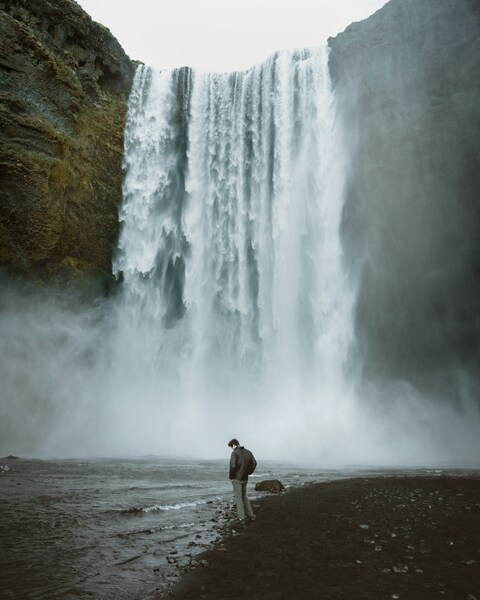
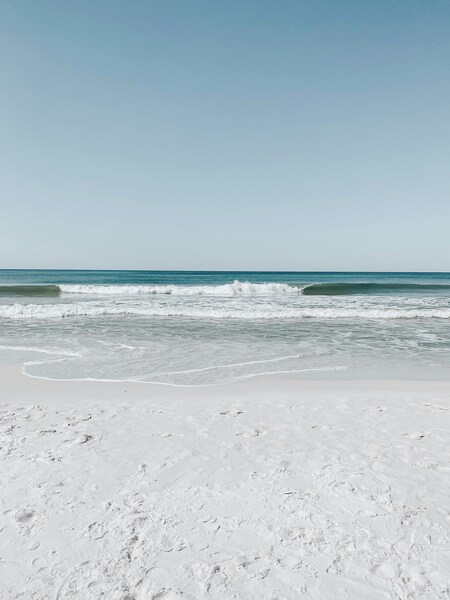
Experience the raw power and beauty of nature with this breathtaking wallpaper. The waterfall, captured in stunning 4K resolution, cascades majestically down the mountain, surrounded by a lush, verdant forest. The minimalist color palette of blues and grays adds a serene, tranquil mood, making it an ideal backdrop for your iPhone or desktop background. This waterfall wallpaper serves as a captivating visual reminder of the awe-inspiring forces of nature.






FAQ
Is this wallpaper free to download?
Yes! This Minimalist wallpaper is completely free to download for personal use. No registration required.
What resolutions are available?
This wallpaper is available in Original (3162×3953), 2K (2560×1440), and Full HD (1920×1080) resolutions.
How do I set this as my wallpaper?
Download the wallpaper, then: On Windows - Right-click the image > Set as desktop background. On Mac - System Preferences > Desktop. On iPhone/Android - Open image > Set as wallpaper.