










TRENDING





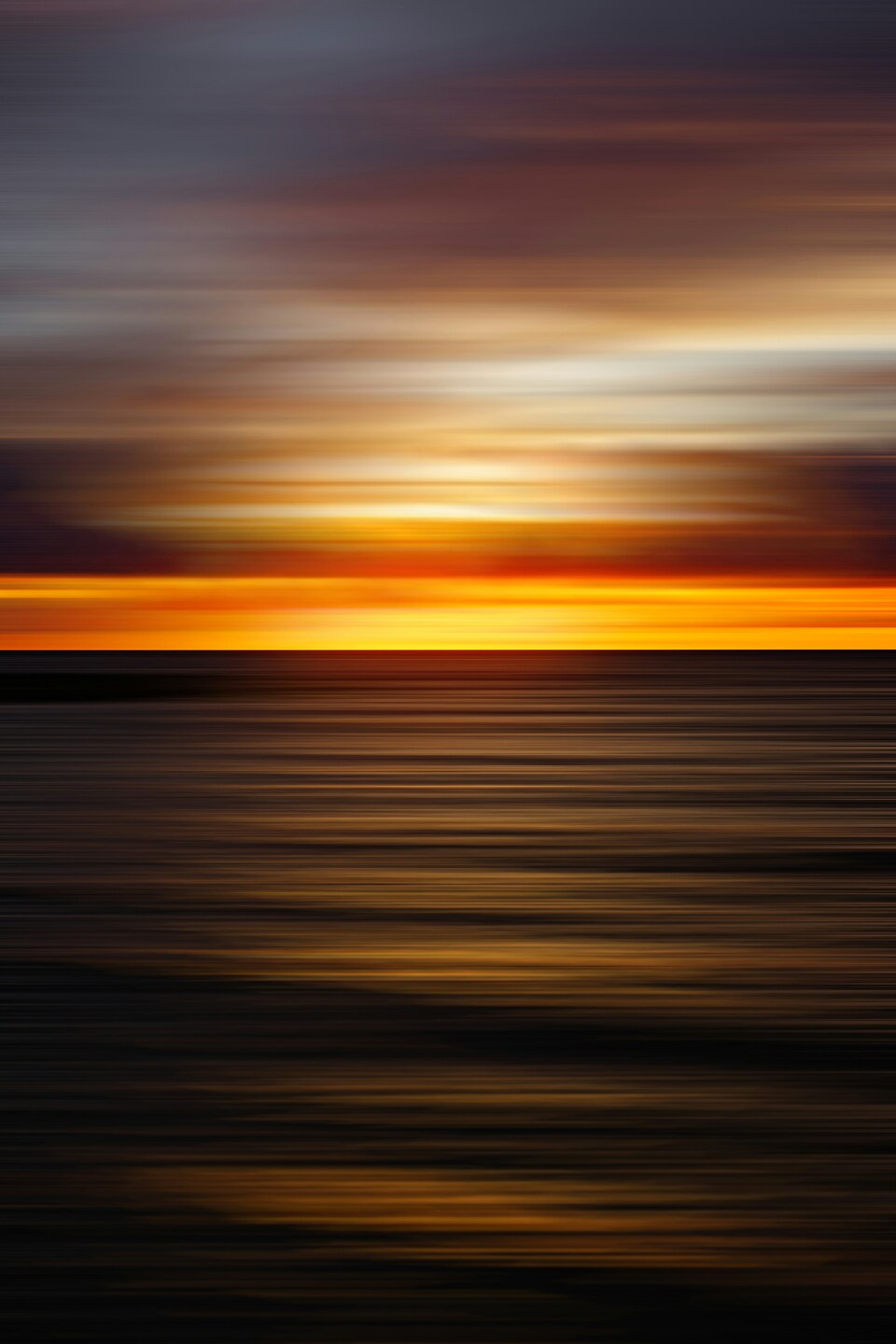
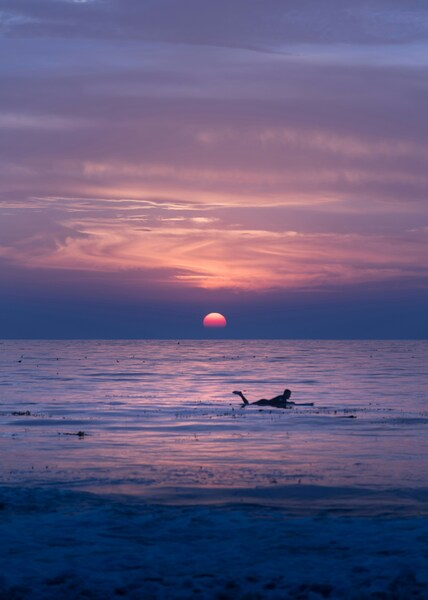
Crimson Sunset Wallpaper – Vibrant Aesthetic Ocean Scene
···
|
2K
|
JPG
|
DESCRIPTION
Breathtaking ocean sunset wallpaper featuring a dramatic sky transitioning from vibrant orange to deep blue. The horizon is adorned with the faint silhouette of a distant island or landmass. The image is captured in a minimalist style, emphasizing the contrasting colors and the serene mood of the scene. Ideal for use as a 4K desktop wallpaper, this image captures the tranquility and beauty of nature. The composition is balanced, with the sunset centered and the horizon line slightly off-center. The image is a testament to the majesty of nature and the captivating power of a sunset.









FAQ
Is this wallpaper free to download?
Yes! This Colorful wallpaper is completely free to download for personal use. No registration required.
What resolutions are available?
This wallpaper is available in Original (3579×5370), 2K (2560×1440), and Full HD (1920×1080) resolutions.
How do I set this as my wallpaper?
Download the wallpaper, then: On Windows - Right-click the image > Set as desktop background. On Mac - System Preferences > Desktop. On iPhone/Android - Open image > Set as wallpaper.