







TRENDING





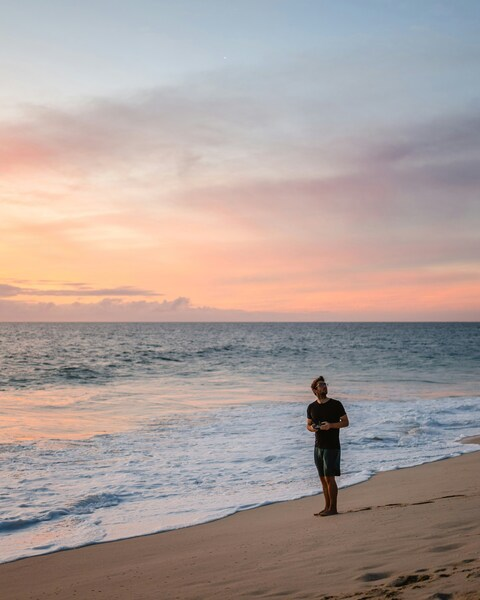
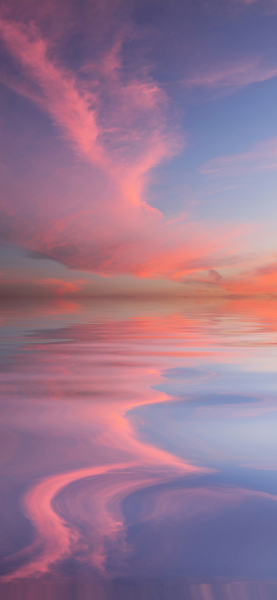
Pink Sunset Ocean Wallpaper – Calm and Serene Aesthetic Background
···
|
2K
|
JPG
|
DESCRIPTION
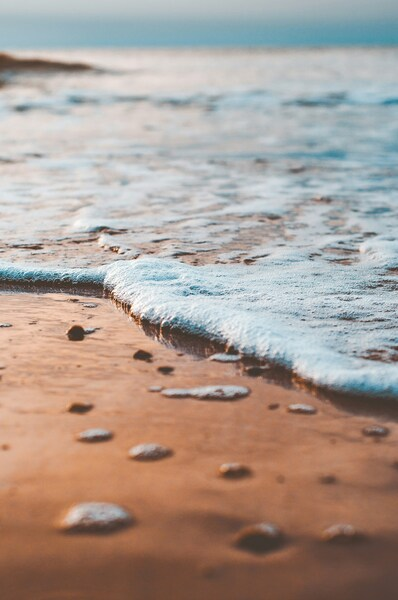
This image captures a tranquil scene of an ocean sunset. The sky is awash with hues of pink, casting a soft glow over the body of water. The horizon line, where the sky meets the ocean, is clear and unobstructed, adding to the serene atmosphere. The waves in the foreground gently roll onto the shore, further enhancing the sense of calm. This image would make for a beautiful wallpaper, serving as a backdrop for your device's screen. The minimalist composition and natural color palette lend it to be used as a soothing background on your computer or phone. The 4K resolution ensures crisp details, while the aesthetic appeal makes it a perfect choice for those who appreciate nature's beauty.







FAQ
Is this wallpaper free to download?
Yes! This Nature wallpaper is completely free to download for personal use. No registration required.
What resolutions are available?
This wallpaper is available in Original (2588×3868), 2K (2560×1440), and Full HD (1920×1080) resolutions.
How do I set this as my wallpaper?
Download the wallpaper, then: On Windows - Right-click the image > Set as desktop background. On Mac - System Preferences > Desktop. On iPhone/Android - Open image > Set as wallpaper.