





TRENDING





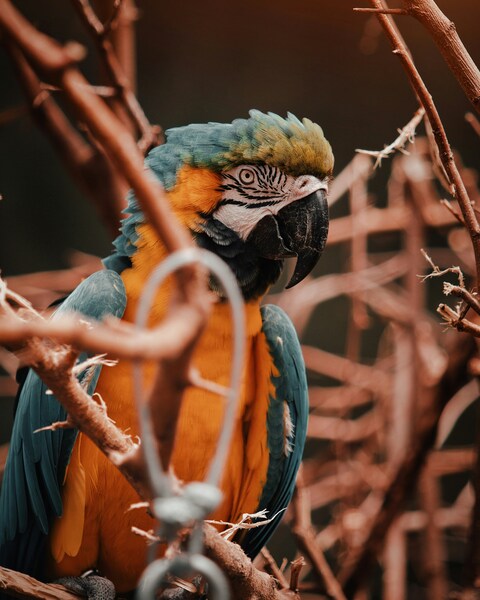
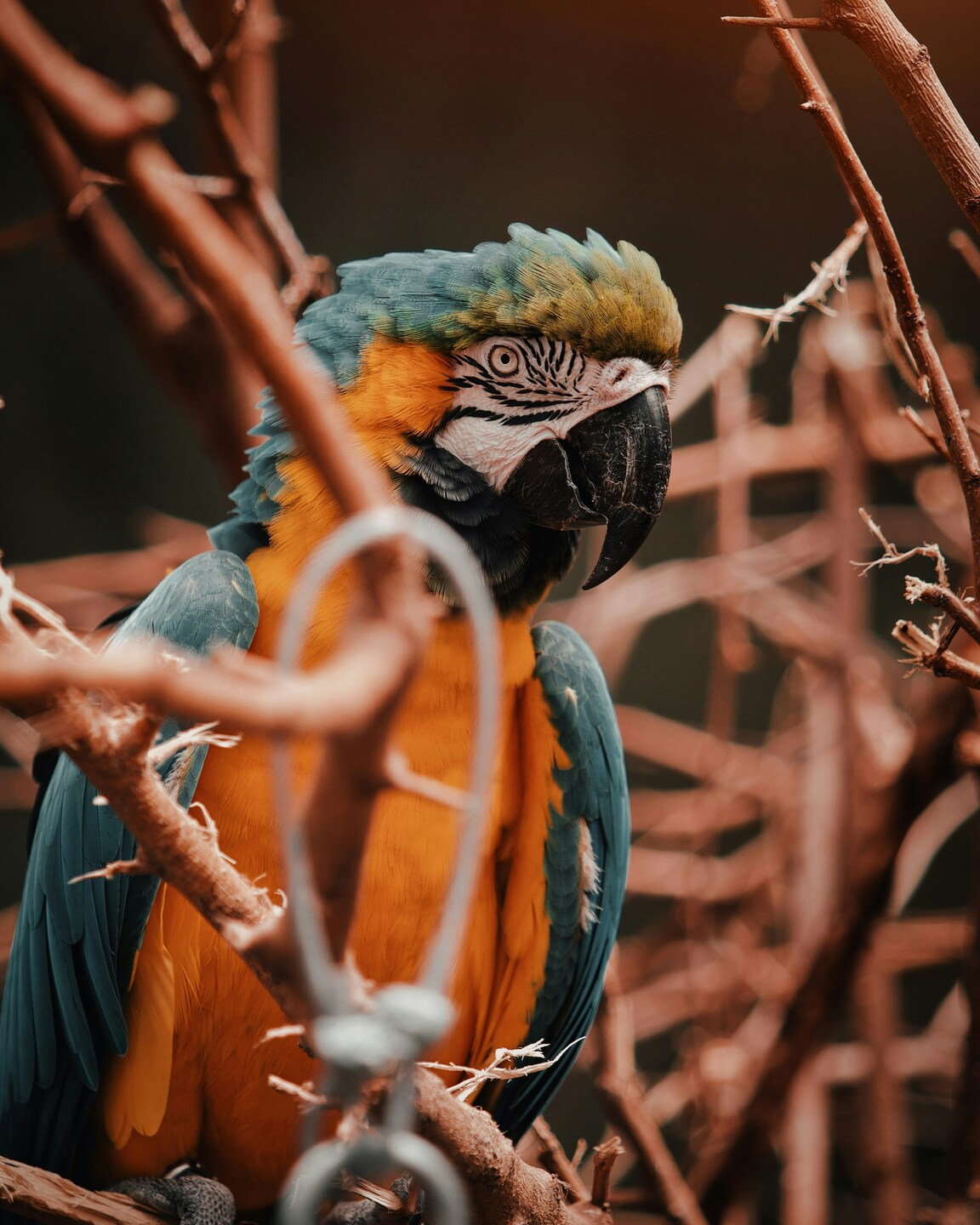
• ‘Vividly Colorful Parrot in Aesthetic Setting – 4K Wallpaper – Nature
···
|
2K
|
JPG
|
DESCRIPTION
The image presents a vibrant parrot, rich in hues of orange and green, perched amidst a branch laden with thorns. The parrot, with its striking plumage, is the central focus of the image. The scene is a blend of nature and aesthetic, with the parrot standing out against the backdrop of the branches. The composition of the image, with the parrot positioned in the center, creates a striking visual effect. The parrot's bright colors contrast beautifully with the more subdued tones of the branches, drawing the viewer's attention to the bird. The image, in its entirety, serves as a captivating wallpaper, rich in detail and full of life.





FAQ
Is this wallpaper free to download?
Yes! This Aesthetic wallpaper is completely free to download for personal use. No registration required.
What resolutions are available?
This wallpaper is available in Original (3627×4534), 2K (2560×1440), and Full HD (1920×1080) resolutions.
How do I set this as my wallpaper?
Download the wallpaper, then: On Windows - Right-click the image > Set as desktop background. On Mac - System Preferences > Desktop. On iPhone/Android - Open image > Set as wallpaper.