









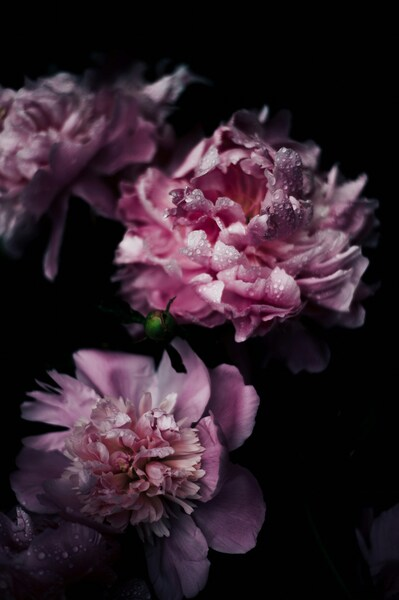
Vivid Purple Flower Wallpaper – Aesthetic Nature Background
Technical Specifications
Visual harmony in this piece is achieved through a carefully balanced composition. The use of Midnight Onyx as a primary anchor helps reduce eye strain while maintaining a vibrant look. Engineered for visual impact, the image metadata is fully compliant with modern SEO and display standards. Refresh your screen today with this one-of-a-kind background from the FilesFlix Aesthetic collection.
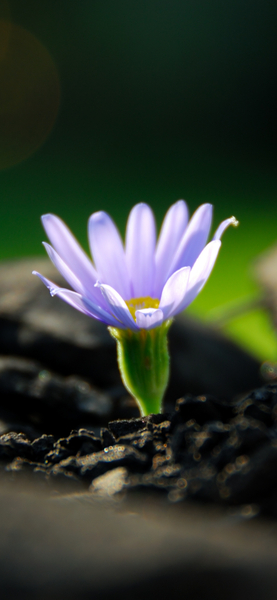
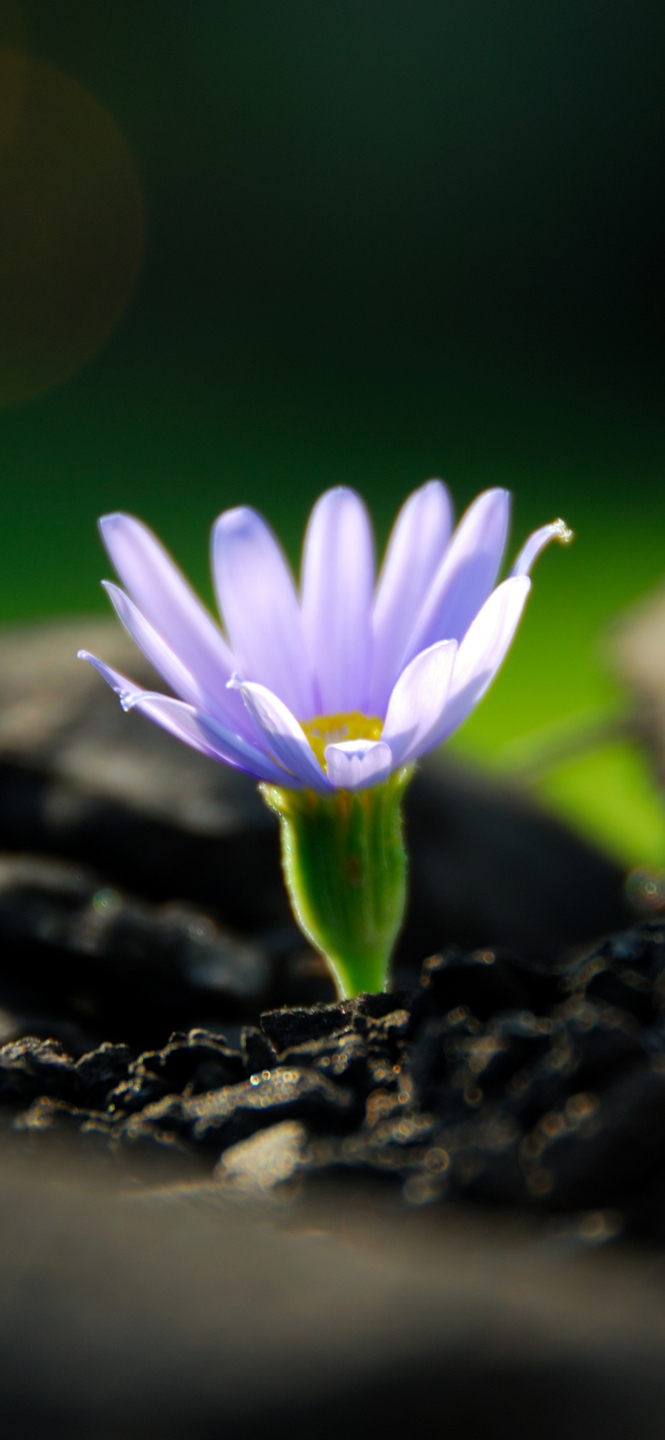
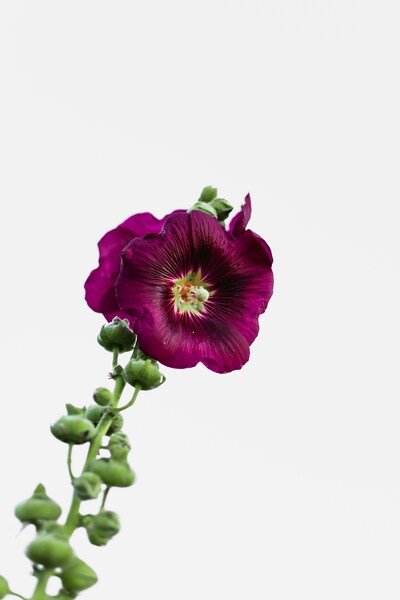
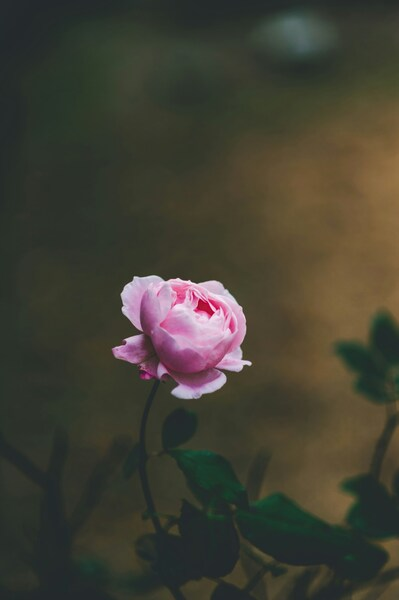
| Wallpaper | A purple flower in full bloom against a natural backdrop with a shallow depth of field effect. |
|---|---|
| Maximum Resolution | 1477 × 3200 (High Definition) |
| Aspect Ratio | 1477:3200 (Portrait) |
| File Format | WebP, Progressive JPEG, AVIF Optimized |
| Color Profile |
#000000
#010101
|
| Usage License | Free for personal use (Desktop & Mobile) |
Recommended Device Compatibility
- ✓ Apple iPhone 13, 14, 15, 16 (Pro & Max)
- ✓ Samsung Galaxy S21, S22, S23, S24 Ultra
- ✓ Google Pixel 6, 7, 8, 9 Series
- ✓ 4K UHD Monitors & Retina Displays
- ✓ iPad Pro, Air & Android Tablets
General Disclaimer
By using this platform, you acknowledge that these assets are for aesthetic purposes. All trademarks and brand names mentioned remain the property of their respective owners.
Report Content
Is there a problem with this file? We prioritize original creators. You can report any concerns or request immediate content removal through our dedicated Copyright / DMCA channel. Learn More




FAQ
Is this wallpaper free to download?
Yes! This Aesthetic wallpaper is completely free to download for personal use. No registration required.
What resolutions are available?
This wallpaper is available in Original (1477×3200), 2K (2560×1440), and Full HD (1920×1080) resolutions.
How do I set this as my wallpaper?
Download the wallpaper, then: On Windows - Right-click the image > Set as desktop background. On Mac - System Preferences > Desktop. On iPhone/Android - Open image > Set as wallpaper.