






TRENDING





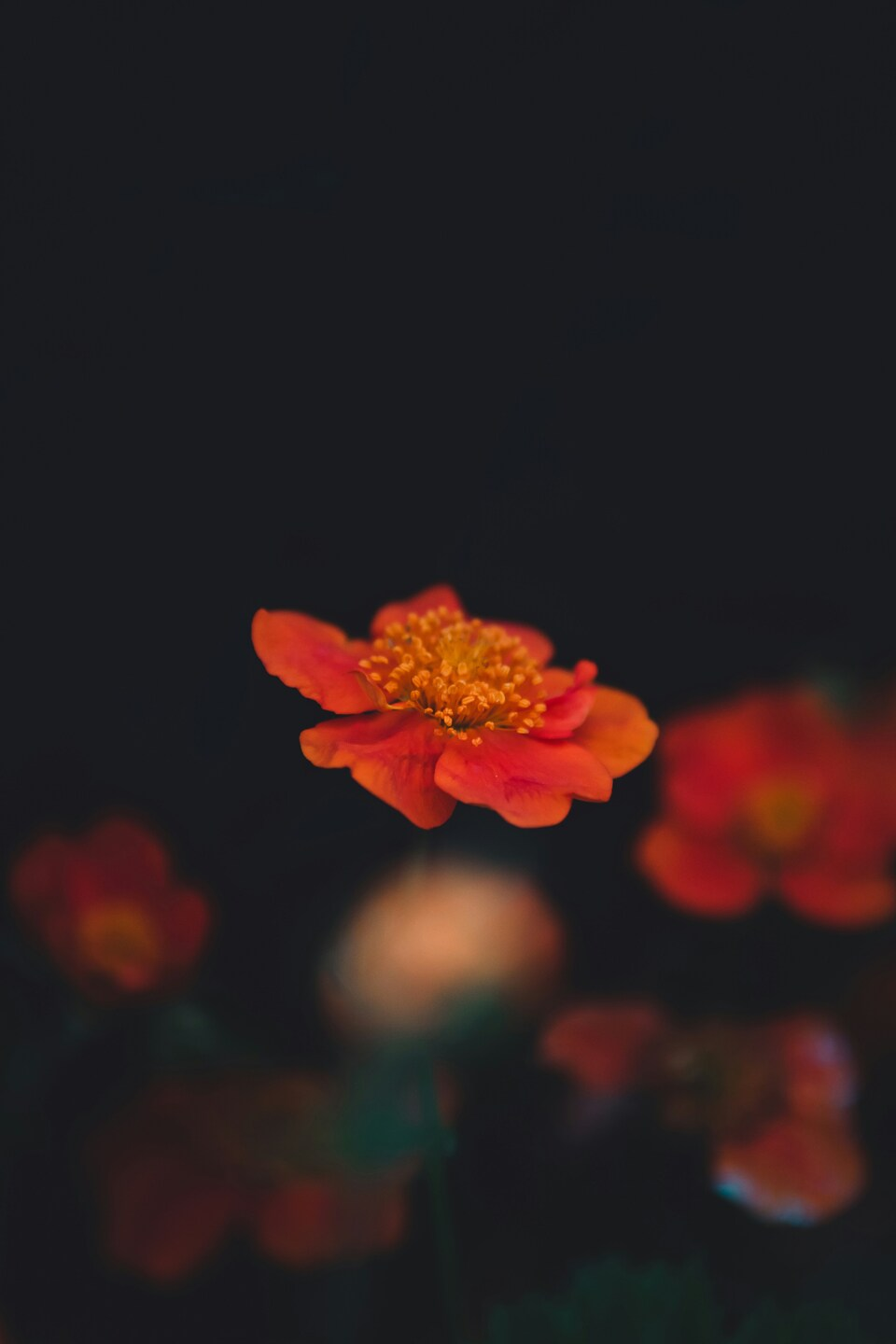
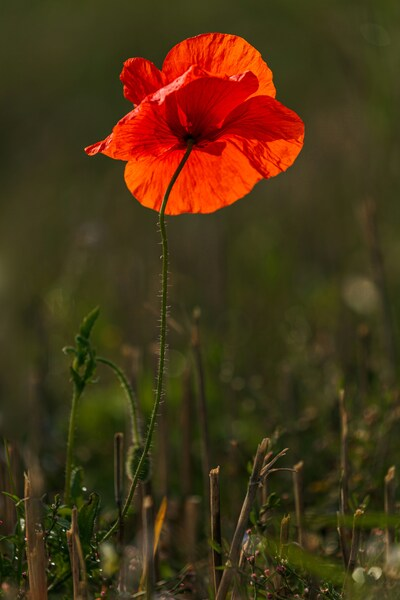
Bright Orange Flower Wallpaper – Aesthetic, Vintage, HD Background
···
|
4K
|
JPG
|
DESCRIPTION
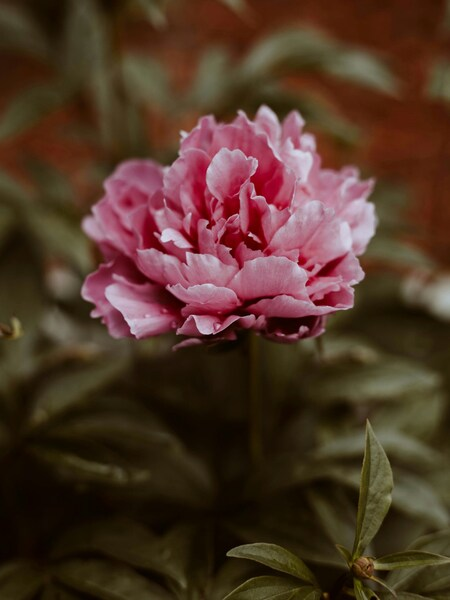
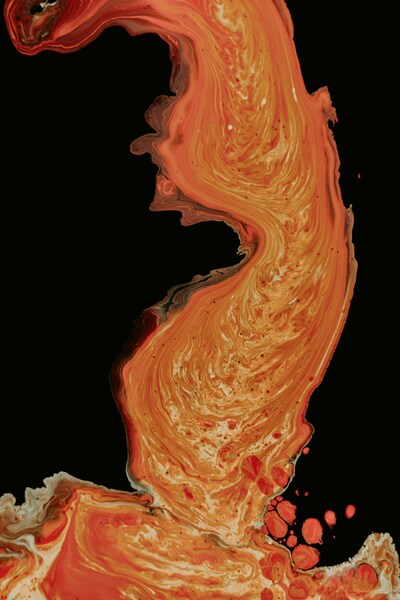
Discover the beauty of nature with this captivating wallpaper featuring a vibrant orange flower set against a dark background. The vivid colors of the flower and its delicate petals create a striking contrast that is sure to brighten up any space. The minimalist style of the image allows the viewer to focus solely on the flower, while the dark backdrop adds depth and enhances the overall aesthetics. This wallpaper would be perfect for an iPhone or as a desktop background to add a touch of nature to your home or office.





FAQ
Is this wallpaper free to download?
Yes! This Aesthetic wallpaper is completely free to download for personal use. No registration required.
What resolutions are available?
This wallpaper is available in Original (3996×5996), 2K (2560×1440), and Full HD (1920×1080) resolutions.
How do I set this as my wallpaper?
Download the wallpaper, then: On Windows - Right-click the image > Set as desktop background. On Mac - System Preferences > Desktop. On iPhone/Android - Open image > Set as wallpaper.