









TRENDING





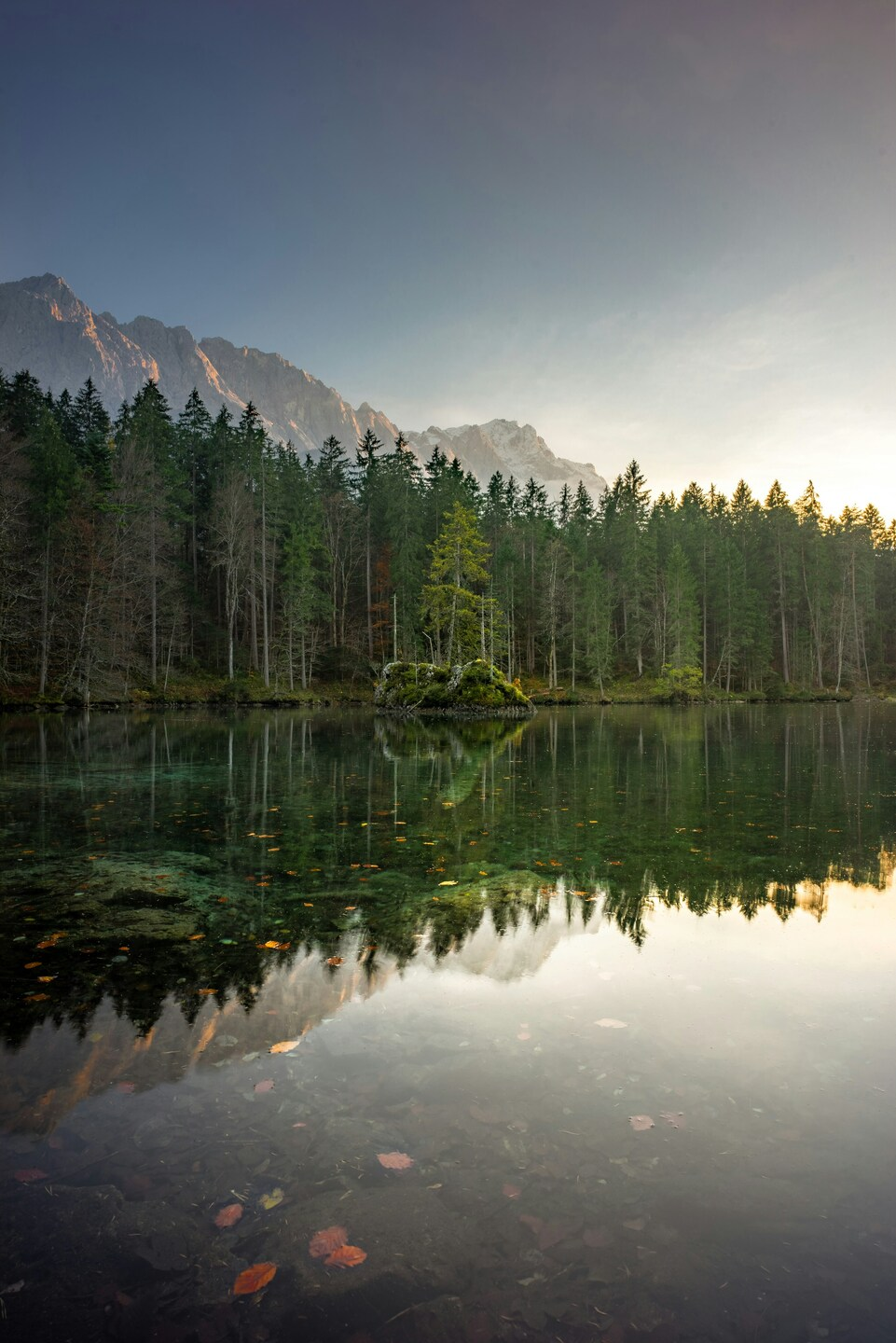
Scenic 4K Wallpaper – Forest & Mountain Lake with Reflection – Aesthetic Na
···
|
2K
|
JPG
|
DESCRIPTION
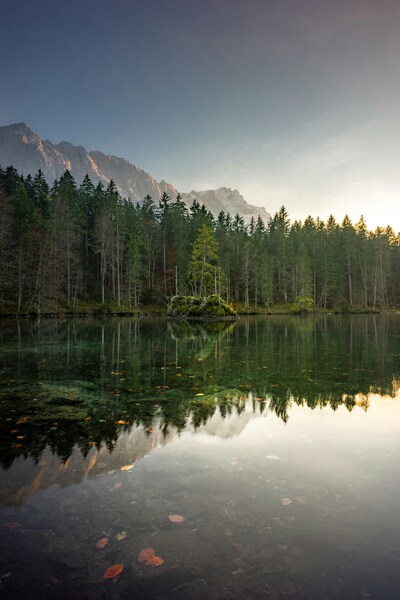
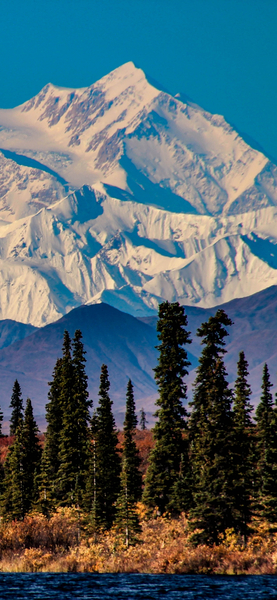
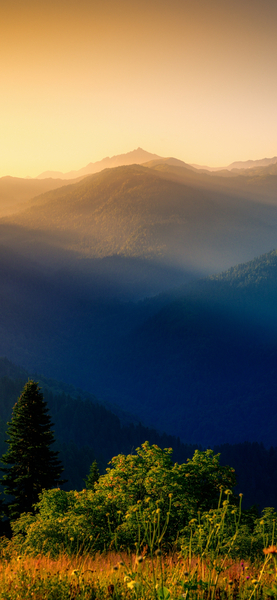
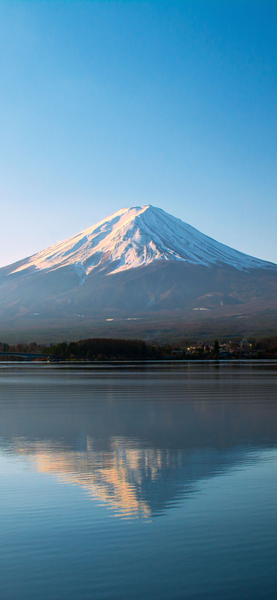
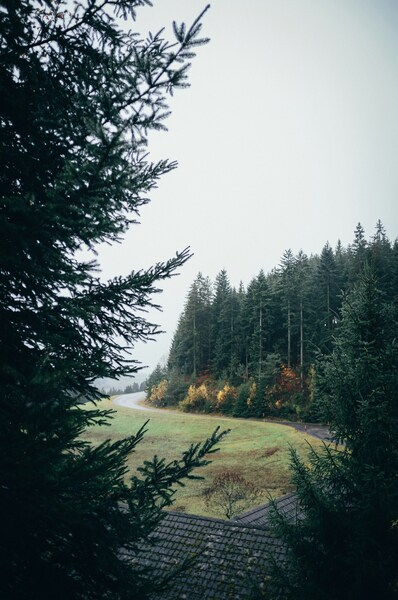
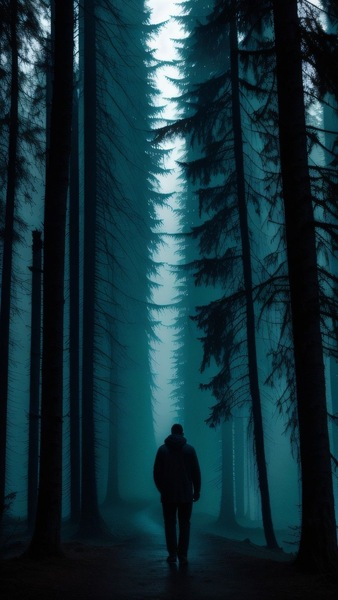
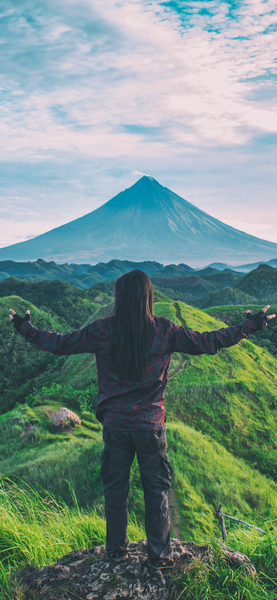
Breathtaking 4K Wallpaper featuring a serene lake nestled amidst a lush forest, with majestic mountains in the background. The scene is captured at sunset, casting a warm glow on the tranquil water, enhancing the natural beauty of the landscape. This aesthetic nature wallpaper is perfect for iPhone or desktop backgrounds, offering a peaceful and picturesque view that can elevate your mood and bring a touch of tranquility to your daily routine.






FAQ
Is this wallpaper free to download?
Yes! This Aesthetic wallpaper is completely free to download for personal use. No registration required.
What resolutions are available?
This wallpaper is available in Original (2999×4496), 2K (2560×1440), and Full HD (1920×1080) resolutions.
How do I set this as my wallpaper?
Download the wallpaper, then: On Windows - Right-click the image > Set as desktop background. On Mac - System Preferences > Desktop. On iPhone/Android - Open image > Set as wallpaper.