




TRENDING





• Aesthetic Nature Scenery Wallpaper – Forest & Mountains • Aesthetic N
···
|
2K
|
JPG
|
DESCRIPTION
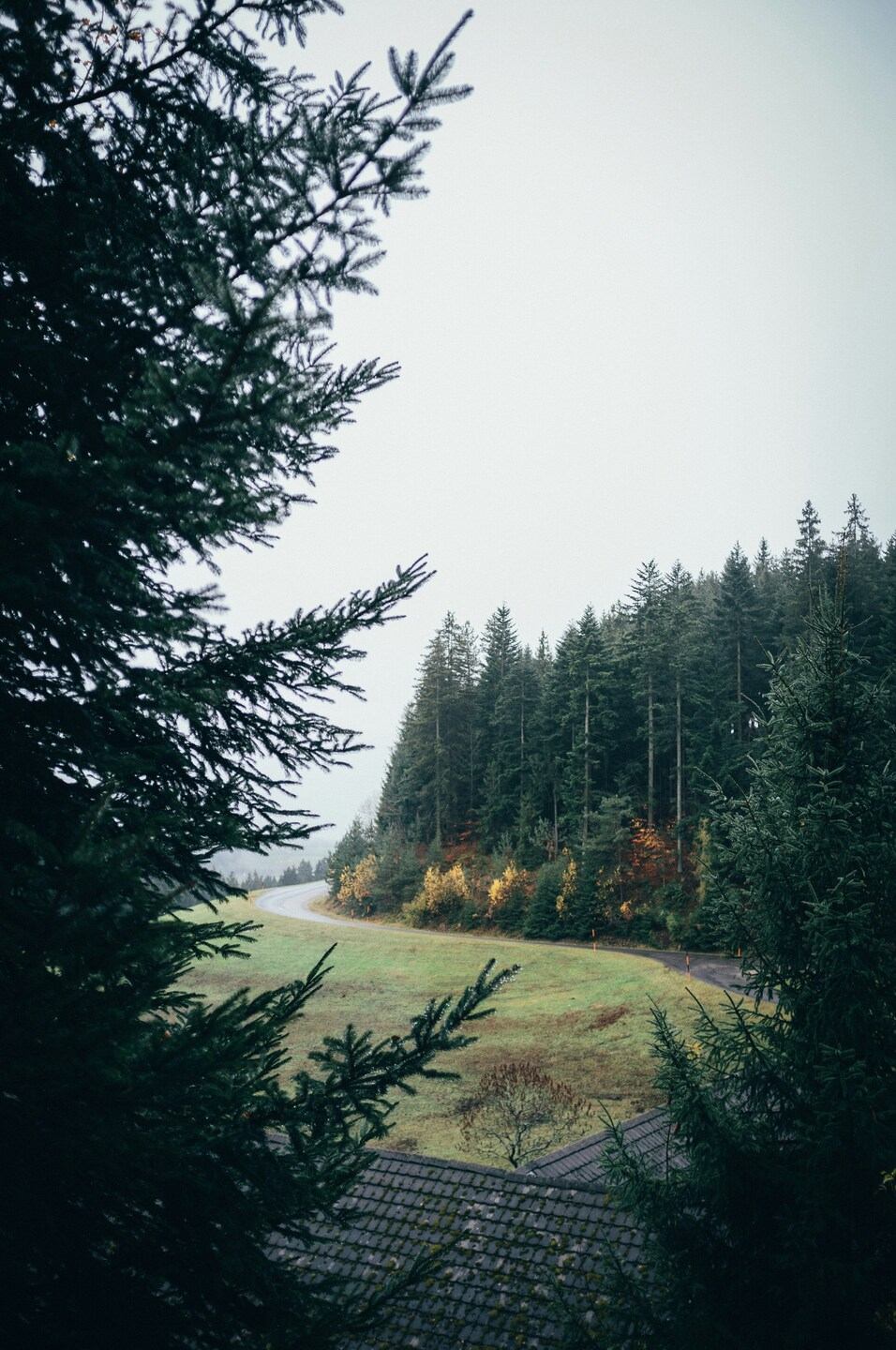
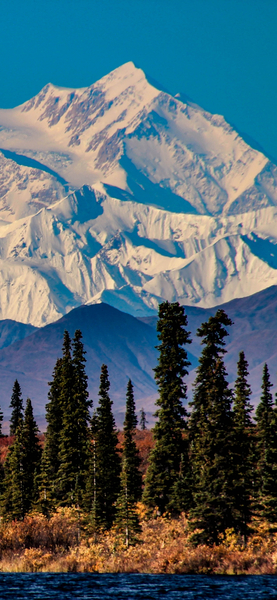
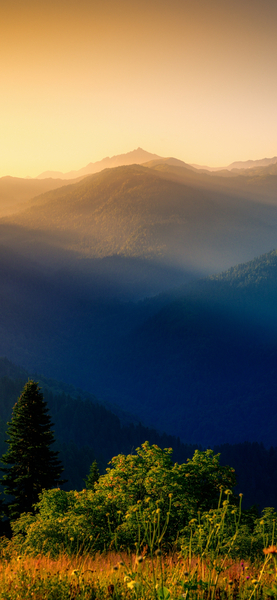
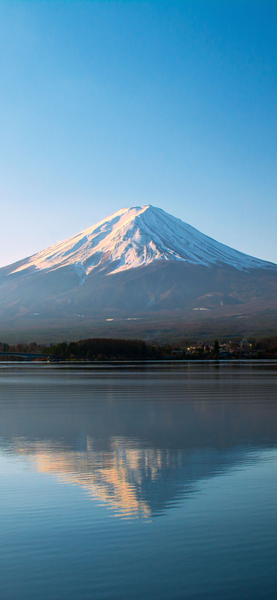
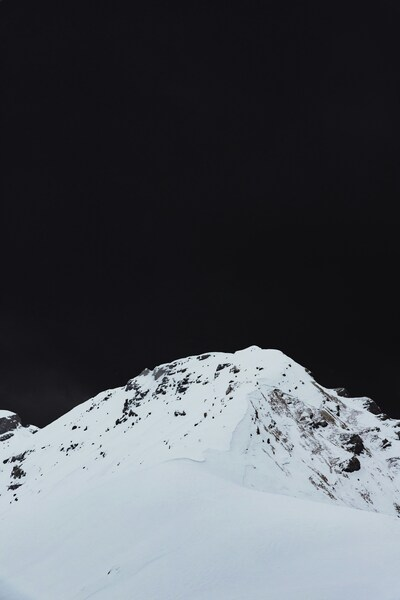
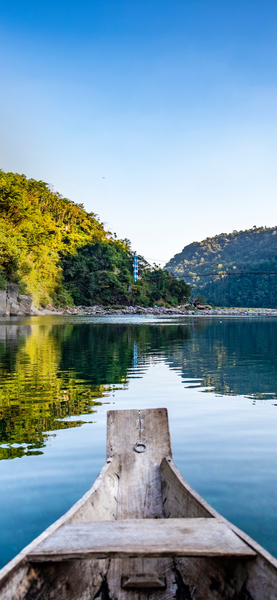
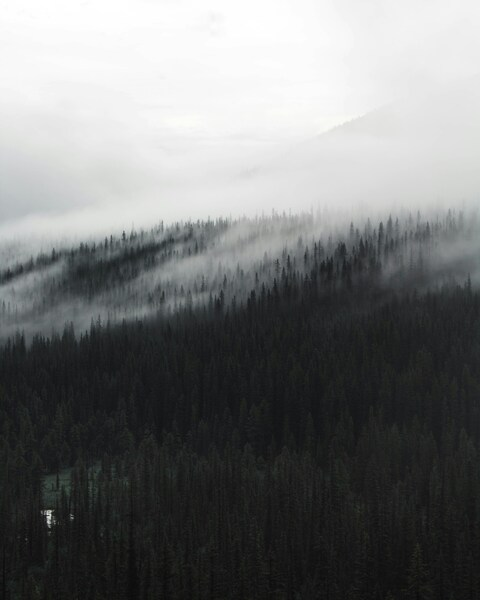
• The image showcases a serene and tranquil forest scene, with a mountain range in the distance. The scene is dominated by shades of green, with a few scattered yellow and orange leaves, adding a touch of autumn to the scene. The lighting is soft and natural, indicating either early morning or late afternoon. The perspective is from a slightly elevated angle, providing a panoramic view of the forest and mountains. This wallpaper would be perfect for anyone looking for a peaceful and calming desktop background or for those who enjoy nature and hiking.



FAQ
Is this wallpaper free to download?
Yes! This Forest wallpaper is completely free to download for personal use. No registration required.
What resolutions are available?
This wallpaper is available in Original (2844×4284), 2K (2560×1440), and Full HD (1920×1080) resolutions.
How do I set this as my wallpaper?
Download the wallpaper, then: On Windows - Right-click the image > Set as desktop background. On Mac - System Preferences > Desktop. On iPhone/Android - Open image > Set as wallpaper.