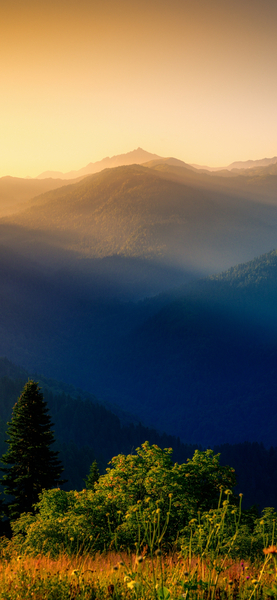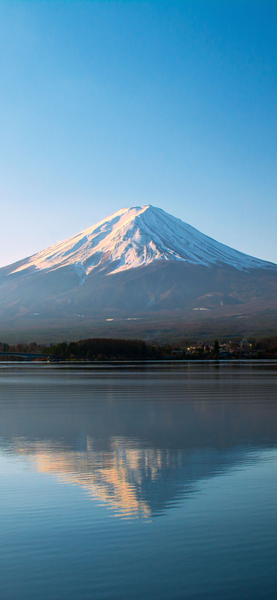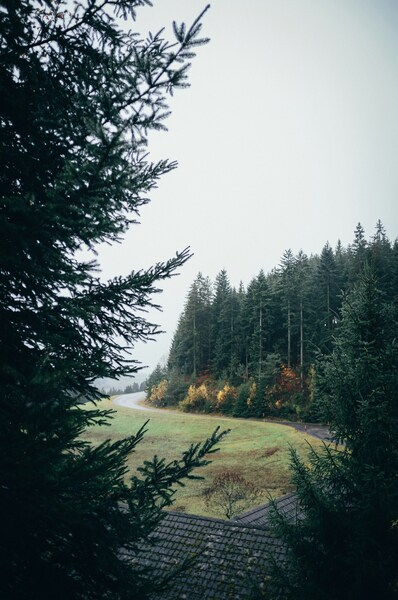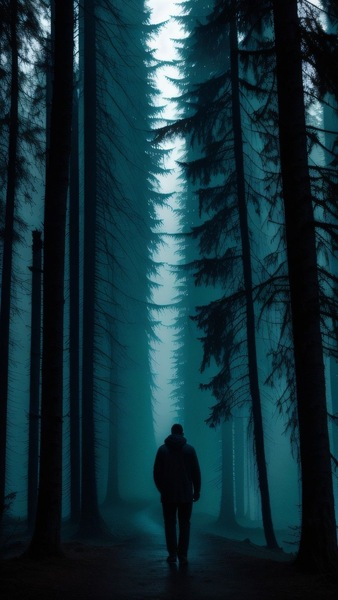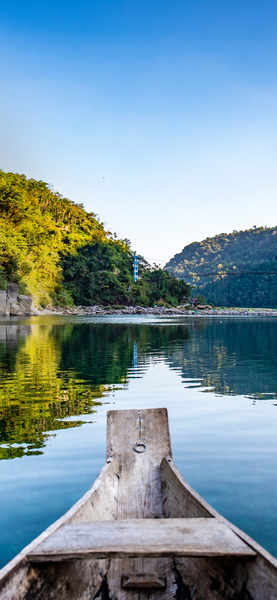

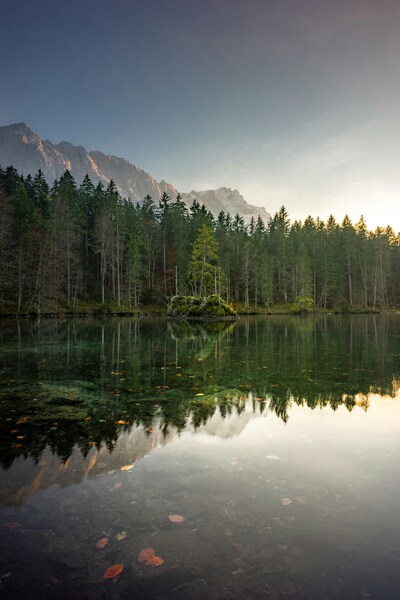




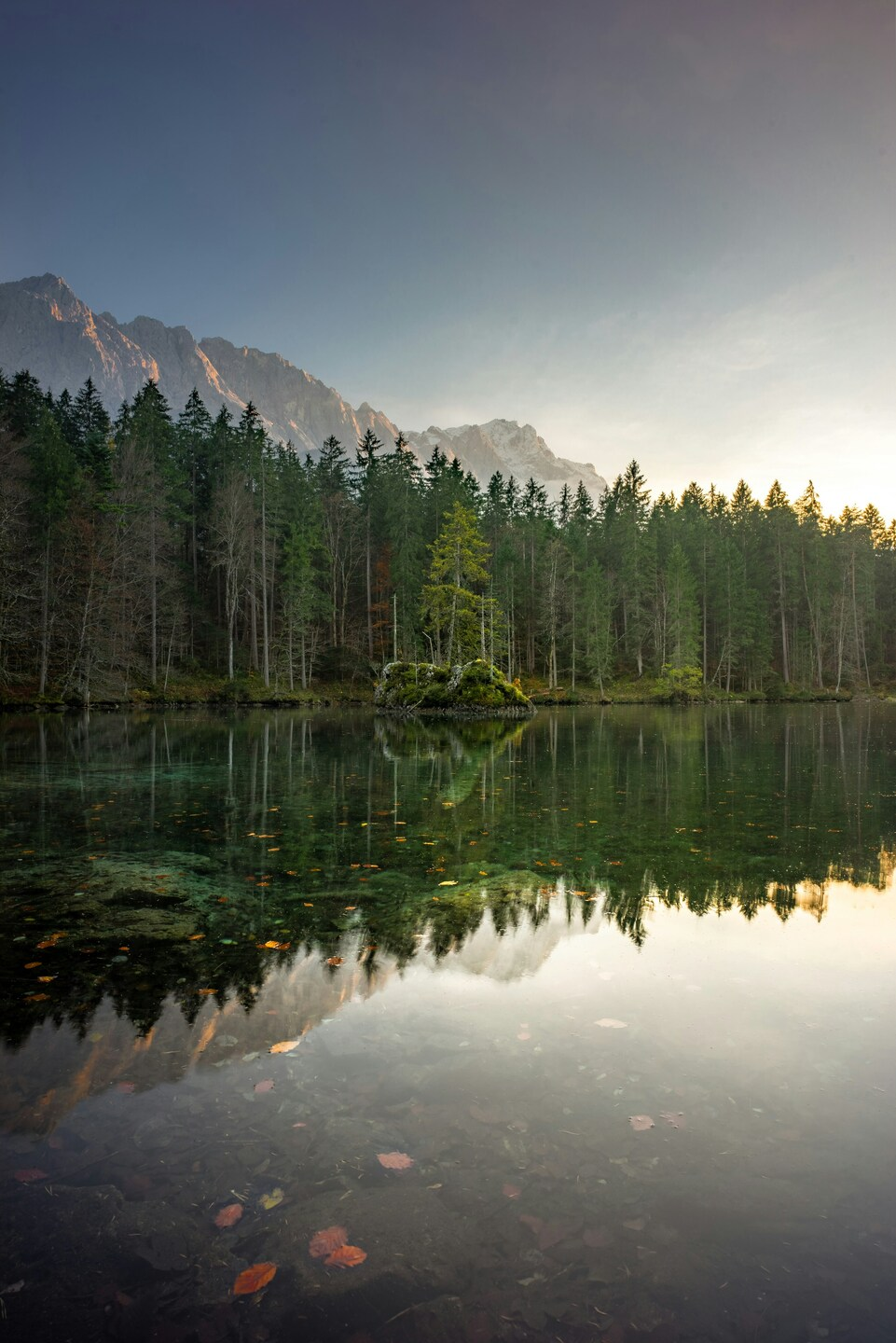




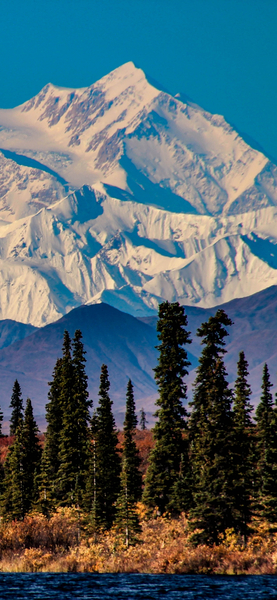
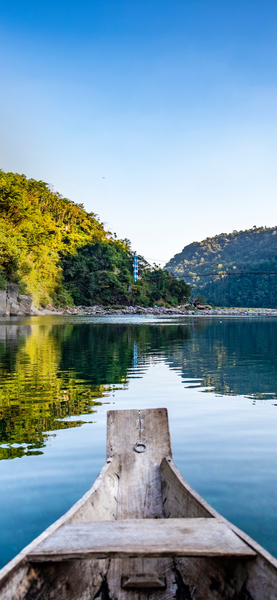
A tranquil forest setting at sunset, with a clear reflection of the sky in the lake, set against a backdrop of majestic mount

Scenic 4K Wallpaper – Forest & Mountain Lake with Reflection – Aesthetic Na

··· | ··· | 2K | JPG |
DESCRIPTION Breathtaking 4K Wallpaper featuring a serene lake nestled amidst a lush forest, with majestic mountains in the background. The scene is captured at sunset, casting a warm glow on the tranquil water, enhancing the natural beauty of the landscape. This aesthetic nature wallpaper is perfect for iPhone or desktop backgrounds, offering a peaceful and picturesque view that can elevate your mood and bring a touch of tranquility to your daily routine.
Technical Specifications

A refreshing update for your digital setup, this Scenic 4K Wallpaper – Forest & Mountain Lake with Reflection – Aesthetic Na piece highlights modern aesthetic trends. Dominated by Premium Aesthetic tones, it provides a clean and focused backdrop for your icons and widgets. Processed via our custom AI-upscaling engine, it guarantees maximum clarity and sharp edge definition. Take your personalization to the next level with this high-performance Aesthetic background.

Wallpaper A tranquil forest setting at sunset, with a clear reflection of the sky in the lake, set against a backdrop of majestic mount
Maximum Resolution 2999 × 4496 (Quad HD 2K)
Aspect Ratio 2999:4496 (Portrait)
File Format WebP, Progressive JPEG, AVIF Optimized
Color Profile
#4C5E76 #576D84
Usage License Free for personal use (Desktop & Mobile)

Recommended Device Compatibility

  • Apple iPhone 13, 14, 15, 16 (Pro & Max)
  • Samsung Galaxy S21, S22, S23, S24 Ultra
  • Google Pixel 6, 7, 8, 9 Series
  • 4K UHD Monitors & Retina Displays
  • iPad Pro, Air & Android Tablets

FAQ

Is this wallpaper free to download?

Yes! This Aesthetic wallpaper is completely free to download for personal use. No registration required.

What resolutions are available?

This wallpaper is available in Original (2999×4496), 2K (2560×1440), and Full HD (1920×1080) resolutions.

How do I set this as my wallpaper?

Download the wallpaper, then: On Windows - Right-click the image > Set as desktop background. On Mac - System Preferences > Desktop. On iPhone/Android - Open image > Set as wallpaper.