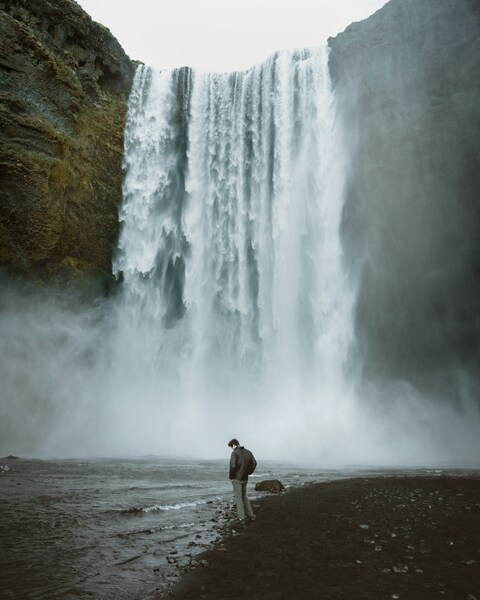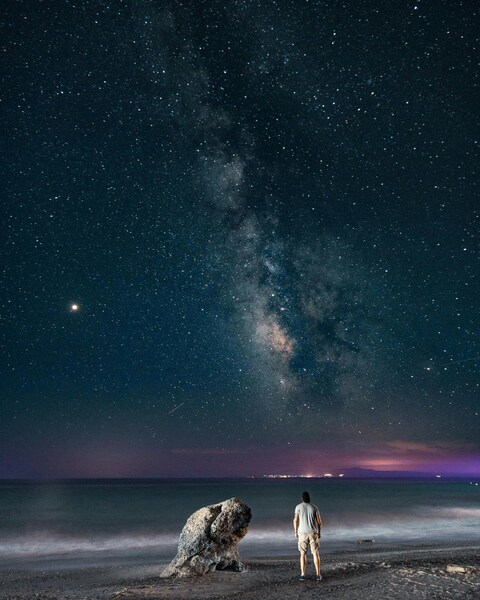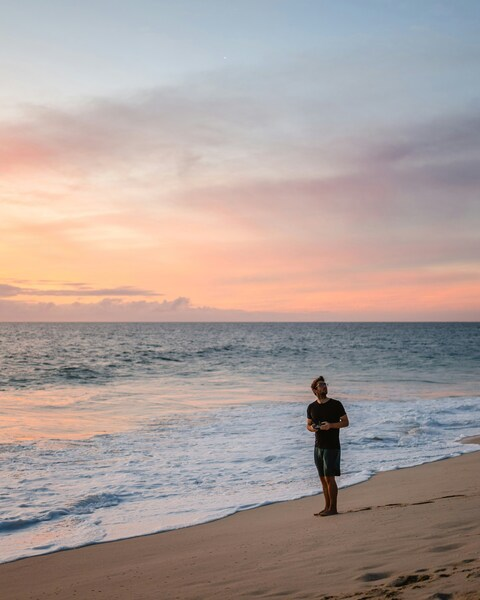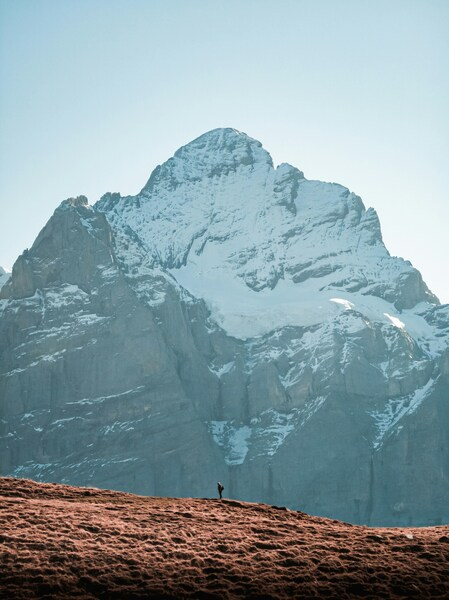
















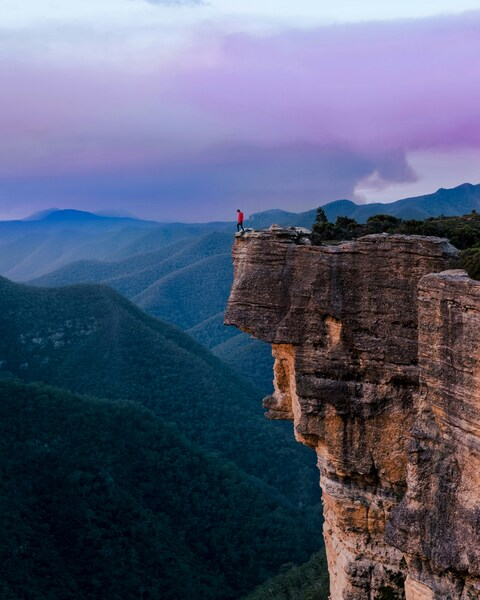
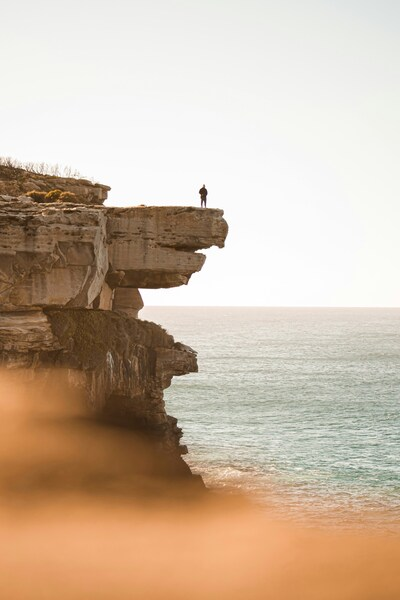
Person standing on rocky cliff overlooking ocean. Natural landscape with vast body of water, sound of waves crashing in dista

Aesthetic Ocean Cliffs Wallpaper – Person Standing

··· | ··· | 4K | JPG |
DESCRIPTION Discover the breathtaking beauty of the ocean with this stunning wallpaper. A person stands on the edge of a rocky cliff, overlooking a vast body of water, with the sound of waves crashing in the distance. The scene is bathed in a soft, natural light, creating a serene and calming atmosphere. The colors are dominated by shades of gray and green, which evoke a sense of tranquility and awe of nature. This wallpaper is perfect for those who appreciate the raw beauty of the natural world.
Technical Specifications

The artistic direction of this Aesthetic Ocean Cliffs Wallpaper – Person Standing piece focuses on minimalism and elegance. Its Premium Aesthetic primary profile is specifically calibrated for color accuracy and impressive visual depth. This digital download has been pre-compressed for 3x faster loading on mobile 4G and 5G networks. Whether for work or leisure, this wallpaper adds a premium touch to your daily digital experience.

Wallpaper Person standing on rocky cliff overlooking ocean. Natural landscape with vast body of water, sound of waves crashing in dista
Maximum Resolution 3996 × 4996 (Ultra HD 4K)
Aspect Ratio 999:1249 (Portrait)
File Format WebP, Progressive JPEG, AVIF Optimized
Color Profile
#DCE1E5 #DBE0E4
Usage License Free for personal use (Desktop & Mobile)

Recommended Device Compatibility

  • Apple iPhone 13, 14, 15, 16 (Pro & Max)
  • Samsung Galaxy S21, S22, S23, S24 Ultra
  • Google Pixel 6, 7, 8, 9 Series
  • 4K UHD Monitors & Retina Displays
  • iPad Pro, Air & Android Tablets

FAQ

Is this wallpaper free to download?

Yes! This Aesthetic wallpaper is completely free to download for personal use. No registration required.

What resolutions are available?

This wallpaper is available in Original (3996×4996), 2K (2560×1440), and Full HD (1920×1080) resolutions.

How do I set this as my wallpaper?

Download the wallpaper, then: On Windows - Right-click the image > Set as desktop background. On Mac - System Preferences > Desktop. On iPhone/Android - Open image > Set as wallpaper.