








TRENDING





Epic Cliff View Wallpaper – Nature’s Marvel 4K
···
|
2K
|
JPG
|
DESCRIPTION
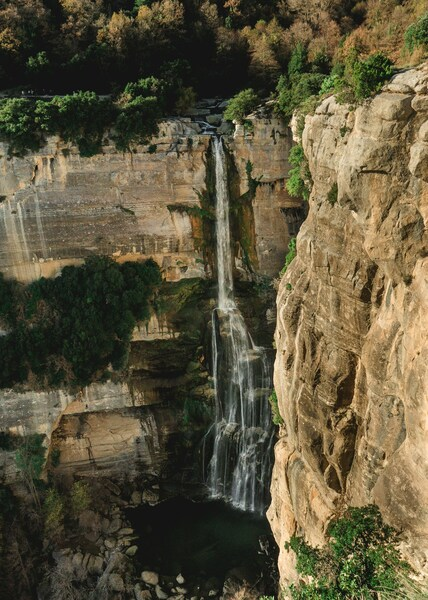
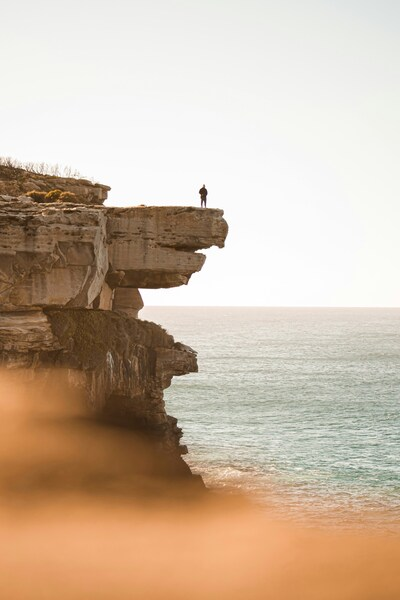
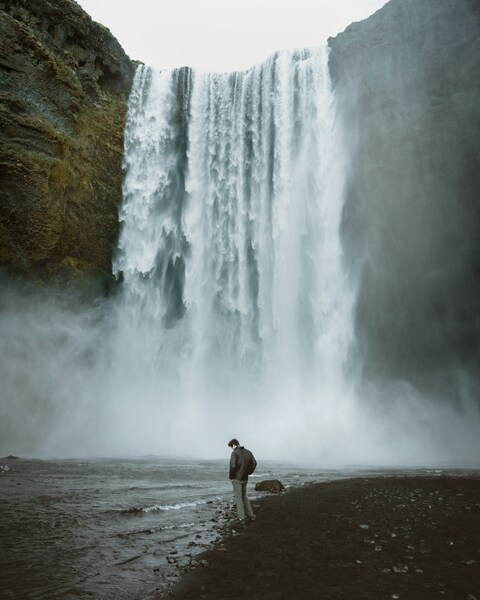
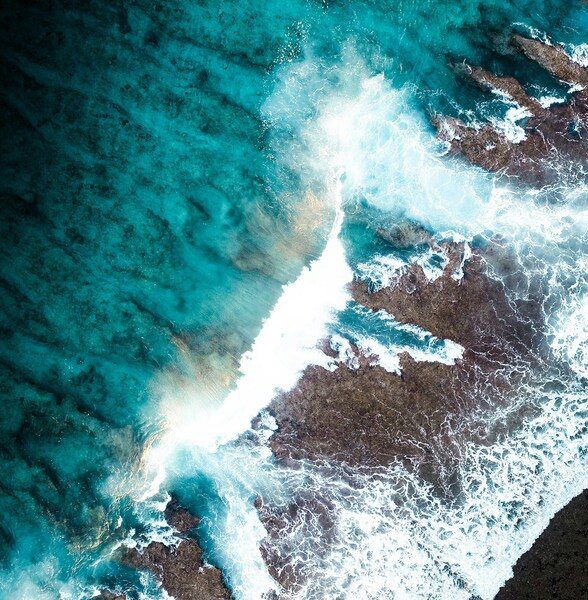
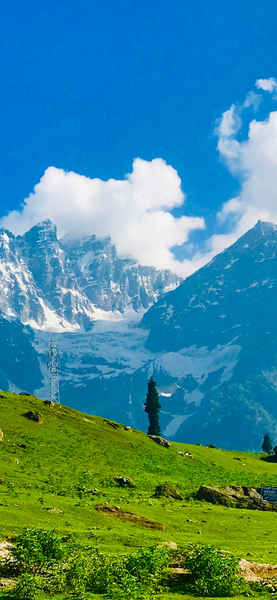
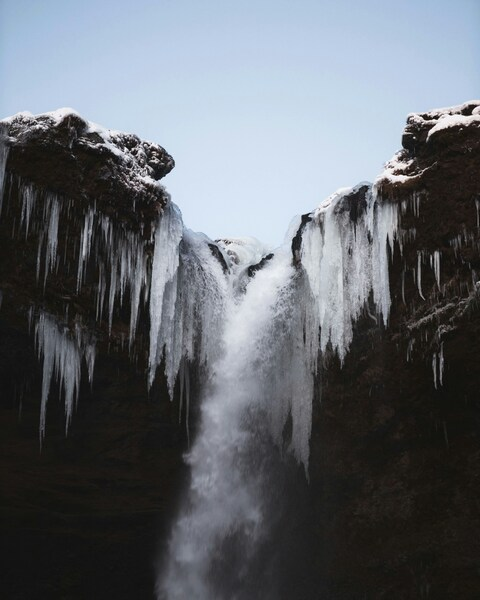
Immerse yourself in the breathtaking beauty of this majestic cliff view. The perspective is from a high vantage point, showcasing the vast mountain range and sprawling valley below. The colors in this image are a harmonious blend of purple and blue, with a touch of green from the distant foliage. The lighting is soft and diffused, adding to the serene and calming atmosphere. This wallpaper is perfect for those who love nature and seek tranquility in their surroundings. 4K resolution ensures crisp details, making it an ideal desktop or iPhone wallpaper. With its minimalist aesthetic, this image is sure to elevate your screen with its stunning visuals.






FAQ
Is this wallpaper free to download?
Yes! This Landscape wallpaper is completely free to download for personal use. No registration required.
What resolutions are available?
This wallpaper is available in Original (3549×4438), 2K (2560×1440), and Full HD (1920×1080) resolutions.
How do I set this as my wallpaper?
Download the wallpaper, then: On Windows - Right-click the image > Set as desktop background. On Mac - System Preferences > Desktop. On iPhone/Android - Open image > Set as wallpaper.