



Aesthetic Stone Balance Wallpaper – 4K, HD
Technical Specifications
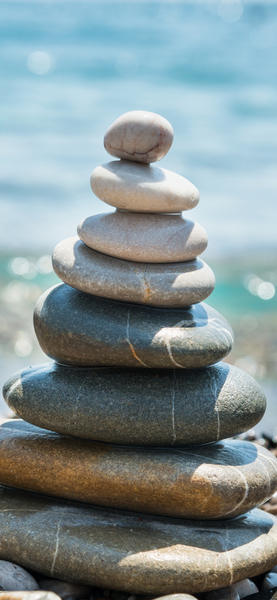
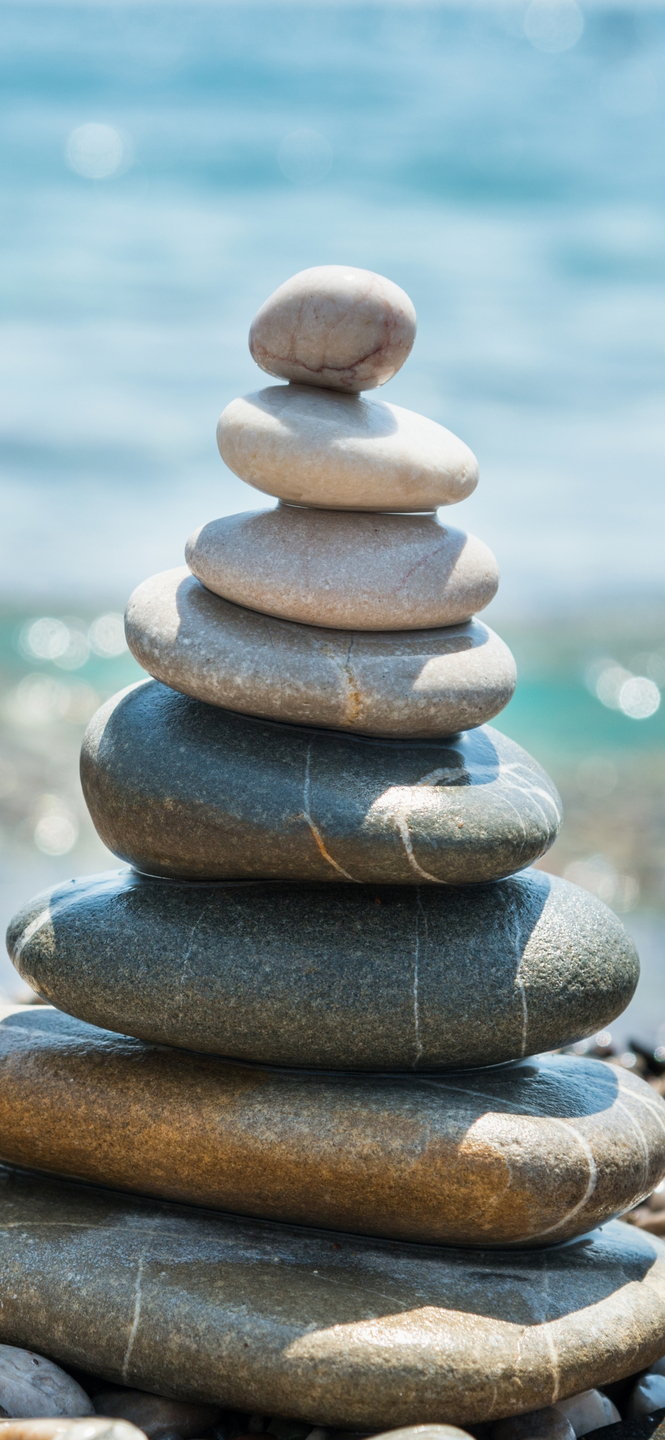
Experience the clarity of high-fidelity design with this unique Aesthetic Stone Balance Wallpaper – 4K, HD wallpaper. The infusion of Premium Aesthetic accents ensures a high-contrast experience that pops on all display types. The utilize of the WebP container allows for high-fidelity imagery without sacrificing your device's battery life. We recommend this specific piece for minimalist setups where clarity and focus are top priorities.
| Wallpaper | A photograph of a collection of large, flat stones balanced on the beach. |
|---|---|
| Maximum Resolution | 1477 × 3200 (High Definition) |
| Aspect Ratio | 1477:3200 (Portrait) |
| File Format | WebP, Progressive JPEG, AVIF Optimized |
| Color Profile |
#BCD8E4
#C5DBE6
|
| Usage License | Free for personal use (Desktop & Mobile) |
Recommended Device Compatibility
- ✓ Apple iPhone 13, 14, 15, 16 (Pro & Max)
- ✓ Samsung Galaxy S21, S22, S23, S24 Ultra
- ✓ Google Pixel 6, 7, 8, 9 Series
- ✓ 4K UHD Monitors & Retina Displays
- ✓ iPad Pro, Air & Android Tablets
General Disclaimer
User discretion is advised when clicking external advertisements. We do not endorse or assume liability for third-party products offered through our ad partners.
Report Content
Accuracy is our priority. If the metadata for this Aesthetic Stone Balance Wallpaper – 4K, HD wallpaper is incorrect, please report the bug through our support system for a quick correction. Learn More





FAQ
Is this wallpaper free to download?
Yes! This Beach wallpaper is completely free to download for personal use. No registration required.
What resolutions are available?
This wallpaper is available in Original (1477×3200), 2K (2560×1440), and Full HD (1920×1080) resolutions.
How do I set this as my wallpaper?
Download the wallpaper, then: On Windows - Right-click the image > Set as desktop background. On Mac - System Preferences > Desktop. On iPhone/Android - Open image > Set as wallpaper.