












TRENDING





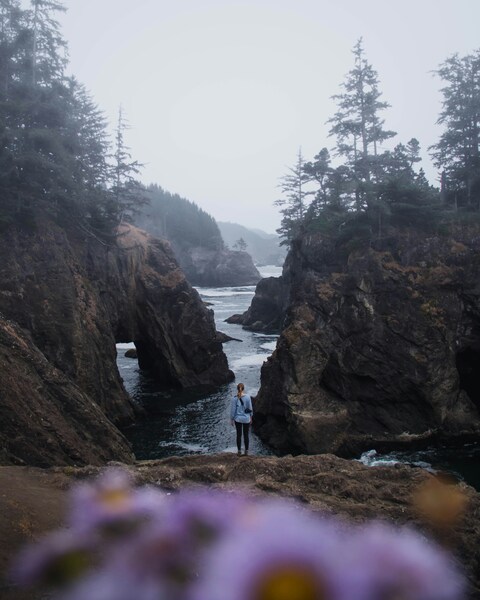
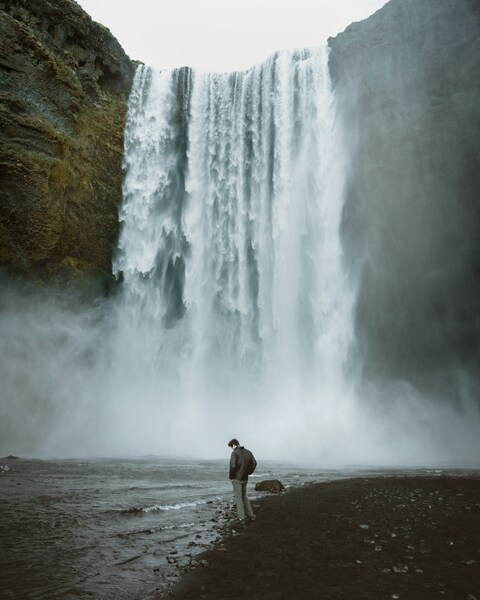
Aesthetic Ocean Cliffs Wallpaper – Person Standing
···
|
4K
|
JPG
|
DESCRIPTION
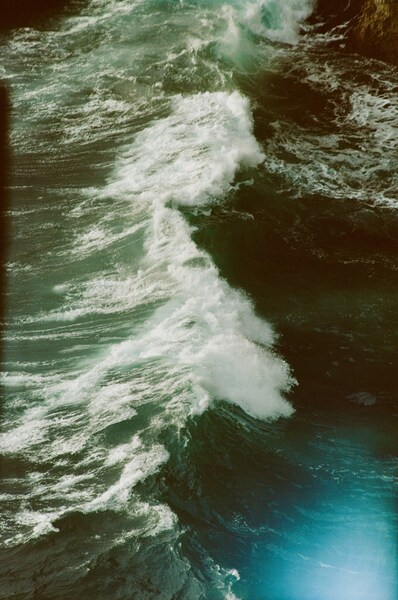
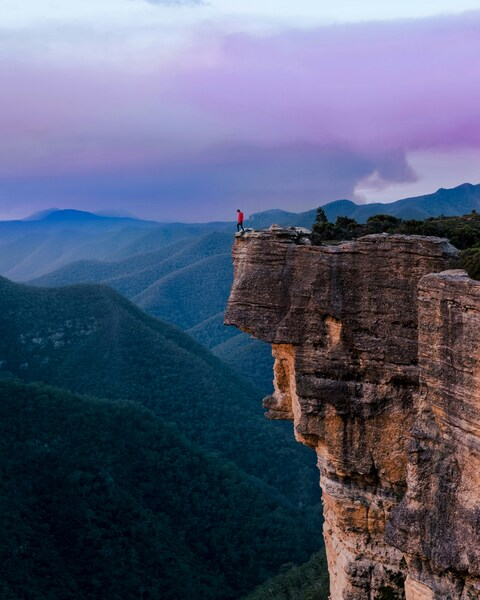
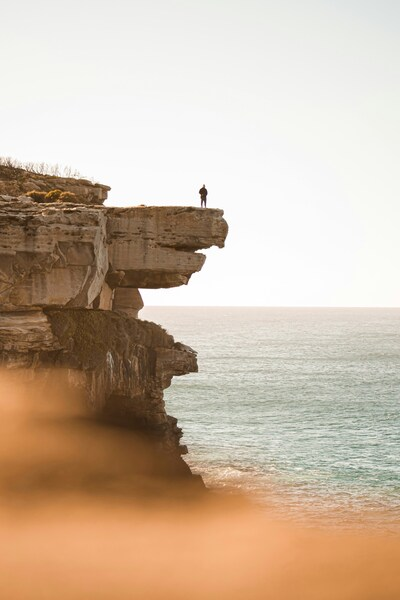
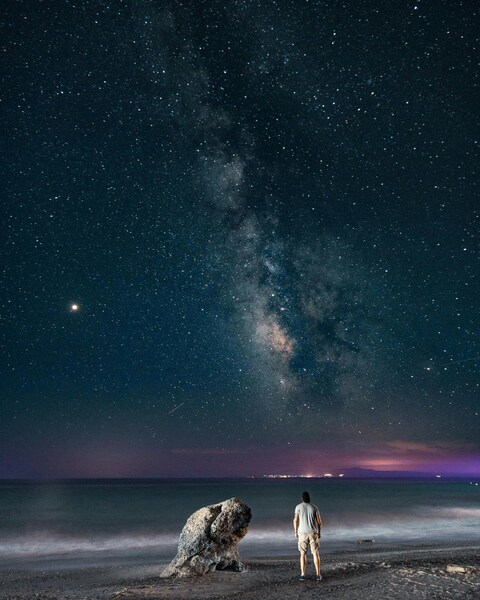
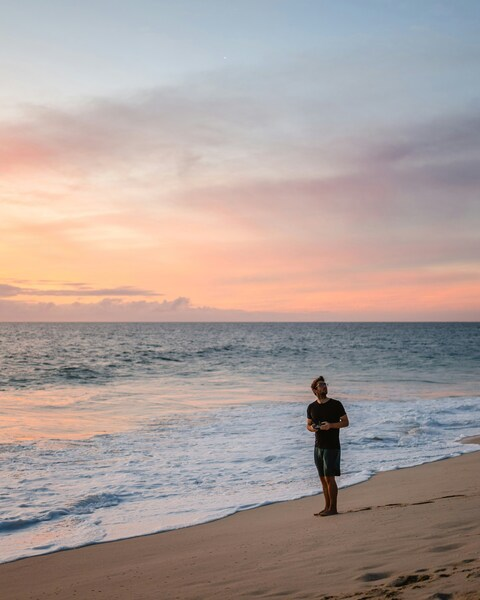
Discover the breathtaking beauty of the ocean with this stunning wallpaper. A person stands on the edge of a rocky cliff, overlooking a vast body of water, with the sound of waves crashing in the distance. The scene is bathed in a soft, natural light, creating a serene and calming atmosphere. The colors are dominated by shades of gray and green, which evoke a sense of tranquility and awe of nature. This wallpaper is perfect for those who appreciate the raw beauty of the natural world.







FAQ
Is this wallpaper free to download?
Yes! This Aesthetic wallpaper is completely free to download for personal use. No registration required.
What resolutions are available?
This wallpaper is available in Original (3996×4996), 2K (2560×1440), and Full HD (1920×1080) resolutions.
How do I set this as my wallpaper?
Download the wallpaper, then: On Windows - Right-click the image > Set as desktop background. On Mac - System Preferences > Desktop. On iPhone/Android - Open image > Set as wallpaper.