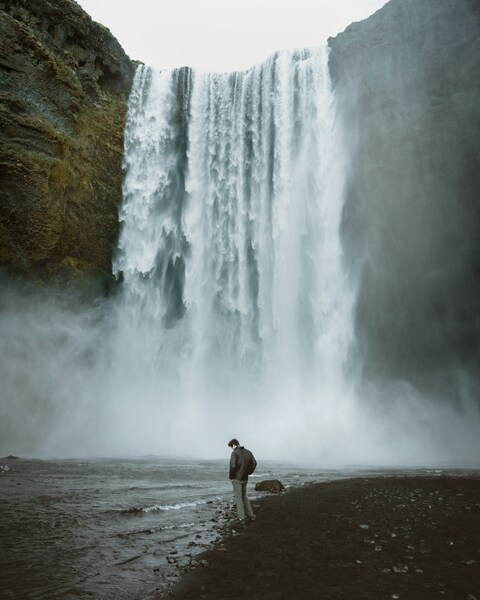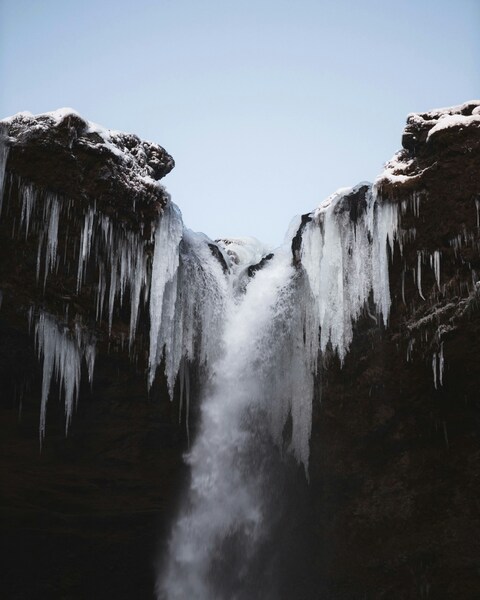


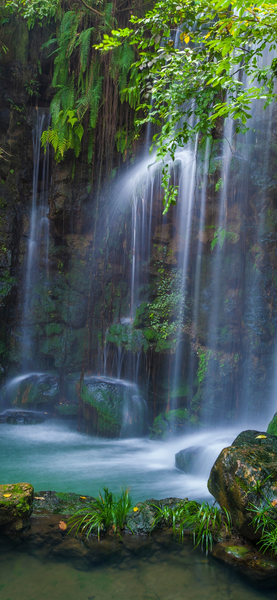
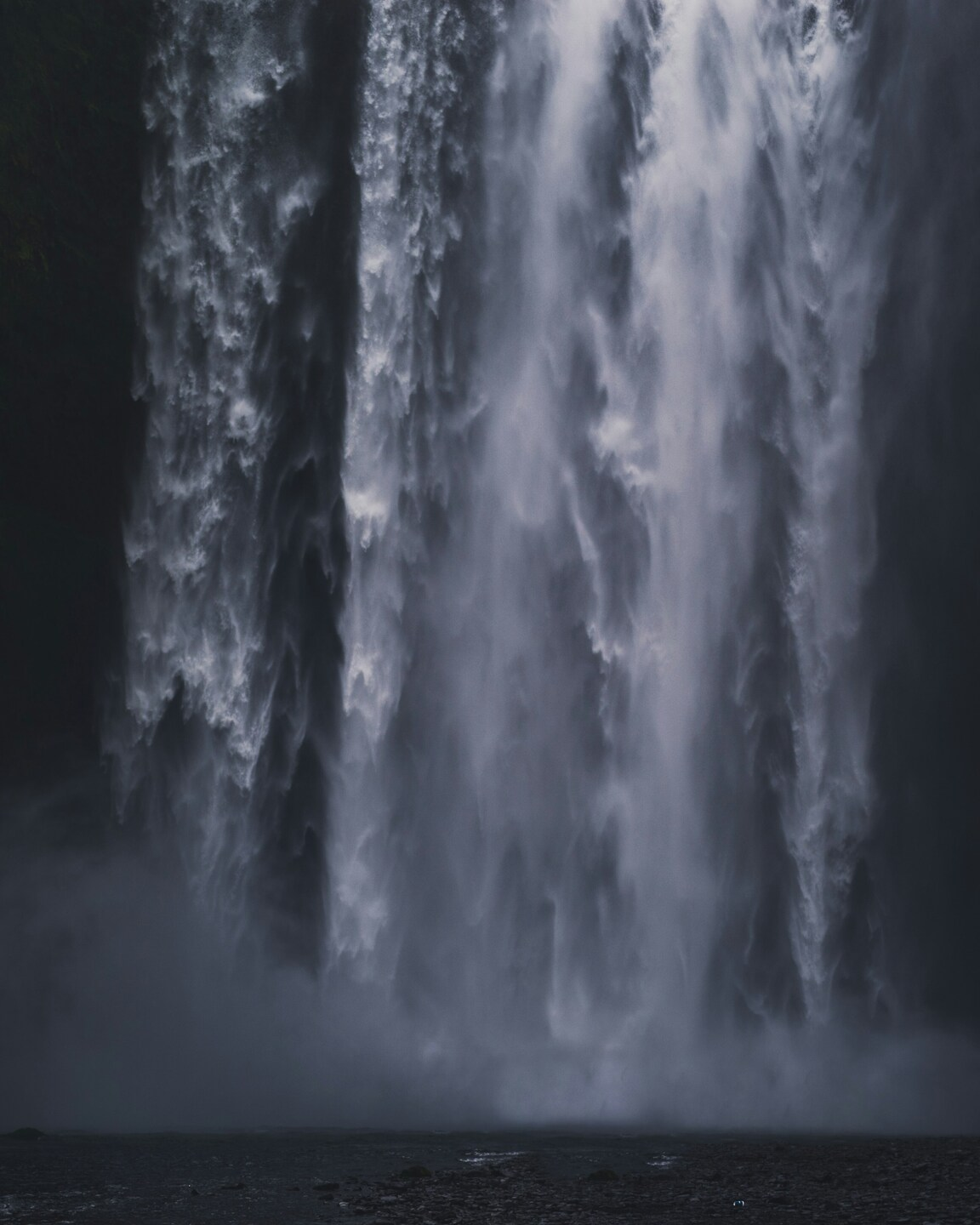




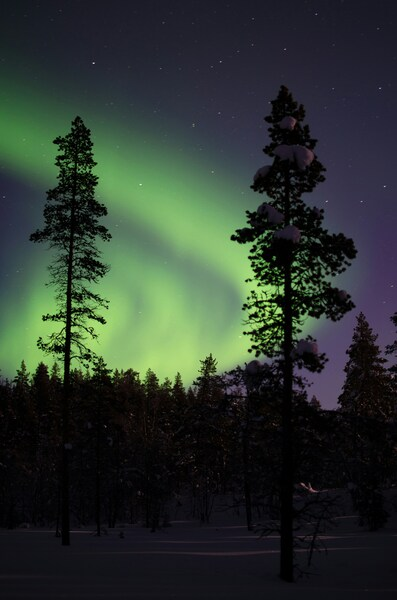
A dramatic waterfall cascading down a mountain, surrounded by a verdant forest, captured in 4K resolution.

Awe-Inspiring Waterfall Wallpaper – Minimalist, Ultra HD

··· | ··· | 2K | JPG |
DESCRIPTION Experience the raw power and beauty of nature with this breathtaking wallpaper. The waterfall, captured in stunning 4K resolution, cascades majestically down the mountain, surrounded by a lush, verdant forest. The minimalist color palette of blues and grays adds a serene, tranquil mood, making it an ideal backdrop for your iPhone or desktop background. This waterfall wallpaper serves as a captivating visual reminder of the awe-inspiring forces of nature.
Technical Specifications

The artistic direction of this Awe-Inspiring Waterfall Wallpaper – Minimalist, Ultra HD piece focuses on minimalism and elegance. The use of Premium Aesthetic as a primary anchor helps reduce eye strain while maintaining a vibrant look. Processed via our custom AI-upscaling engine, it guarantees maximum clarity and sharp edge definition. Whether for work or leisure, this wallpaper adds a premium touch to your daily digital experience.

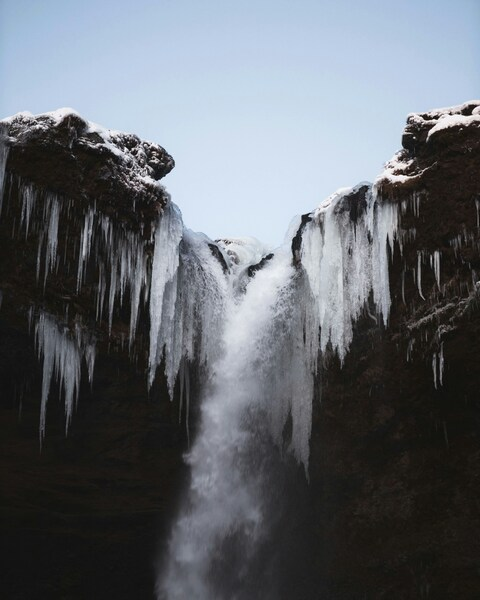
Wallpaper A dramatic waterfall cascading down a mountain, surrounded by a verdant forest, captured in 4K resolution.
Maximum Resolution 3162 × 3953 (Quad HD 2K)
Aspect Ratio 3162:3953 (Portrait)
File Format WebP, Progressive JPEG, AVIF Optimized
Color Profile
#23282E #22272D
Usage License Free for personal use (Desktop & Mobile)

Recommended Device Compatibility

  • Apple iPhone 13, 14, 15, 16 (Pro & Max)
  • Samsung Galaxy S21, S22, S23, S24 Ultra
  • Google Pixel 6, 7, 8, 9 Series
  • 4K UHD Monitors & Retina Displays
  • iPad Pro, Air & Android Tablets

FAQ

Is this wallpaper free to download?

Yes! This Minimalist wallpaper is completely free to download for personal use. No registration required.

What resolutions are available?

This wallpaper is available in Original (3162×3953), 2K (2560×1440), and Full HD (1920×1080) resolutions.

How do I set this as my wallpaper?

Download the wallpaper, then: On Windows - Right-click the image > Set as desktop background. On Mac - System Preferences > Desktop. On iPhone/Android - Open image > Set as wallpaper.