










TRENDING





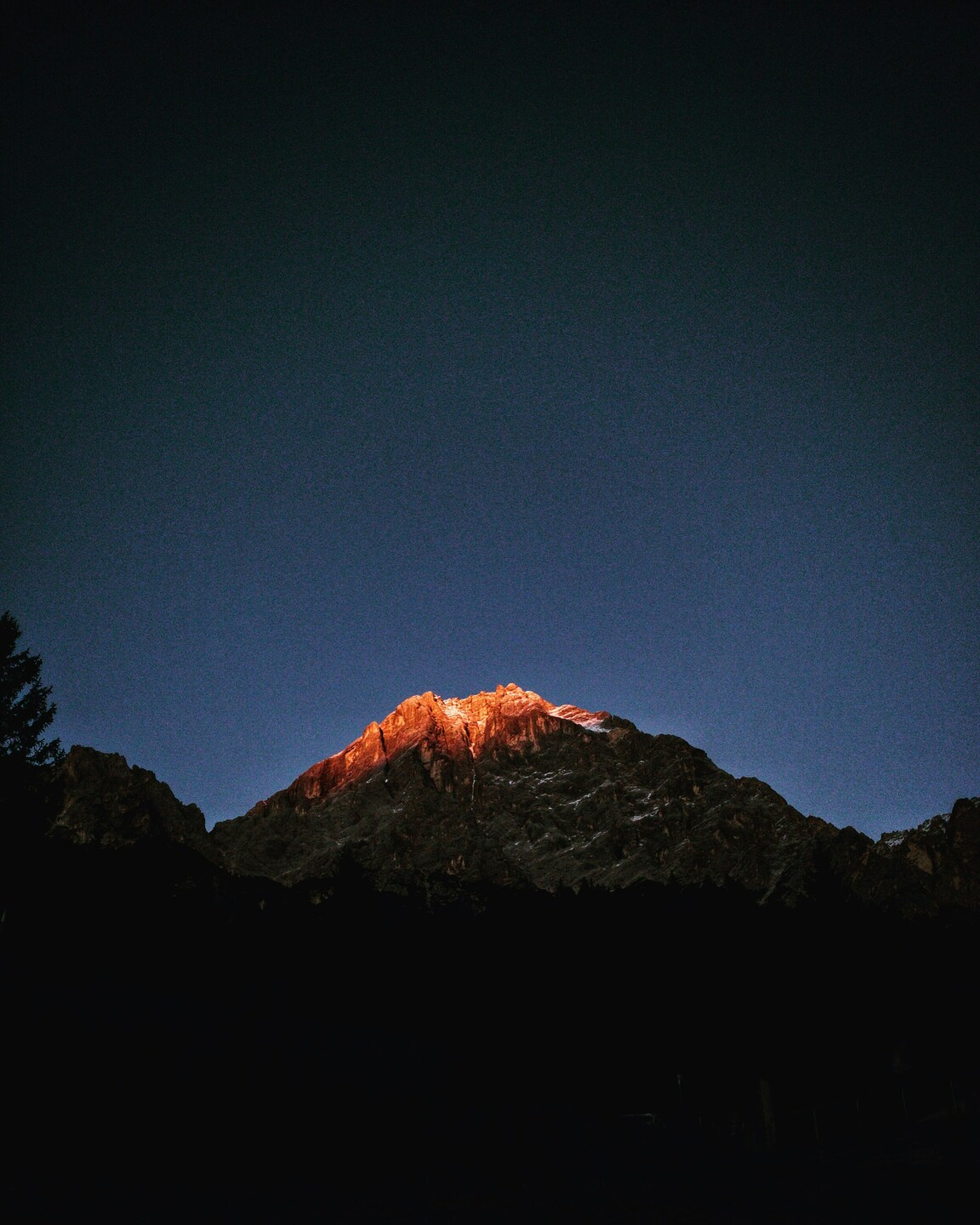
Majestic Mountain Sunset Silhouette – Aesthetic 4K Wallpaper for iPhone and
···
|
FHD
|
JPG
|
DESCRIPTION
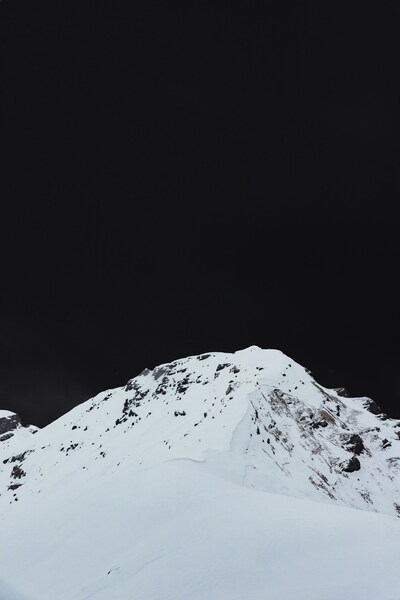
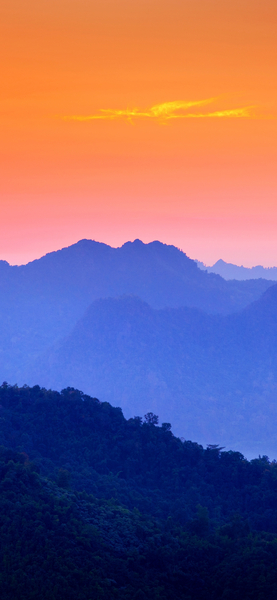
Embrace the serene beauty of nature with this captivating image of a mountain sunset silhouette. The photo captures the stunning contrast between the bright orange and red hues of the setting sun and the dark blue expanse of the night sky. The silhouette of the mountain against the vibrant sky creates a visually striking scene. This wallpaper is perfect for iPhone and desktop users who appreciate the tranquility and grandeur of the natural world. The minimalist style of the image allows for easy customization, making it an ideal choice for any device or background.







FAQ
Is this wallpaper free to download?
Yes! This Aesthetic wallpaper is completely free to download for personal use. No registration required.
What resolutions are available?
This wallpaper is available in Original (2491×3114), 2K (2560×1440), and Full HD (1920×1080) resolutions.
How do I set this as my wallpaper?
Download the wallpaper, then: On Windows - Right-click the image > Set as desktop background. On Mac - System Preferences > Desktop. On iPhone/Android - Open image > Set as wallpaper.