






TRENDING





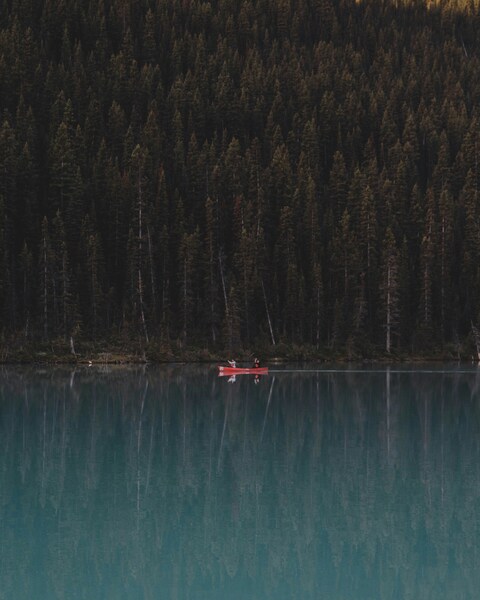
Peaceful Lake Scene Wallpaper – Forest, Canoeist, Aesthetic, iPhone, Desktop
···
|
2K
|
JPG
|
DESCRIPTION
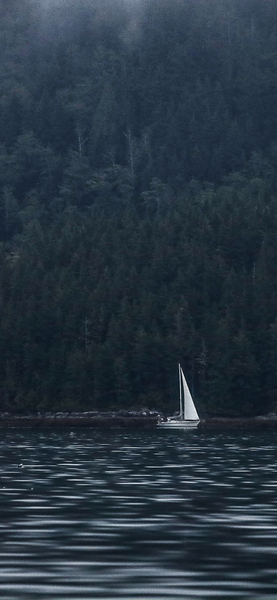
The image depicts a serene lake scene, with a canoeist gently paddling towards the horizon. The calm waters of the lake are surrounded by lush green forests, creating a tranquil and picturesque setting. The natural beauty of the scene is captured in this high-definition wallpaper, perfect for your iPhone or desktop background. The warm colors of the sunset reflect on the lake, casting a peaceful and soothing mood over the entire scene. This minimalist wallpaper is a perfect representation of nature's beauty, making it an ideal choice for those seeking a calming and aesthetically pleasing wallpaper for their devices.







FAQ
Is this wallpaper free to download?
Yes! This Forest wallpaper is completely free to download for personal use. No registration required.
What resolutions are available?
This wallpaper is available in Original (3414×4268), 2K (2560×1440), and Full HD (1920×1080) resolutions.
How do I set this as my wallpaper?
Download the wallpaper, then: On Windows - Right-click the image > Set as desktop background. On Mac - System Preferences > Desktop. On iPhone/Android - Open image > Set as wallpaper.