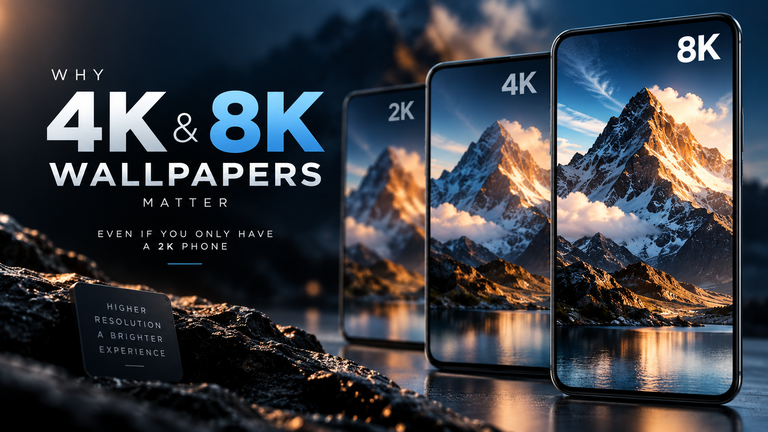
The debate between live and static wallpapers comes down to a tradeoff between aesthetics and device performance. A static wallpaper is a single image file loaded into memory once, requiring zero ongoing processing power. A live wallpaper is an active background application that forces your Graphics Processing Unit (GPU) to continuously render frames, consuming more CPU cycles, RAM, and battery life. While modern flagship phones handle live wallpapers with ease, using them on older or budget devices can lead to noticeable UI lag and rapid battery drain.
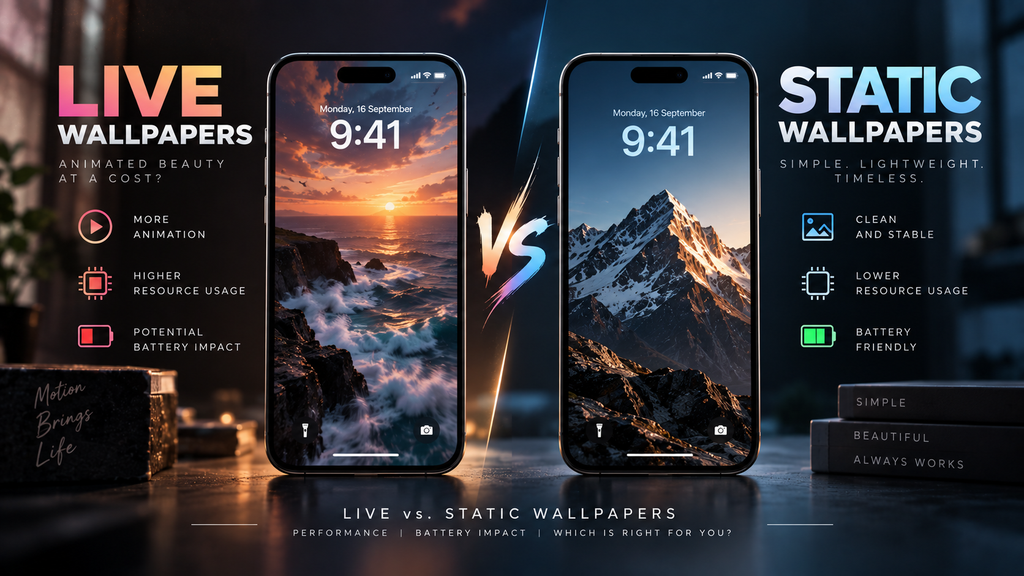
Table of Contents
- The Mechanics: How Your Phone Handles Backgrounds
- CPU and GPU Impact
- The Underlying Code: MP4 vs. Shaders
- The RAM Factor: Why Old Phones Lag
- Battery Drain: The “Hidden Efficiency”
- Frequently Asked Questions (FAQ)
The Mechanics: How Your Phone Handles Backgrounds
To understand the performance impact, you have to understand how operating systems treat wallpapers.
When you set a static wallpaper (like a JPEG or PNG), the operating system draws the image on the screen, caches it in the frame buffer, and stops thinking about it. It is a completely passive element.
When you set a live wallpaper, you are essentially running a video game or a video player directly on your home screen. The operating system must keep this background process alive, constantly recalculating pixels and pushing new frames to the display. It is an active, ongoing workload.
CPU and GPU Impact
The most significant difference between the two formats is the strain placed on your device’s processors.
- Static: 0% ongoing GPU/CPU usage.
- Live: Variable GPU/CPU usage depending on complexity.
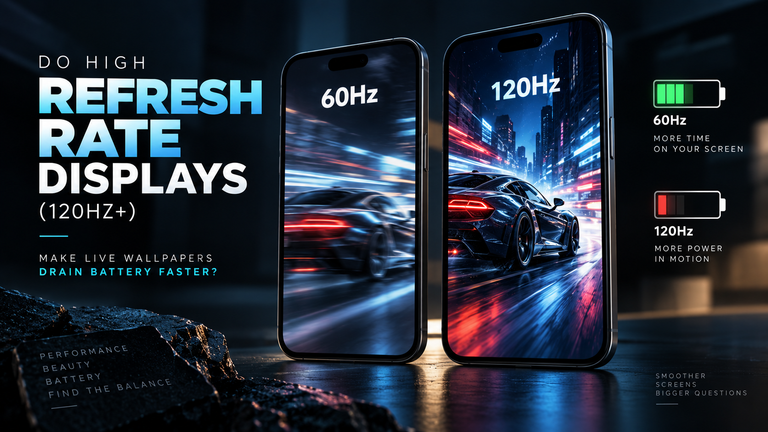
If your live wallpaper is a simple, hardware-decoded MP4 video loop, the processing impact is minimal. However, if you are using a wallpaper that utilizes a real-time 3D physics engine (such as particles that react to your finger or fluid simulations that use the phone’s gyroscope), your GPU is forced into high gear. This is especially true when taking display refresh rates into account; a 3D shader running at 120fps requires massive compute power and can even cause the back of your phone to heat up.
The Underlying Code: MP4 vs. Shaders
Not all live wallpapers are created equal. The underlying code dictates exactly how much battery your phone will burn through.
The most efficient live wallpapers are simple video files, typically formatted as MP4 or HEVC. Modern System-on-Chips (SoCs) possess dedicated hardware decoders specifically built to play video files with virtually zero strain on the primary CPU. When an MP4 loops on your home screen, the hardware decoder handles the playback, resulting in an exceptionally lightweight process.
Conversely, many complex live wallpapers are not videos at all. They are mathematical simulations rendered in real-time using graphical APIs like OpenGL ES, Vulkan, or WebGL wrappers. If a developer releases a live wallpaper built on a poorly optimized shader, the operating system cannot fall back on hardware decoding. The GPU is forced to remain in an active, high-power state to calculate the geometry, lighting, and physics of the animation frame by frame. This prevents the OS from maintaining a lightweight idle state, causing immense thermal output and rapid battery depletion.
The RAM Factor: Why Old Phones Lag
Live wallpapers are notorious for causing “jank” (stuttering animations or delayed app launches) on budget smartphones.
Because a live wallpaper is a running application, it must reside in your phone’s Random Access Memory (RAM). A complex live wallpaper might require 200MB to 500MB of RAM to hold its video assets and rendering logic. If your phone only has 4GB of total RAM, the operating system will constantly struggle to balance the live wallpaper against the apps you are actually trying to use. When you open a heavy app like the camera or a game, the OS might aggressively kill background processes—resulting in UI stutter as the home screen fights to stay alive.
Static wallpapers take up less than 10MB of RAM and never cause system-level stutter. If your device has less than 6GB of RAM, you are traveling and need maximum battery life, or you simply prefer a distraction-free aesthetic, you should stick to a static image. You can browse our Static 4K Minimalist Wallpapers for low-overhead options. If you possess a modern flagship device (like an iPhone 14 Pro or Galaxy S23) with plenty of RAM, you can comfortably run a highly optimized, hardware-decoded file from our Live Wallpapers collection without noticing a performance hit.
Battery Drain: The “Hidden Efficiency”
It is an undeniable fact that live wallpapers drain battery faster than static ones. However, the drain is often greatly exaggerated because of a “hidden efficiency” built into iOS and Android.
Modern mobile operating systems are programmed to instantly pause or kill the live wallpaper rendering engine the exact millisecond it is no longer visible. The wallpaper is completely suspended when:
- Your phone’s screen is turned off.
- You have an app open that covers the home screen.
- You are pulling down the notification shade.
Therefore, a live wallpaper only drains your battery while you are actively staring at your home screen or lock screen. For most users, this amounts to a total battery penalty of just 2% to 5% per day.
Warning: The exception to this rule is poorly coded third-party live wallpaper apps. If a live wallpaper app constantly pings your GPS location (for weather updates) or runs aggressive background tracking, it will destroy your battery life regardless of screen visibility.
Frequently Asked Questions (FAQ)
Do live wallpapers increase phone temperature?
Yes. Sustained GPU usage from real-time 3D rendering creates thermal output. If you are using a shader-heavy live wallpaper on a hot day, the back of your phone near the camera module (where the SoC is located) will become noticeably warm, which degrades battery health over time.
Does turning on Battery Saver mode disable live wallpapers?
Yes. Both iOS (Low Power Mode) and Android (Battery Saver) default to halting background rendering and UI animations in low-power states. Your live wallpaper will automatically freeze on a single frame or revert to a static image until you disable the power-saving feature.