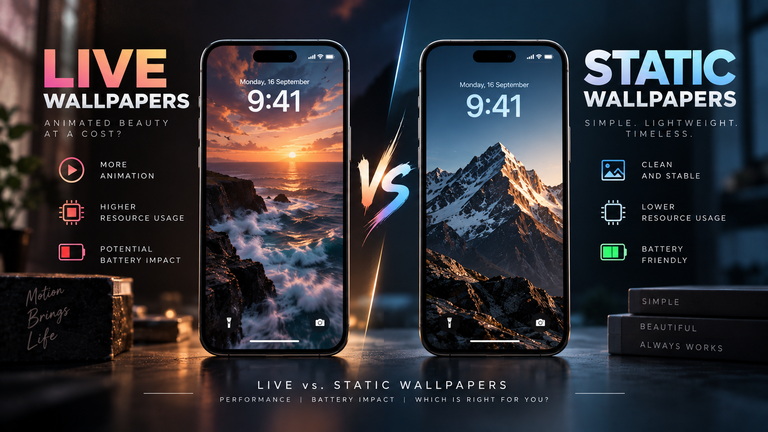
The direct answer is yes: running a live wallpaper on a 120Hz display will mathematically drain your battery faster than on a standard 60Hz display, but the real-world impact is heavily mitigated by modern hardware. To display motion at 120 frames per second (fps), your phone’s Graphics Processing Unit (GPU) must work twice as hard, preventing the processor from entering low-power idle states. However, thanks to LTPO display technology and smart software pausing, a well-optimized live wallpaper will typically only consume 2% to 5% of your total daily battery life, making the visual upgrade well worth the minor power cost.
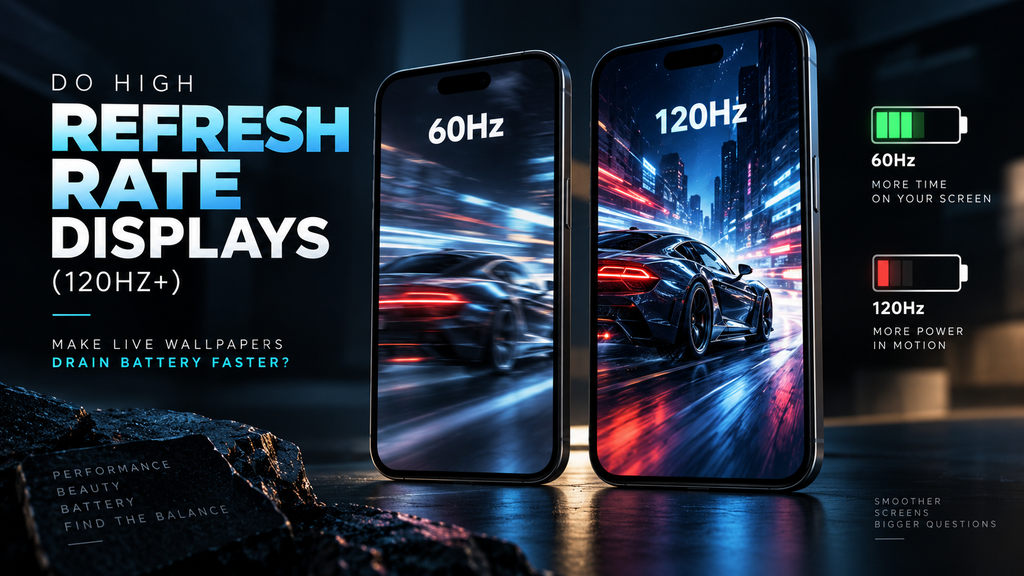
Table of Contents
- The Physics of Frame Rendering (120fps vs. 60fps)
- The LTPO Savior: Variable Refresh Rates
- The Baseline Cost: 3D Rendering vs. Video Loops
- Mitigation Strategies
- Frequently Asked Questions (FAQ)
The Physics of Frame Rendering (120fps vs. 60fps)
Unlike a static image which is loaded into the frame buffer once and forgotten, a live wallpaper is an active workload. If your phone has a 120Hz display (like Apple’s ProMotion or Samsung’s Dynamic AMOLED 2X), the screen refreshes 120 times every single second.
If the live wallpaper is designed to run at the display’s native refresh rate, your GPU must calculate and push 120 distinct frames to the screen every second. This constant processing overhead prevents the System-on-Chip (SoC) from “sleeping.” The continuous calculation draws a steady current from the battery. When compared to the baseline performance cost of moving vs. static backgrounds, bumping the animation from 60fps to 120fps effectively doubles the required compute cycles on your home screen.
The LTPO Savior: Variable Refresh Rates
If you stared at a 120fps live wallpaper all day, your battery would die quickly. Fortunately, modern flagship phones use LTPO (Low-Temperature Polycrystalline Oxide) backplanes. LTPO enables Variable Refresh Rate (VRR) technology.
VRR allows the display to dynamically change its refresh rate based on what is happening on screen. While a fast-moving live wallpaper might command 120Hz while you are swiping between home pages, the moment you stop interacting, an LTPO display can throttle the refresh rate down to 30Hz, 10Hz, or even 1Hz. Furthermore, both iOS and Android are programmed to completely pause the rendering of live wallpapers the exact millisecond you open an app or lock your phone. Therefore, the “120Hz battery penalty” only applies during the brief seconds you are actively interacting with your home screen.
The Baseline Cost: 3D Rendering vs. Video Loops
The refresh rate of the display is only half of the equation; the format of the wallpaper is the other half.
- Hardware-Decoded Video: If the live wallpaper is simply an MP4 or HEVC video loop, the battery drain is minimal. Modern processors have dedicated hardware decoders that process video files with extreme efficiency, regardless of whether the screen is pushing 60Hz or 120Hz.
- Real-Time 3D Rendering: If the wallpaper uses a physics engine to react to your touch or the phone’s gyroscope (like shifting particles or rippling water), the GPU is forced into active 3D rendering. A complex 3D shader running at 120fps will aggressively drain your battery and can even cause the device to heat up.
Mitigation Strategies
If you want the buttery-smooth aesthetic of a 120Hz live wallpaper without sacrificing battery anxiety, you must leverage display physics. Because high-refresh-rate displays are almost universally OLED, you can offset the GPU power draw by reducing the display panel’s power draw.
You can effectively balance the scales by mitigating 120Hz drain by using OLED-optimized black wallpapers. Choose live wallpapers that feature deep, true black backgrounds with localized neon or brightly colored animations. The GPU will still render at 120fps, but the physical OLED pixels displaying black will shut off entirely, saving enough power to justify the animation.
Frequently Asked Questions (FAQ)
Can I force my live wallpaper to run at 60Hz on a 120Hz phone?
Usually, no. Operating systems globally control the refresh rate. While you can often cap your entire phone’s display at 60Hz in the system battery settings (or by enabling Low Power Mode), you cannot isolate the refresh rate limit specifically to the home screen wallpaper while keeping apps at 120Hz.
Why does my live wallpaper stutter on my 120Hz phone?
If the animation looks choppy, the live wallpaper file itself was likely rendered or recorded at 30fps or 60fps. A 120Hz display cannot magically add frames that do not exist in the source file. For a wallpaper to look perfectly smooth on a high-refresh-rate screen, the source animation must also be 120fps.
Do live wallpapers drain battery in the background?
No. Both iOS and Android instantly suspend live wallpaper rendering when an app is launched full-screen or when the device goes to sleep. If a wallpaper app is draining battery in the background, it is likely poorly coded, containing spyware, or constantly pinging location services rather than rendering graphics.