The short answer is yes: using a true black dark mode wallpaper on an OLED or AMOLED screen will significantly save battery life. Unlike traditional LCD screens that use a constant backlight, OLED panels light individually. When a pixel is instructed to display pure black (#000000 HEX), it completely shuts off, drawing zero power. However, the amount of battery saved is entirely dependent on your screen brightness. At 30% brightness, a black wallpaper might only save you 3% to 9% battery over a full discharge. At 100% brightness, that savings can jump to a massive 39% to 47%.
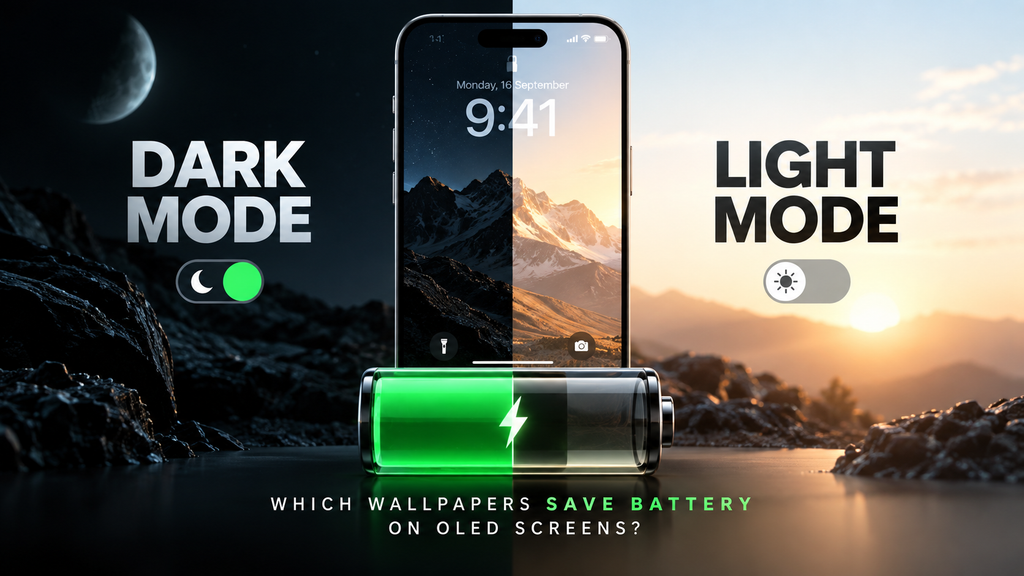
Table of Contents
- The Hardware Reality: OLED vs. LCD
- The Mathematics of Battery Drain (APL)
- Real-World Benchmarks: Brightness is the Variable
- True Black vs. Dark Gray: Why HEX Codes Matter
- Maximizing Efficiency: Automation and Focus
- Frequently Asked Questions (FAQ)
The Hardware Reality: OLED vs. LCD
Before changing your wallpaper, you must verify your display hardware. Modern smartphones typically use one of two display technologies:
- LCD (Liquid Crystal Display): These panels rely on a single, unified backlight panel that is always illuminated when the screen is on. To display black, the liquid crystals twist to block the light. The backlight is still running, meaning a black wallpaper on an LCD screen uses exactly the same amount of battery as a pure white wallpaper.
- OLED / AMOLED (Organic Light-Emitting Diode): These panels are self-emissive. There is no master backlight. Every single pixel (and its red, green, and blue subpixels) generates its own light. To display black, the pixel simply receives no current. It turns off.
If you are using an iPhone 12 or newer, a Samsung Galaxy S series, or a Google Pixel, you have an OLED screen, and dark wallpapers will actively extend your battery life.
The Mathematics of Battery Drain (APL)
Display engineers measure the power consumption of OLED panels using a metric called APL (Average Picture Level). APL represents the percentage of screen brightness relative to a full-white display (100% APL).
The power consumption of an OLED display (Ptotal) can be modeled by a near-linear relationship:
P_total ≈ P_static + k * APL * Luminance- P_static: The base power required by the display controller and interface circuitry just to keep the screen active.
- k: A constant based on the panel’s subpixel structure and efficiency.
- Luminance: Your phone’s current brightness setting.
When you apply a pure black wallpaper, you are drastically reducing the APL of your home screen and lock screen. Because the APL variable drops close to zero for a large portion of the display, the total power draw drops proportionally.
However, manufacturers also employ an ABL (Automatic Brightness Limiter) to prevent OLED burn-in and overheating. As APL increases (e.g., you open a fully white app), the system forces a reduction in maximum peak brightness. This means power draw is not perfectly linear at the extreme high end, but the rule remains: fewer lit pixels equal less power drawn.
Real-World Benchmarks: Brightness is the Variable
Academic research from institutions like Purdue University, alongside “black box” robotic arm tests, have proven that the battery savings of dark mode and dark wallpapers are highly non-linear. The crucial variable is screen brightness.
- At 30% – 50% Brightness (Typical Indoor Use): If you keep your phone at a comfortable indoor brightness, switching from a white wallpaper to a black wallpaper will yield a negligible 3% to 9% battery savings over an entire day. The display is not drawing enough power at baseline for the pixel shut-off to make a massive dent in overall system consumption.
- At 100% Brightness (Outdoor Use): This is where OLED shines. If you are outdoors pushing 1000+ nits of brightness, the white pixels are drawing maximum voltage. In these scenarios, switching to a dark wallpaper and dark UI can save between 39% and 47% of your battery.
True Black vs. Dark Gray: Why HEX Codes Matter
Not all “dark” wallpapers are created equal.
For an OLED pixel to completely power off, the image file must command it to render absolute black. In design terms, this is a HEX code of #000000 (or RGB 0, 0, 0).
Many designers use “dark gray” (e.g., #121212, the standard material design dark theme color) because it reduces eye strain and smearing (where pixels take a millisecond too long to turn back on when scrolling). However, if a pixel is rendering #121212, it is still receiving voltage. It is still emitting light. While a dark gray wallpaper is vastly more efficient than a white one, only true black wallpapers achieve maximum power savings.
Maximizing Efficiency: Automation and Focus
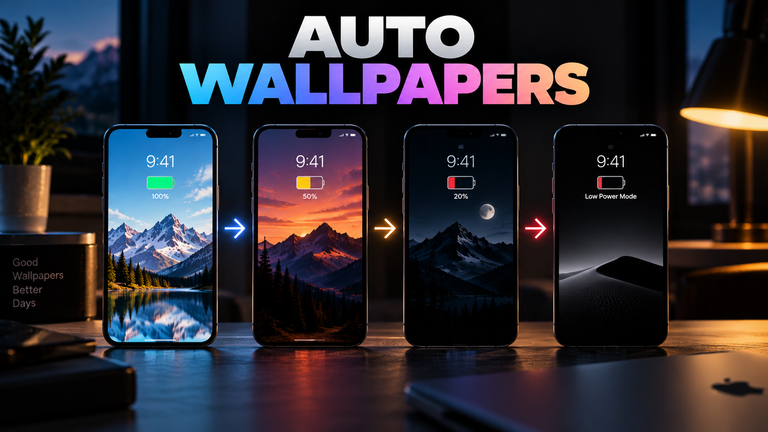
Instead of manually swapping backgrounds, you can learn about automating pure black wallpapers on low battery. For example, you can set a bright, vibrant wallpaper for normal use, but use iOS Shortcuts or Android Tasker to automatically swap to a pure #000000 wallpaper the moment your battery drops below 20%.
Furthermore, utilizing dark, minimalist wallpapers isn’t just about battery life; it significantly reduces cognitive load. For more on this, read our breakdown of the psychological impact of dark vs. bright screen environments.
Frequently Asked Questions (FAQ)
Does dark mode save battery on laptops and monitors?
Only if the laptop or monitor uses an OLED panel. The vast majority of standard computer monitors and older laptops use IPS or VA LCD panels. On these screens, dark mode will not save battery, though it may reduce eye strain in low-light environments.
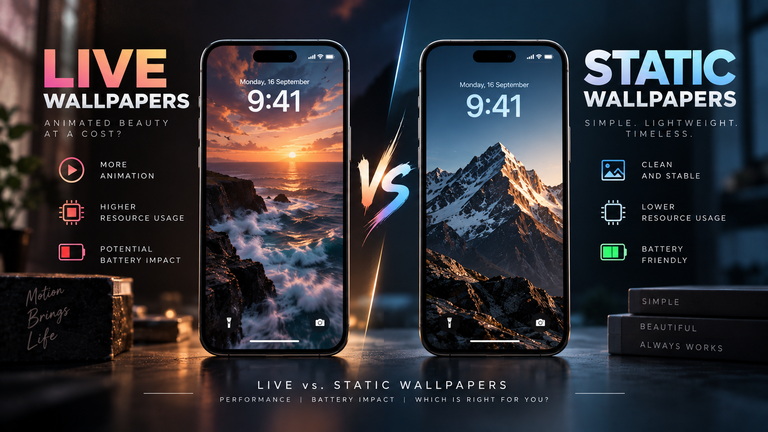
Can I use a dark video as a live wallpaper to save battery?
While the dark pixels in a live wallpaper will save display power, the continuous rendering of the video loop forces your phone’s GPU to stay active. The GPU drain will often outpace the display savings. For maximum battery life, you must use a pure black static image.