There is a persistent myth that applying a 4K or 8K wallpaper to a 1440p (2K) smartphone display is a waste of storage space and bandwidth. This is mathematically false. Because of how modern mobile operating systems render static images, feeding a higher-resolution file to a lower-resolution display unlocks a process known as supersampling. Using a 4K or 8K image on a 2K display dramatically reduces jagged edges, compensates for complex OLED subpixel layouts, and provides the necessary pixel headroom for parallax scrolling and zooming without degrading visual clarity.
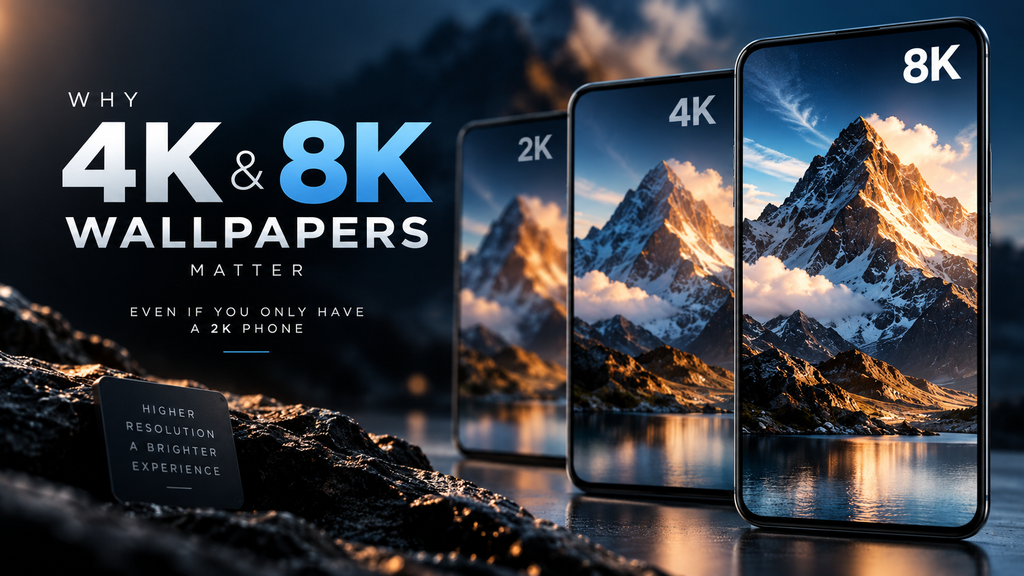
Table of Contents
- The Supersampling Effect: Free Anti-Aliasing
- The Diamond PenTile Matrix Problem
- The Parallax Tax: Cropping and Zooming
- The Compression Variable
- Frequently Asked Questions (FAQ)
The Supersampling Effect: Free Anti-Aliasing
If you take a 1440×3200 pixel image and apply it to a 1440×3200 pixel display, you achieve perfect 1:1 pixel mapping. In theory, this is the sharpest possible output. In practice, digital images contain high-contrast edges and diagonal lines that cannot be perfectly represented by a square grid of pixels. This results in “aliasing,” commonly known as jagged edges or stair-stepping.
When you apply a 4K (3840×2160) or 8K (7680×4320) wallpaper to a 2K phone screen, the operating system must downsample the image. It shrinks the image to fit the physical screen constraints.
This downsampling process acts as a brute-force version of Supersampling Anti-Aliasing (SSAA). The rendering engine takes four (or more) pixels from the 4K source file and mathematically averages their color data to output a single, highly accurate pixel on your 1440p display. The result is dramatically smoother gradients, sharper text within the image, and the near-total elimination of jagged edges. Unlike running a video game at 4K on a 2K monitor—which would destroy your battery and GPU—downsampling a static wallpaper requires a one-time calculation when the image is set. There is zero ongoing performance penalty.
The Diamond PenTile Matrix Problem
The math behind 1:1 pixel mapping assumes that your phone’s display uses a standard RGB stripe subpixel layout (where every pixel has one red, one green, and one blue subpixel in a neat row). However, almost no modern flagship OLED phone uses this layout.
Samsung (which supplies displays for Apple’s iPhones, Google Pixels, and their own Galaxy series) relies heavily on the Diamond PenTile matrix. In this layout, pixels share subpixels (specifically, there are fewer red and blue subpixels than green ones), arranged in a diamond pattern. Because the physical hardware does not perfectly match the standard RGB grid of an image file, a 1440p image on a 1440p OLED screen must be heavily interpolated by the display controller to look correct. This interpolation can introduce slight blurring.
By providing a 4K or 8K source file, you give the display controller vastly more color data per subpixel to work with. The downsampling algorithm has enough surplus data to accurately drive the asymmetrical PenTile matrix, resulting in a perceived sharpness that a native 1440p file cannot achieve on the same hardware.
The Parallax Tax: Cropping and Zooming
Modern mobile operating systems rarely display wallpapers statically. iOS and Android employ parallax effects—where the wallpaper shifts slightly as you tilt the device to create an illusion of depth—and home screen paging, where the wallpaper pans as you swipe between app pages.
To achieve this, the OS must apply a “zoom” to the image so it has room to pan without revealing the edges of the file. If you use a native 1440p wallpaper on a 1440p screen, this mandatory zoom effect instantly drops the image resolution below native. The OS is forced to upscale the image, resulting in noticeable blurring.
Using an oversized 4K or 8K file provides massive pixel headroom. The OS can zoom in 10% or 20% for parallax effects, and the visible area of the image will still be well above the 1440p threshold, ensuring it remains razor-sharp regardless of device orientation.
The Compression Variable
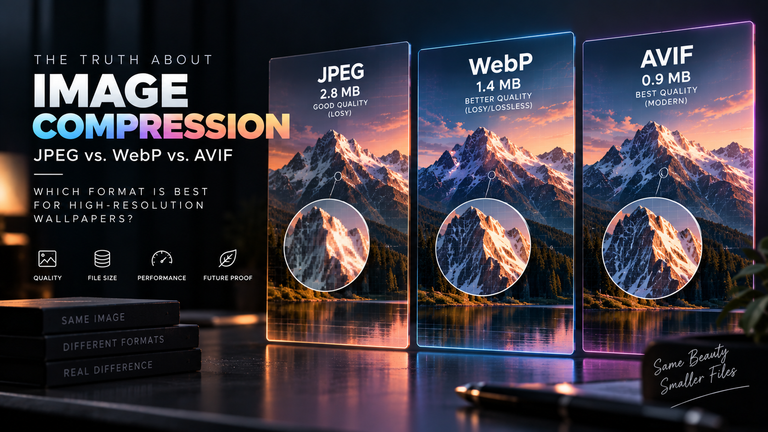
It is critical to understand that resolution alone does not guarantee quality. An 8K image that has been heavily compressed will look significantly worse on a 2K display than a pristine, uncompressed 1440p image.
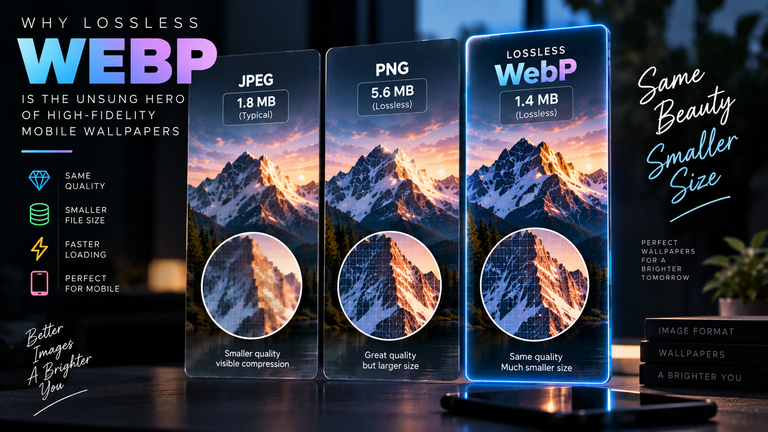
When the OS averages out pixels during downsampling, it also averages out JPEG block artifacts. If you use a highly compressed 4K file, the downsampling process will essentially sharpen and highlight the ugly compression blocks. This is exactly why compression artifacts ruin high-res scaling.
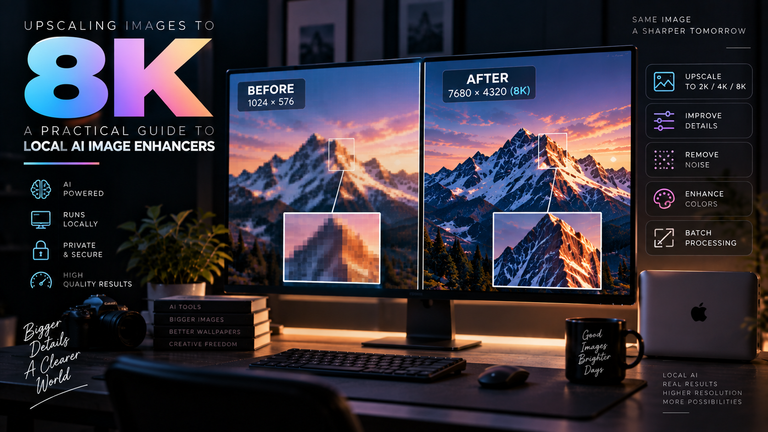
To truly benefit from oversized wallpapers, you must start with high-bitrate, lossless source files. If you find an incredible wallpaper that is stuck at 1080p or 1440p, you can artificially create this downsampling headroom by learning how local AI upscales standard images for high-density screens. Feeding a clean, AI-upscaled 8K image back into your phone’s 2K display forces the supersampling effect, yielding a superior result to the original file.
Frequently Asked Questions (FAQ)
Does a 4K wallpaper drain more battery than a 1080p wallpaper?
No. Once the wallpaper is applied and cached by the operating system, it is rendered as a static frame buffer. The resolution of the original file has absolutely no impact on the continuous battery drain of the display. Only the brightness and the color (such as using pure black OLED wallpapers) impact battery life.
Will an 8K wallpaper slow down my phone’s UI?
No. When you set the wallpaper, the OS processes the image and saves an optimized version into its system cache. The heavy lifting (downsampling and cropping) happens once. Swiping between home screens will remain exactly as fluid as if you used a lower-resolution image.
Is 1440p the same as 2K?
In consumer electronics marketing, 1440p (usually 2560×1440 on monitors, or 1440×3200 on phones) is widely referred to as “2K” or “QHD” (Quad High Definition). However, in digital cinema production, 2K refers strictly to a resolution of 2048×1080. For the context of smartphones, 1440p and 2K are used interchangeably.