An aspect ratio is simply the mathematical relationship between the width and height of a display. For over a decade, 16:9 (standard widescreen) was the universal rule for TVs, monitors, and smartphones. Today, displays have fractured into ultrawide 21:9 gaming monitors and towering 19.5:9 smartphone screens. Understanding these ratios is critical for digital design, because applying a standard 16:9 wallpaper to an ultrawide or modern smartphone screen forces the device to either brutally crop your image or distort it through stretching.
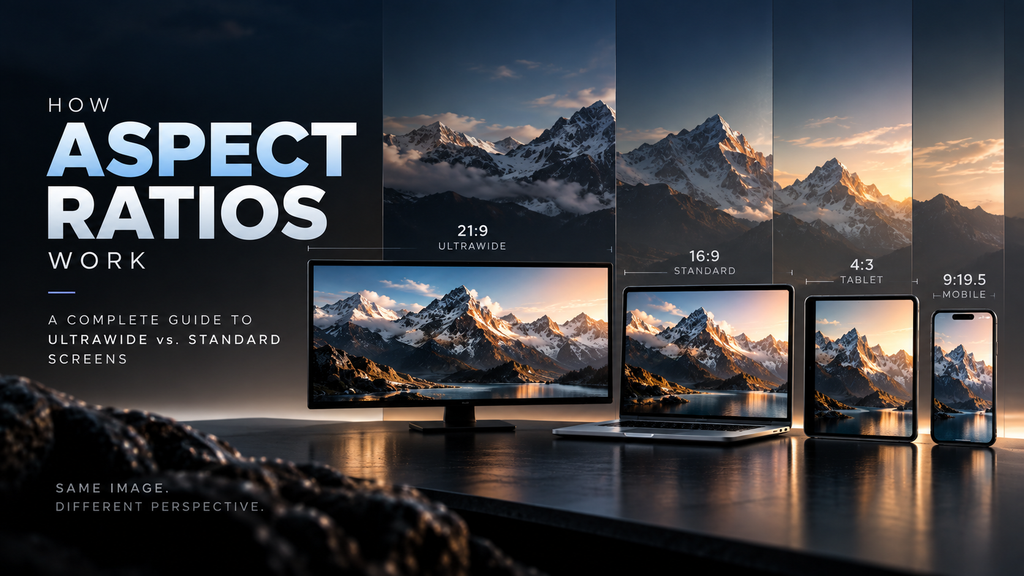
Table of Contents
- The Math Behind the Numbers
- The Smartphone Shift: 16:9 to 19.5:9
- The Wallpaper Problem: Cropping vs. Stretching
- Cinematic Formats and Letterboxing
- Frequently Asked Questions (FAQ)
The Math Behind the Numbers
Aspect ratios are expressed as two numbers separated by a colon (W:H). It is not a measurement of physical size or resolution, but of proportion.
- 16:9 (Standard Widescreen): For every 16 units of width, there are 9 units of height. This equates to a multiplier of roughly 1.78. Standard resolutions like 1920×1080 (FHD) and 3840×2160 (4K) are 16:9.
- 21:9 (Ultrawide): For every 21 units of width, there are 9 units of height (a multiplier of roughly 2.33). Common ultrawide monitor resolutions include 3440×1440 and 2560×1080.
- 32:9 (Super Ultrawide): Exactly double the width of a standard 16:9 monitor, often seen in 5120×1440 resolutions.
The Smartphone Shift: 16:9 to 19.5:9
Before 2017, smartphones like the iPhone 8 and Samsung Galaxy S7 used a standard 16:9 ratio (technically 9:16, as they are held vertically). As bezels shrank, manufacturers realized they could not make phones wider without making them impossible to hold. Instead, they made them taller.
Modern devices like the iPhone 14 use a 19.5:9 ratio, while some Androids stretch to 20:9. Sony Xperia devices even use a full 21:9 ratio. This vertical extension provides more room for scrolling social media feeds and multitasking, but it fundamentally breaks older 9:16 wallpapers.
The Wallpaper Problem: Cropping vs. Stretching
When you apply an image to a screen that does not share its native aspect ratio, the operating system must make a choice: crop the image, stretch it, or add black bars (letterboxing).
If you take a standard 16:9 desktop wallpaper and apply it to a 21:9 ultrawide monitor, the OS will “fill” the screen. Because the monitor is much wider than the image, the OS scales the image up until the sides touch the edges of the monitor. In doing so, it pushes the top and bottom of the image off the screen. You lose roughly 25% of the vertical visual information.
The inverse happens on modern smartphones. If you apply an older 9:16 vertical wallpaper to a modern 9:19.5 phone, the phone scales the image until the top and bottom hit the edges. Because the phone is narrower than the image ratio, the sides of the wallpaper are chopped off.
Cinematic Formats and Letterboxing
Hollywood films are rarely shot in 16:9. They typically use anamorphic formats like 2.39:1 (which perfectly matches 21:9 ultrawide monitors). When you watch a blockbuster movie on a standard 16:9 TV or phone, you see black bars on the top and bottom. This is called letterboxing; the hardware is padding the empty space to preserve the director’s original ultra-wide vision without cropping the sides.
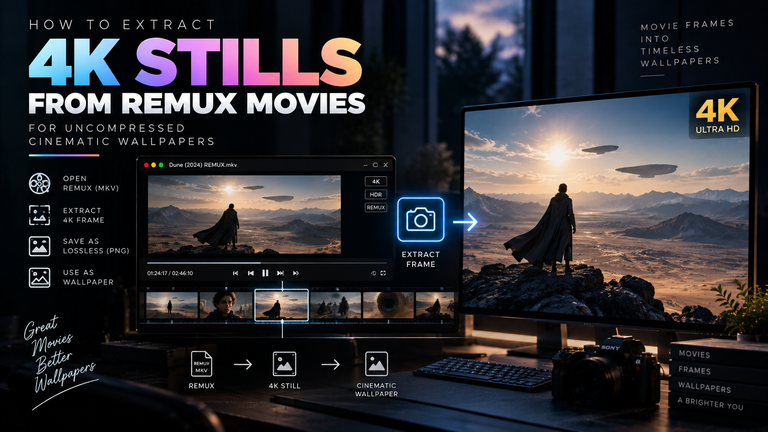
This is why handling letterboxing and ultrawide cinematic aspect ratios is incredibly difficult when extracting movie frames for wallpapers. If you take a 2.39:1 cinematic still and try to use it as a vertical 9:19.5 phone wallpaper, the OS must aggressively zoom in on the dead center of the frame, destroying the composition and significantly reducing the resolution.
Frequently Asked Questions (FAQ)
How do I know my screen’s aspect ratio?
You can calculate it by dividing your screen’s pixel width by its height. For example, if your monitor is 2560×1440, dividing 2560 by 1440 equals 1.777 (which is 16:9). If your phone is 1170×2532, 2532 divided by 1170 is 2.16 (which is roughly 19.5:9).
Can I convert a 16:9 wallpaper to 21:9 without cropping?
No. You cannot change a physical ratio without either cropping image data, artificially stretching/distorting the image, or adding padded bars (letterboxing/pillarboxing) to the sides.
Why do some games look stretched on my ultrawide monitor?
If a game does not natively support 21:9 rendering, your graphics card may attempt to force a 16:9 signal to fill the 21:9 hardware. This results in horizontal stretching, making characters and environments look abnormally wide. You must ensure the game’s internal resolution is set to an ultrawide standard like 3440×1440.