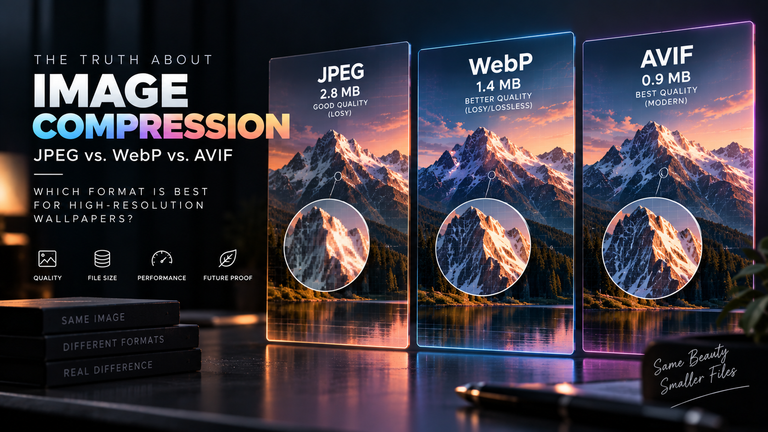
When curating a collection of premium wallpapers, enthusiasts typically obsess over resolution, seeking out raw 4K and 8K files to ensure every pixel on their flagship device looks pristine. However, managing these massive files introduces a significant storage problem. For decades, the Portable Network Graphics (PNG) format was the undisputed king of archiving pixel-perfect imagery, but its massive file sizes are no longer sustainable for modern smartphone storage. Enter WebP. While most of the internet knows WebP as Google’s fast, lossy alternative to JPEG, it houses a secret weapon: an incredibly powerful “Lossless” mode that is quietly revolutionizing how high-fidelity mobile wallpapers are stored and shared.
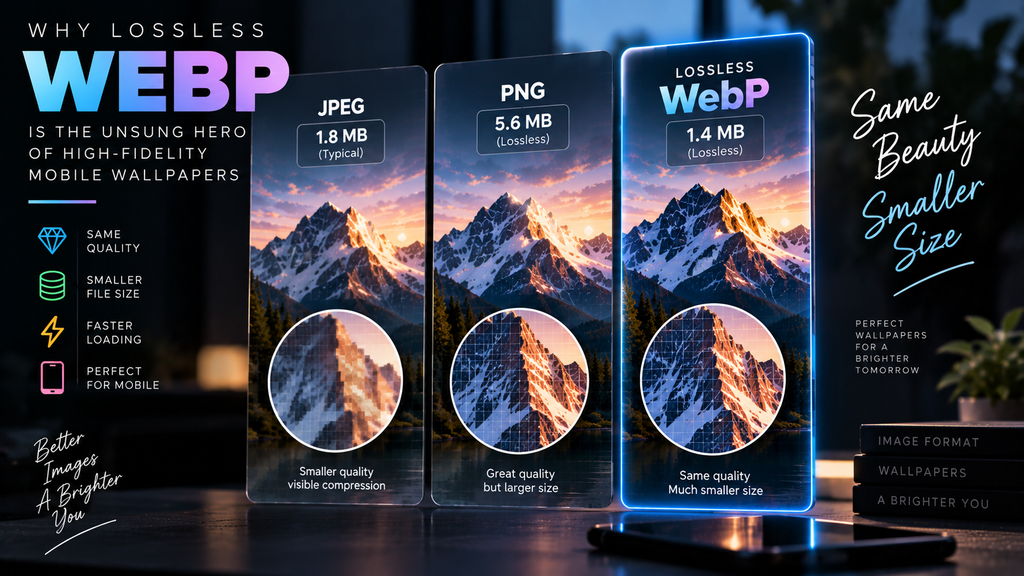
Table of Contents
- The PNG Bottleneck in High-Resolution Displays
- How Lossless WebP Works: Predictive Coding
- Why It Matters for 8K and AI Upscaling
- Compatibility and the Alpha Channel
- Frequently Asked Questions (FAQ)
The PNG Bottleneck in High-Resolution Displays
Before diving into WebP, it is critical to understand the limitations of traditional JPEG compression. Because standard JPEGs introduce blocky artifacts and color banding, digital artists and wallpaper creators historically turned to PNG. PNG is a “lossless” format, meaning it preserves every single pixel of the original image without any mathematical degradation.
The problem is efficiency. A highly detailed 4K wallpaper saved as a PNG can easily exceed 20MB or even 30MB. If you have an automated wallpaper switcher cycling through a folder of 100 images, you are suddenly dedicating gigabytes of your smartphone’s precious internal storage just to background images. PNG’s compression algorithm (based on DEFLATE) was designed in the 1990s and simply cannot efficiently compress the dense, complex color data generated by modern digital art software or high-megapixel cameras.
How Lossless WebP Works: Predictive Coding
Google developed WebP to solve the efficiency problem of the modern web, and its lossless mode is a masterpiece of compression engineering. On average, a Lossless WebP file is 26% smaller than an identical PNG, without sacrificing a single pixel of visual data.
How does it achieve this? Instead of looking at the image as a flat grid of pixels like PNG does, Lossless WebP uses advanced spatial predictive coding. When the encoder looks at a pixel in a blue sky, it analyzes the pixels immediately above and to the left of it. It then “predicts” what the current pixel should be based on its neighbors. If the prediction is accurate, the file doesn’t need to save the exact color value of that pixel; it only needs to save the mathematical difference (the residual) between the prediction and the actual color. Because large areas of wallpapers (like skies, space, or shadows) are highly predictable, the file size plummets.
Furthermore, Lossless WebP utilizes a dedicated Color Cache for frequently used colors and advanced LZ77 backward references, allowing it to efficiently map repeating patterns (like the texture of a brick wall or digital noise) in a way PNG simply cannot match.
Why It Matters for 8K and AI Upscaling
The file size disparity between PNG and WebP becomes exponentially more important as we move beyond 4K. With the rise of massive desktop monitors and foldables, users are increasingly seeking out 8K wallpapers.
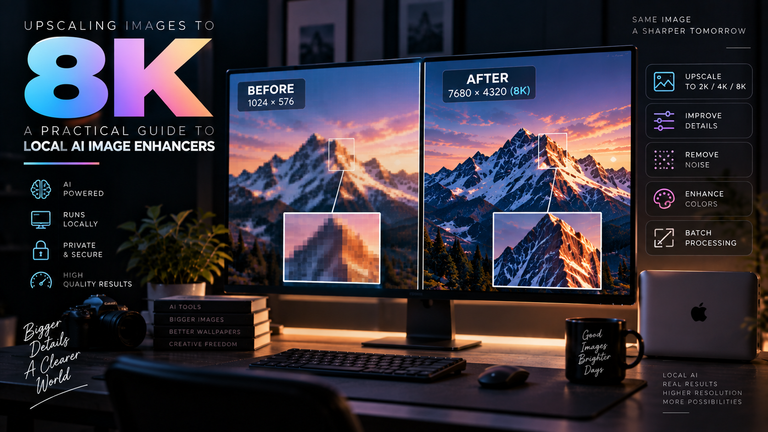
This is especially true when storing massive 8K files efficiently without losing data after running an image through an AI upscaler. AI enhancement tools generate millions of new, highly detailed pixels. Exporting an AI-upscaled 8K image as a PNG can result in file sizes approaching 80MB. Saving that exact same image as a Lossless WebP can drop the file size down to a much more manageable 40MB or 50MB. It allows you to build a massive library of ultra-high-definition wallpapers on your device without maxing out your storage capacity.
Compatibility and the Alpha Channel
One of the most crucial features of PNG is its support for the alpha channel—the data layer that allows for transparent backgrounds. Lossless WebP fully supports 8-bit alpha channels, meaning it can handle complex transparency just as well as PNG, making it perfect for custom widgets, icons, or layered wallpapers.
Historically, the only argument against WebP was device compatibility. However, that argument is now obsolete. Native support for WebP is baked into iOS 14+, macOS Big Sur+, Android 4.2+, and Windows 10/11. When you download an image from our High-Res Desktop Wallpapers collection, you can apply a WebP file directly to your background through the native OS settings without any third-party conversion software.
Frequently Asked Questions (FAQ)
Is Lossless WebP better than AVIF?
It depends on the goal. AVIF is vastly superior for “lossy” compression and HDR (10-bit color), but its “lossless” mode is highly experimental and often results in file sizes larger than WebP. For pure, pixel-perfect lossless storage, WebP is currently more efficient and far more widely supported across operating systems.
Can I convert a JPEG to Lossless WebP to improve its quality?
No. Converting a JPEG to Lossless WebP will simply create a highly efficient, pixel-perfect copy of the JPEG—including all of its blocky compression artifacts. You cannot restore lost data. You must start with an uncompressed source file (like a RAW or PNG) to benefit from Lossless WebP.
Why do some photo editors not open WebP files?
While operating systems and web browsers have universally adopted WebP, some older desktop software (like outdated versions of Photoshop or legacy image viewers) lack the necessary codec to decode the file. You may need to install a WebP plugin or update your software to the latest version.