When you download a stunning 4K sunset wallpaper to your phone or desktop, you expect to see smooth gradients and crisp silhouettes. Instead, you are often greeted by pixelated “staircases” across the sky and blocky artifacts around the edges of clouds. This visual degradation is rarely the fault of the original photograph or digital rendering; it is the direct result of outdated image compression. While JPEG has ruled the internet for over three decades, the sheer pixel density of modern smartphone OLEDs and 4K desktop monitors has exposed its severe limitations. To achieve true high-fidelity backgrounds, you must understand the underlying math behind JPEG, WebP, and the revolutionary AVIF format.
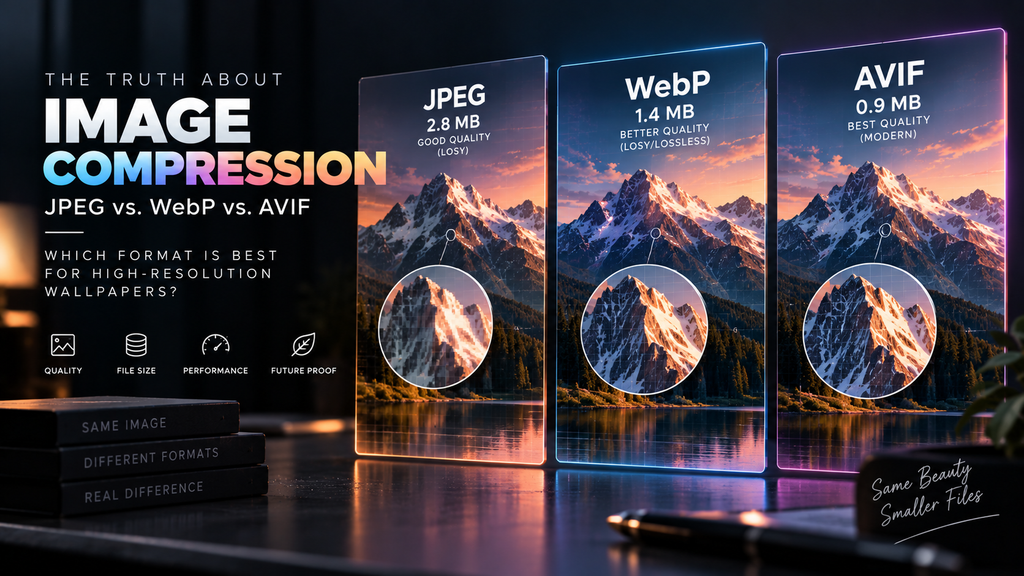
Table of Contents
- The JPEG Problem: 8×8 Macroblocks
- The Color Banding Issue: 8-Bit vs. 10-Bit
- The WebP Middle Ground
- AVIF: The Future of High-Res Imagery
- Frequently Asked Questions (FAQ)
The JPEG Problem: 8×8 Macroblocks
The Joint Photographic Experts Group (JPEG) format was standardized in 1992. It was designed for a dial-up internet era where saving kilobytes was more important than preserving extreme graphical detail. The JPEG algorithm achieves its small file sizes through a “lossy” process called Discrete Cosine Transform (DCT).
Essentially, the algorithm divides the entire image into a grid of tiny 8×8 pixel blocks. It then averages out the color and brightness data within each block, throwing away subtle details that human eyes theoretically shouldn’t notice. However, on a massive 4K monitor, these 8×8 blocks become glaringly obvious. When a sharp object (like a building antenna) sits against a flat background (like a blue sky), the algorithm struggles to define the edge within that 8×8 grid. It creates a fuzzy, blocky halo around the object.
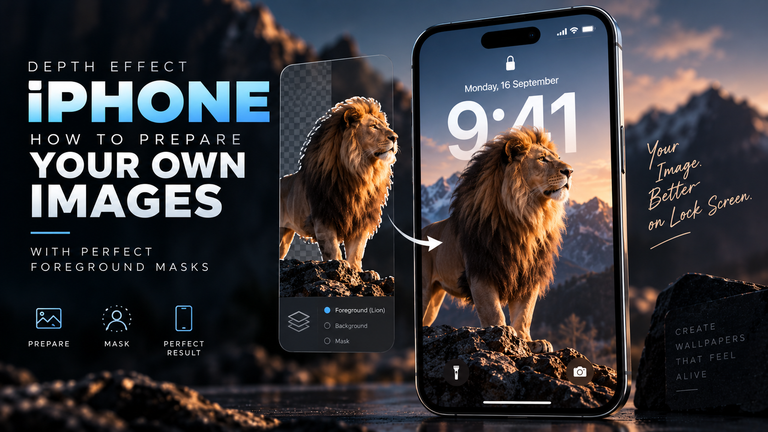
This edge destruction is exactly why JPEG compression destroys the clean edges needed for iOS Depth Effect. When Apple’s Neural Engine attempts to separate the subject from the background to overlay the lock screen clock, it hits those blocky compression artifacts instead of a sharp edge, causing the AI masking to fail entirely.
The Color Banding Issue: 8-Bit vs. 10-Bit
The second fatal flaw of the JPEG format is its hard limit of 8-bit color depth. An 8-bit image can display exactly 256 shades of red, 256 shades of green, and 256 shades of blue, resulting in roughly 16.7 million total colors.
While 16.7 million sounds like a lot, it is highly insufficient for rendering smooth, sweeping gradients across a high-resolution display. If you set a wallpaper of a deep space nebula or a twilight sky, the image must transition smoothly from dark black to vibrant purple. Because an 8-bit JPEG does not have enough mathematical color values to create a smooth transition, the software is forced to “snap” to the nearest available color. This creates distinct, ugly stripes of color across your screen, known as color banding.
Modern formats solve this by offering 10-bit and 12-bit color depth. A 10-bit image holds 1,024 shades per color channel (over 1 billion total colors). This massive increase in mathematical “headroom” completely eliminates color banding, resulting in buttery-smooth skies and shadows.
The WebP Middle Ground
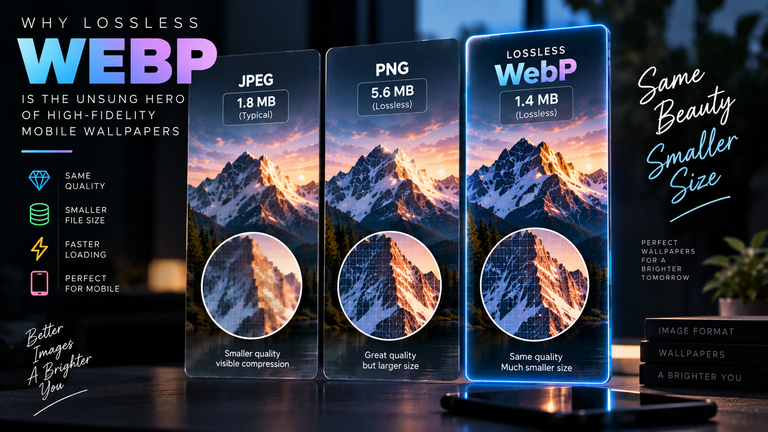
Developed by Google and based on the VP8 video codec, WebP was introduced as the modern successor to JPEG. For standard web browsing, it is an exceptional format, typically generating files that are 30% smaller than equivalent JPEGs while retaining better visual quality. Instead of rigid 8×8 blocks, WebP uses a more advanced predictive coding system that prevents the harsh, boxy artifacts that plague JPEGs.
However, standard lossy WebP still suffers from the 8-bit color limitation, meaning it is still susceptible to color banding on massive gradients. It is only when exploring the technical benefits of modern formats like WebP in its entirely “lossless” mode that it becomes a true powerhouse for archiving perfect, pixel-for-pixel digital art, though file sizes will drastically increase.
AVIF: The Future of High-Res Imagery
AVIF (AV1 Image File Format) is the current gold standard for high-resolution digital imagery. AVIF is derived from the AV1 video codec, an open-source, royalty-free powerhouse backed by tech giants like Netflix, Google, and Apple.
Instead of relying on a rigid grid, AVIF utilizes dynamic “super-blocks” that can scale up to 128×128 pixels, adjusting dynamically based on the complexity of the image area. More importantly, AVIF natively supports 10-bit and 12-bit color profiles, as well as High Dynamic Range (HDR). If you apply an AVIF wallpaper to a modern OLED smartphone or an HDR1000 monitor, the image will display with absolute precision—zero blockiness around sharp text, and zero color banding across wide gradients. It accomplishes all of this while generating files that are up to 50% smaller than JPEGs.
Frequently Asked Questions (FAQ)
Can I convert my old JPEG wallpapers to AVIF to fix the color banding?
No. This is a common misconception. Image compression is a destructive process. If you have an 8-bit JPEG with visible color banding, converting it to a 10-bit AVIF will simply result in a high-quality, highly efficient copy of an image that still has color banding. You must start with a high-bitrate source file (like a RAW, TIFF, or PNG) when encoding to AVIF.
Do all phones support AVIF wallpapers?
Support is widespread but not universal for native UI elements. iOS 16 and Android 12 introduced native OS-level support for viewing AVIF files. However, some older third-party gallery apps or launcher software may still require a JPEG or PNG to successfully set the image as the system wallpaper.
Why do websites still use JPEG if AVIF is so much better?
Encoding an AVIF file requires significantly more CPU compute power than generating a JPEG. For websites hosting millions of user-uploaded photos, the server costs associated with encoding AV1 algorithms can be prohibitive, causing them to default to older, faster compression methods.